Follow a change through Studio
Follow an inventory API change from connection and product definition through run review, verification and recovery. This case ends with a failed check and an unresolved intent.
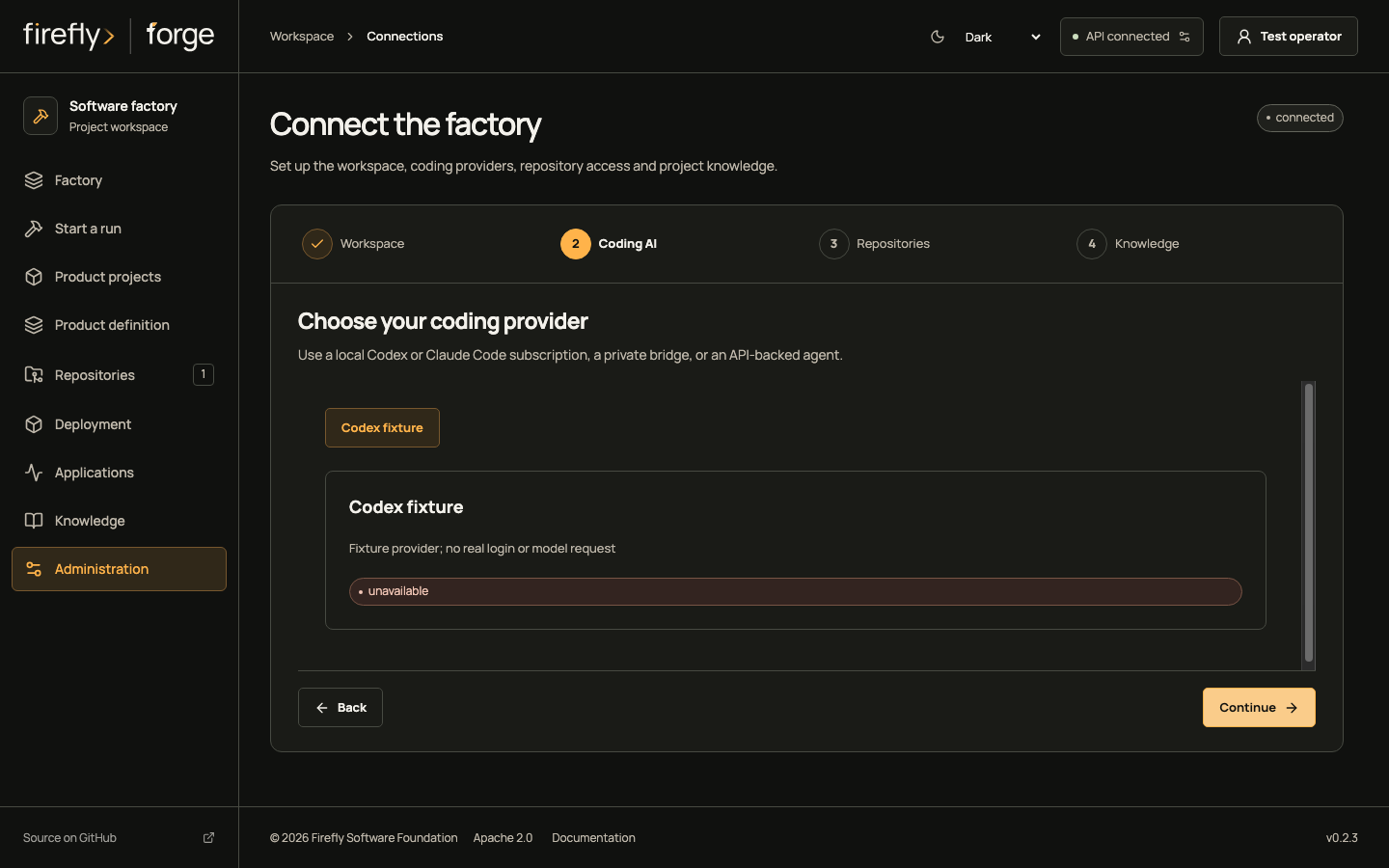
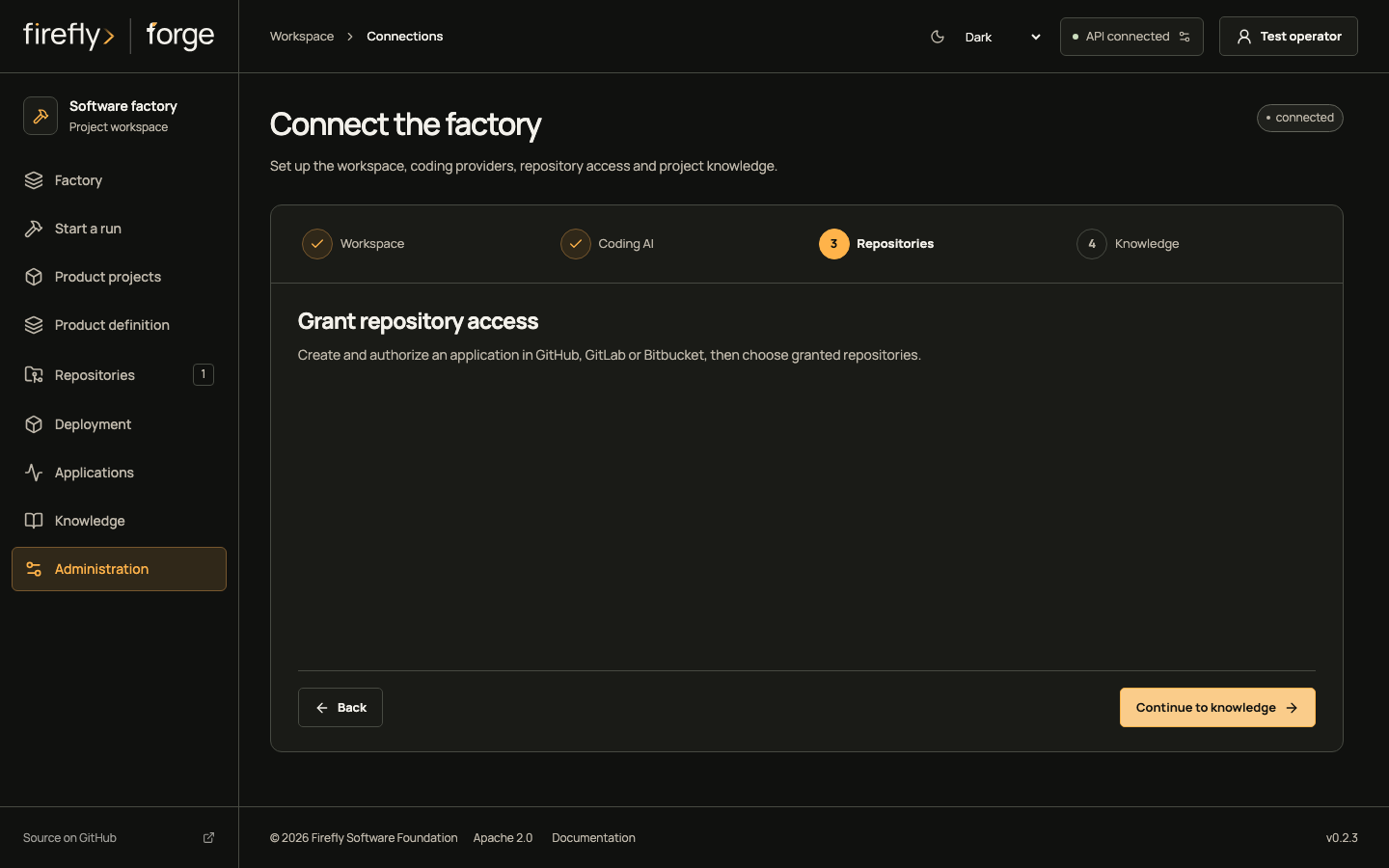
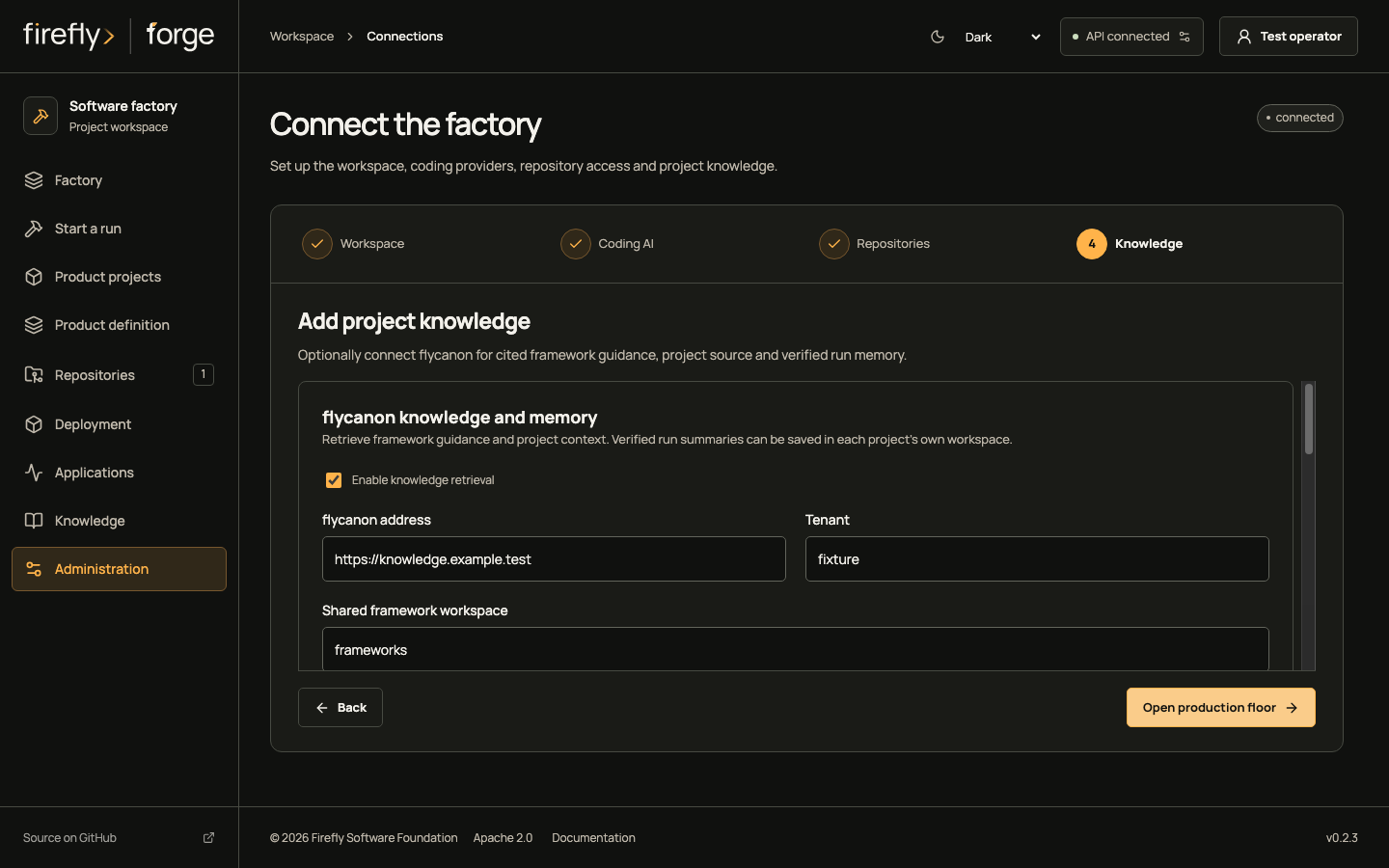
Screenshots use controlled fixtures.1 Select an image to open its full capture; light and dark variants follow the page appearance.
1. Connect the factory
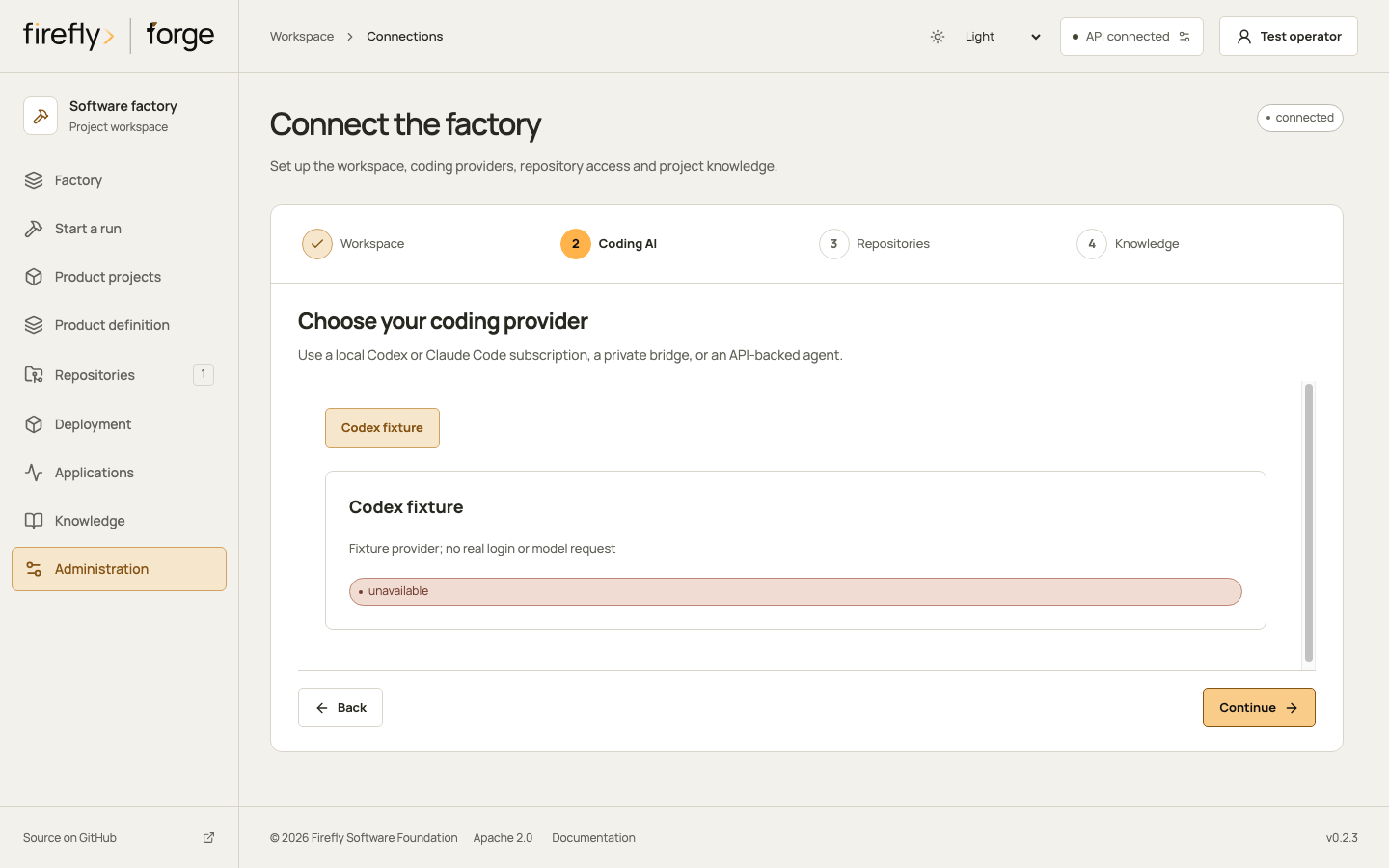
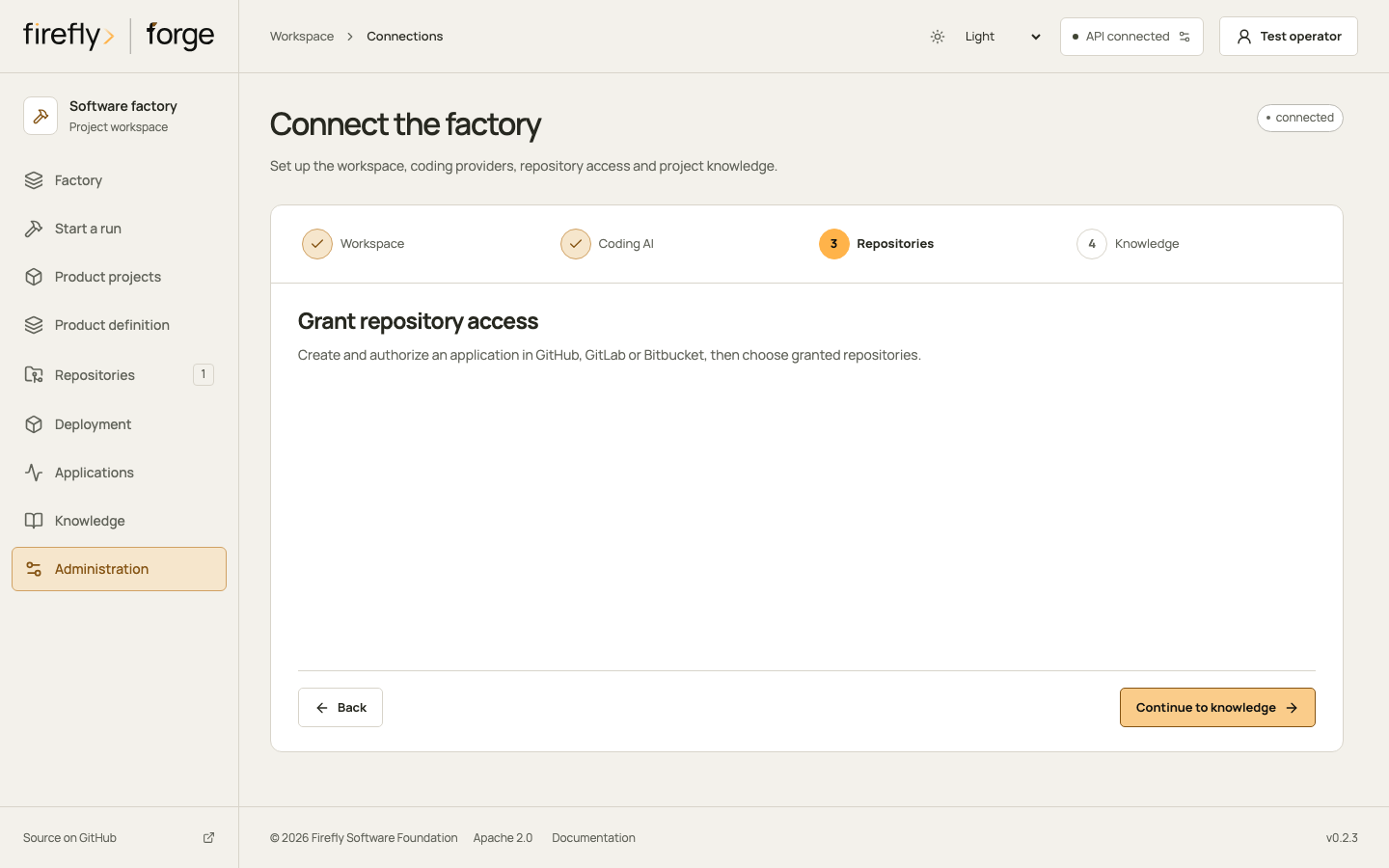
Open Administration, then Connections. Connect to your factory API; server sign-in and the coding provider's login are separate.
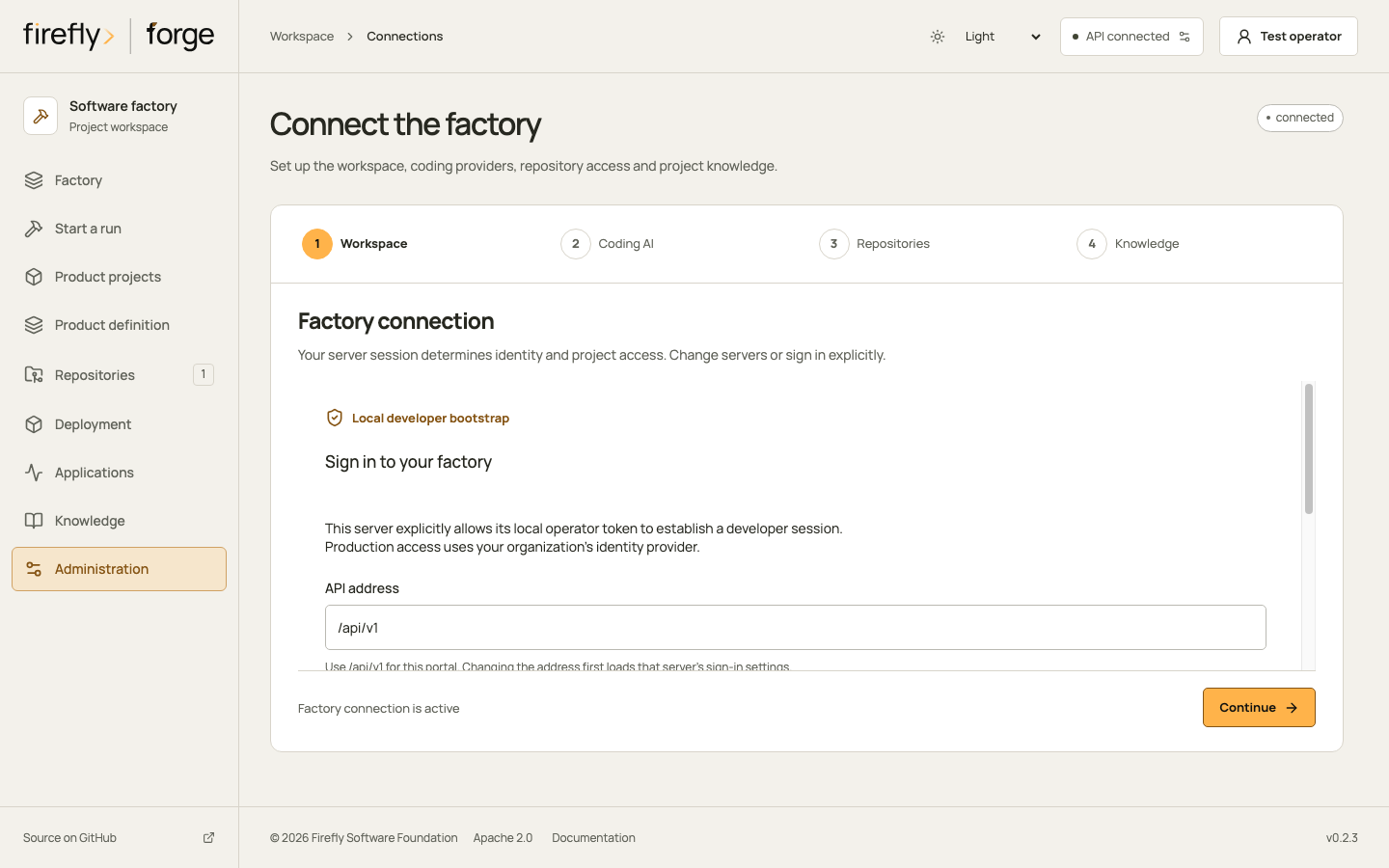
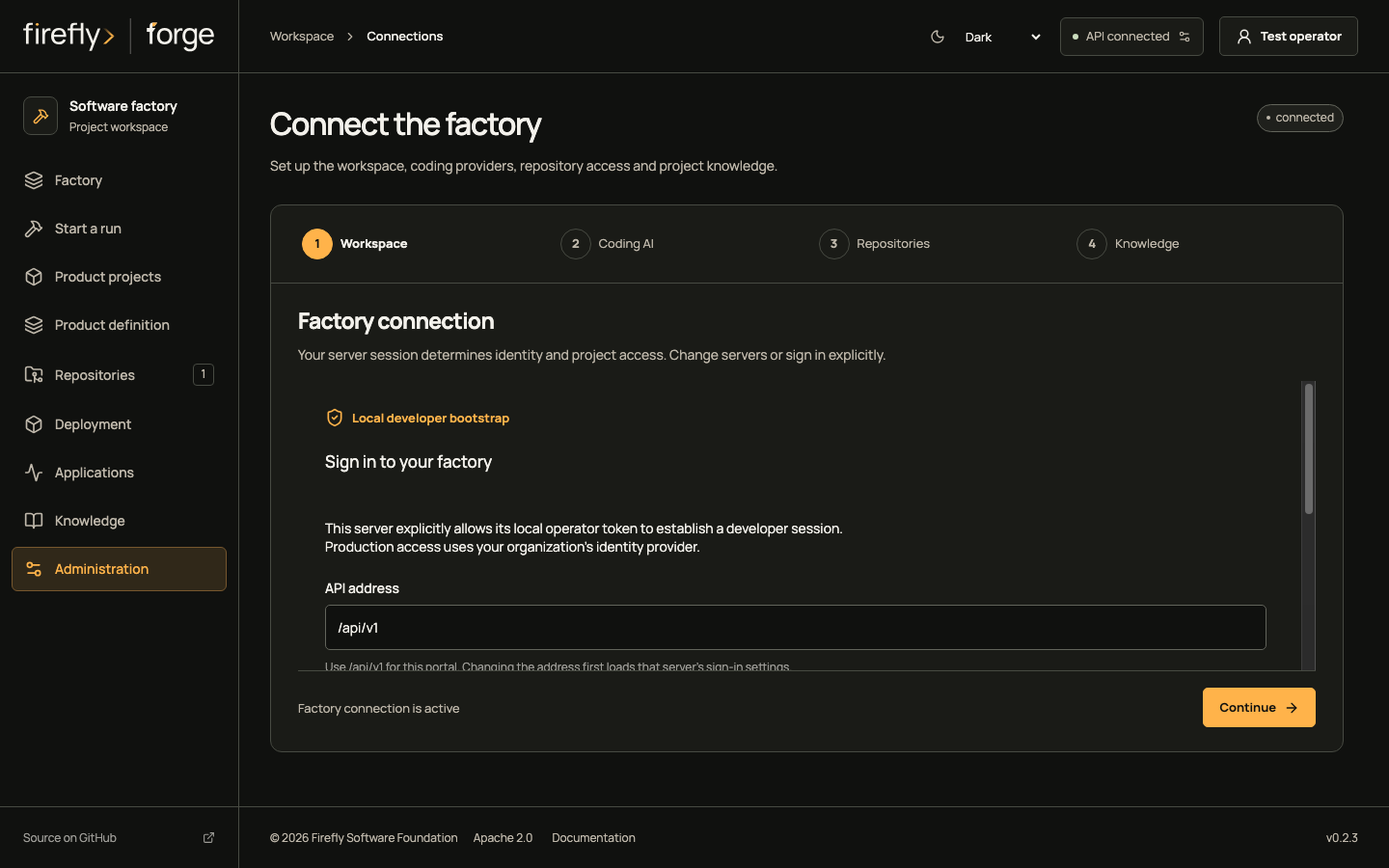
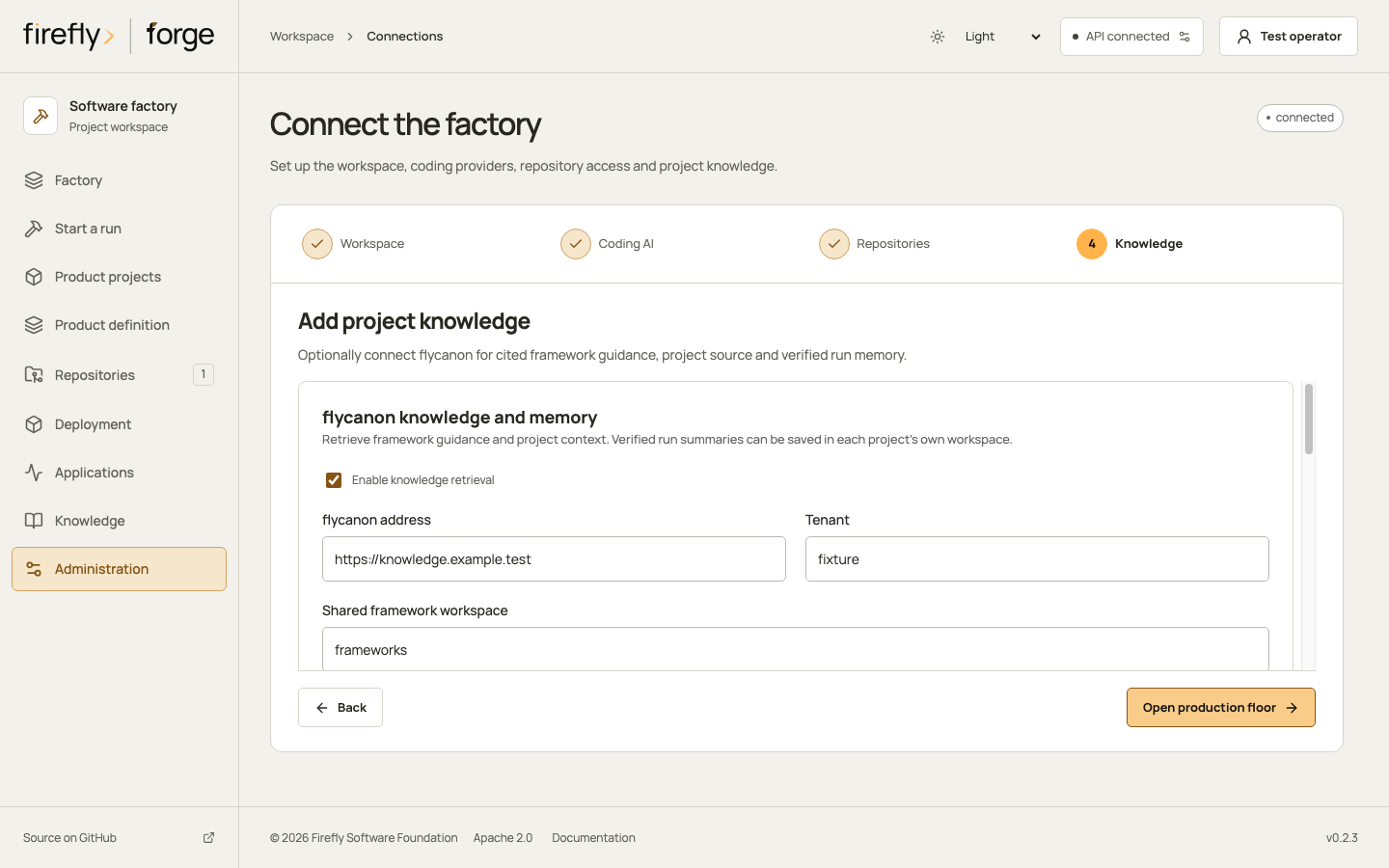
Inspect the remaining connection steps
Follow connection setup on a phone
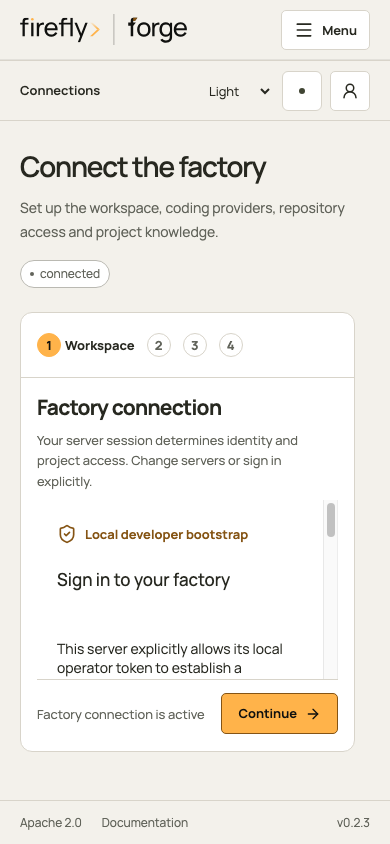
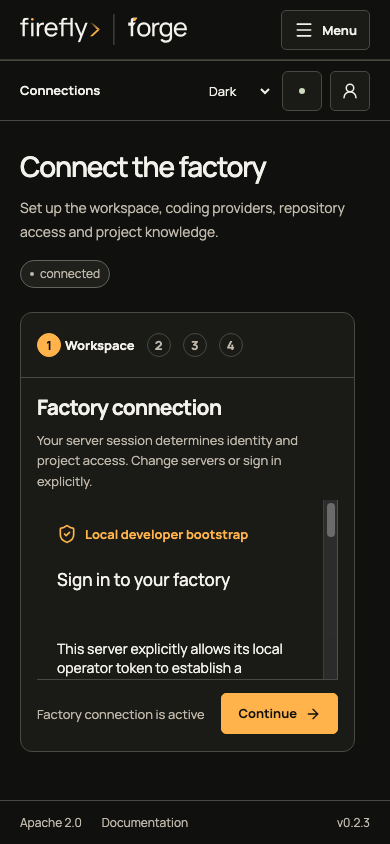
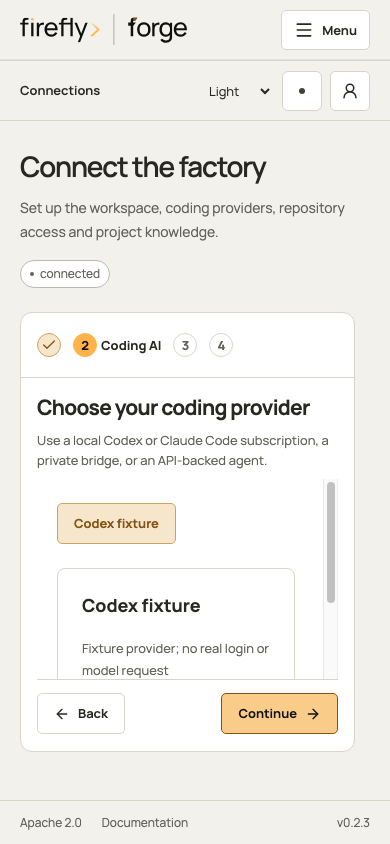
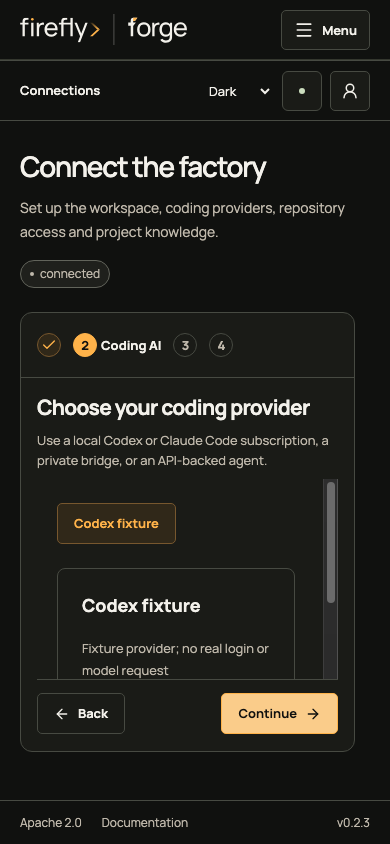
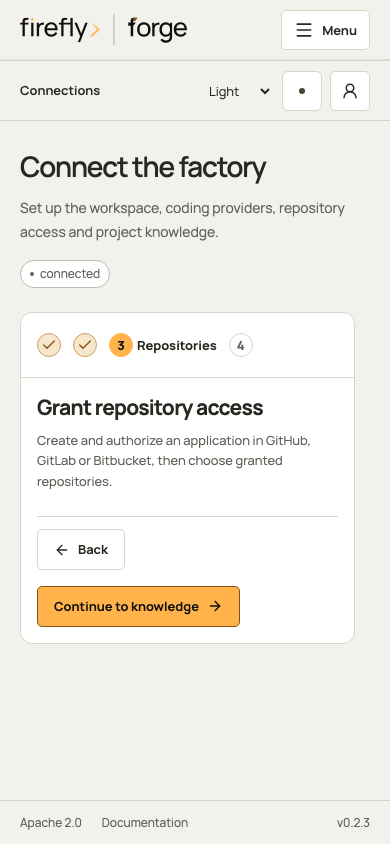
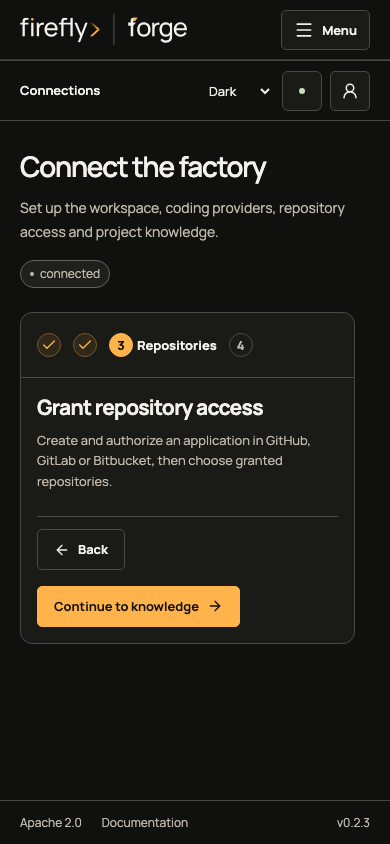
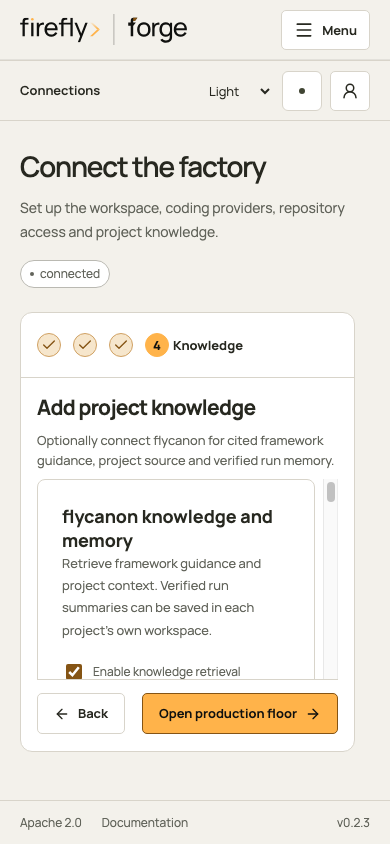
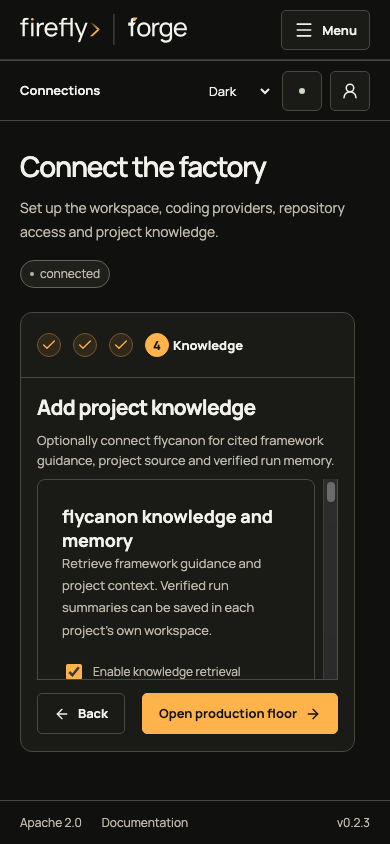
Complete the managed knowledge initialization and verify a cited search before starting work with required retrieval. A fresh managed installation enables required knowledge and automatic verified memory. The connection capture remains unverified and cannot establish successful retrieval.
Knowledge and memory currently use a separate workspace for each repository: forge-<repository_id>. A shared framework workspace can supply common references. A logical ProductProject does not automatically create an aggregated memory scope across its components. See project scopes.
Internet search is a separate optional connection under Administration. Follow the search setup walkthrough to choose a provider, store its key and restrict public sources. Saving settings does not run a provider test.
2. Define the reservation contract
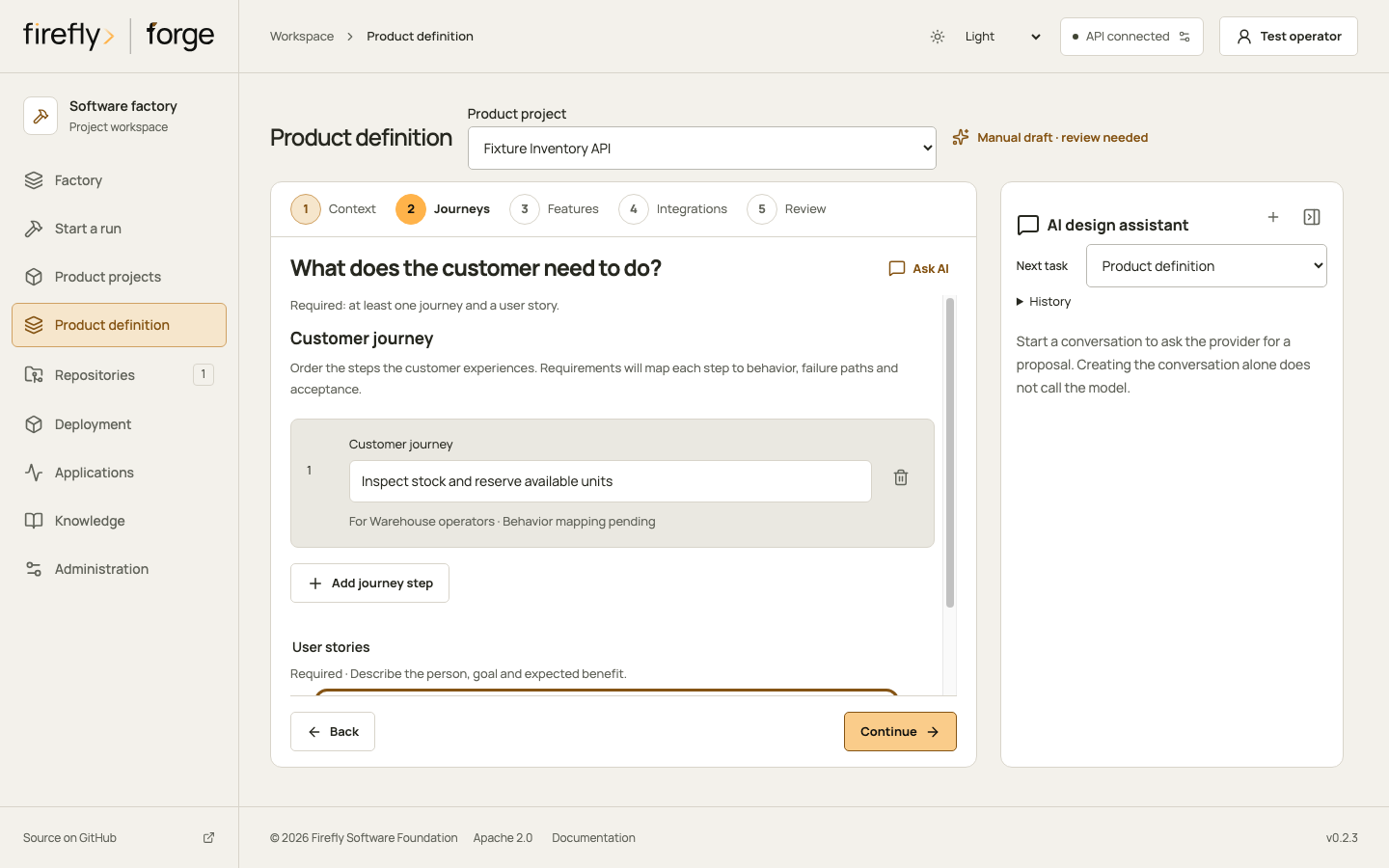
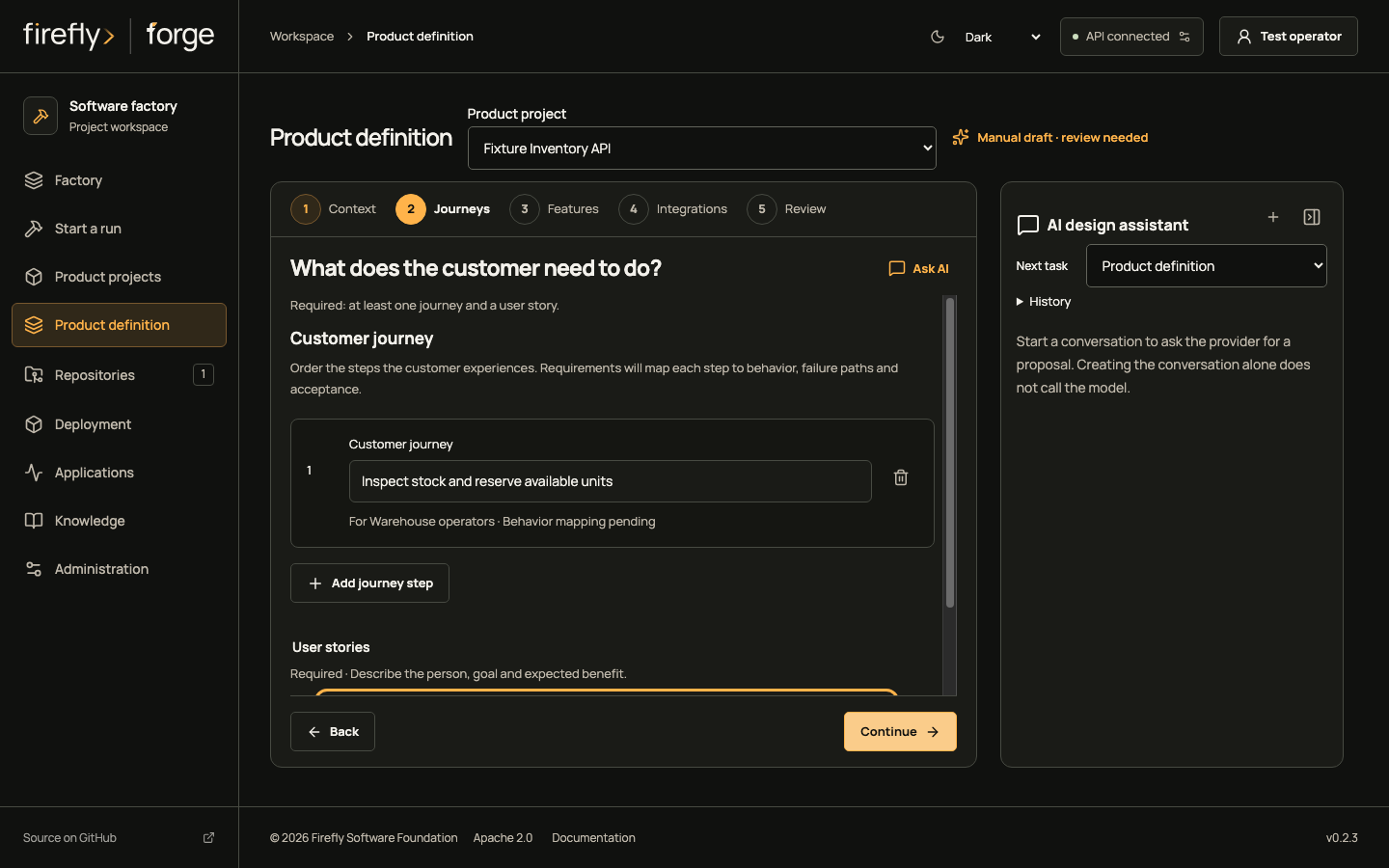
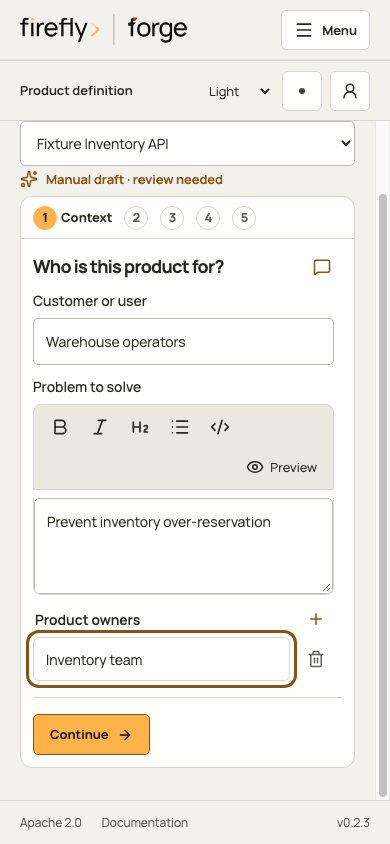
Select Product definition and Inventory API. Describe who reserves stock, what happens when stock is insufficient, and which check proves the rejection. An API-only product still needs a customer or system process, feature behavior and failure paths.
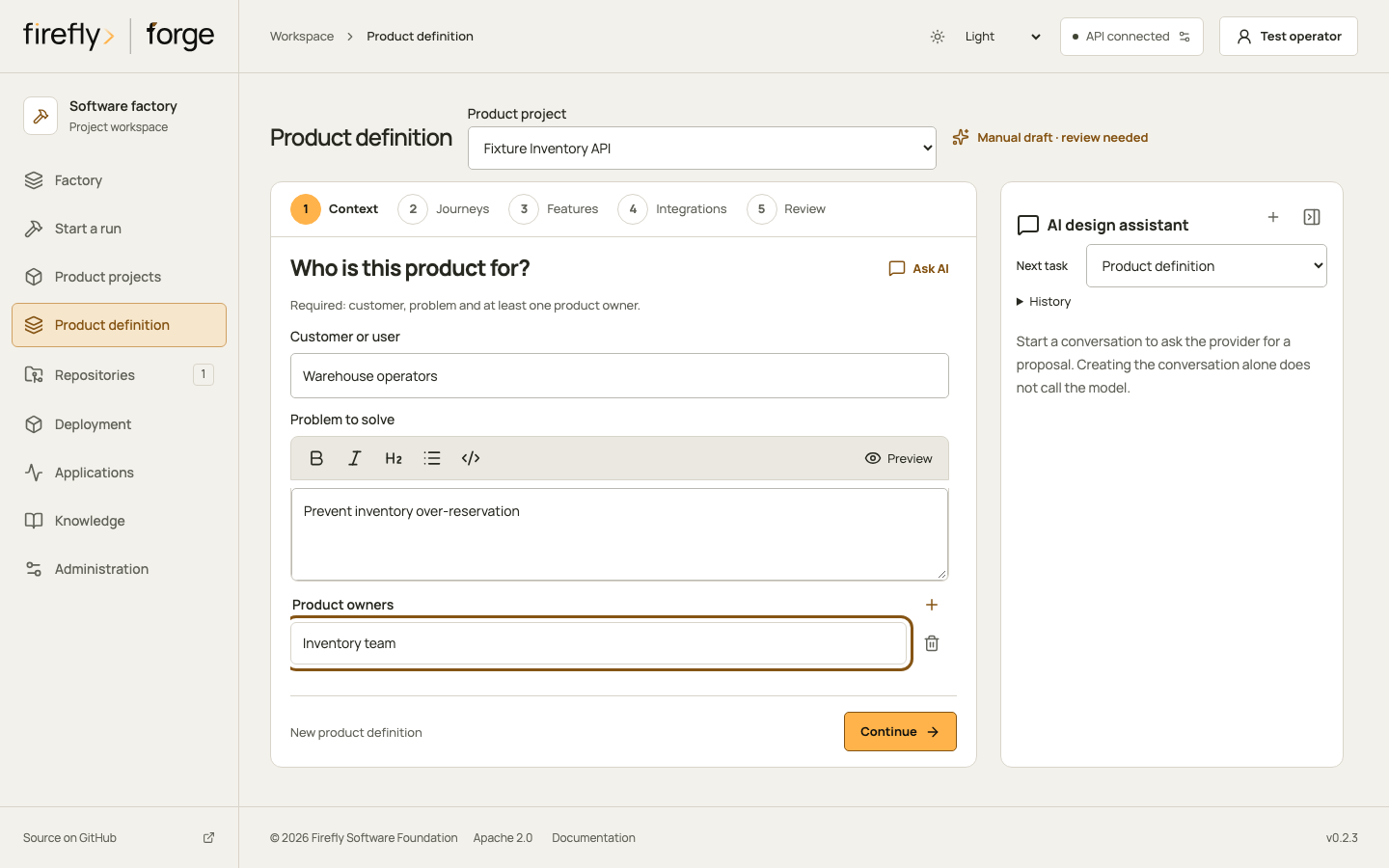
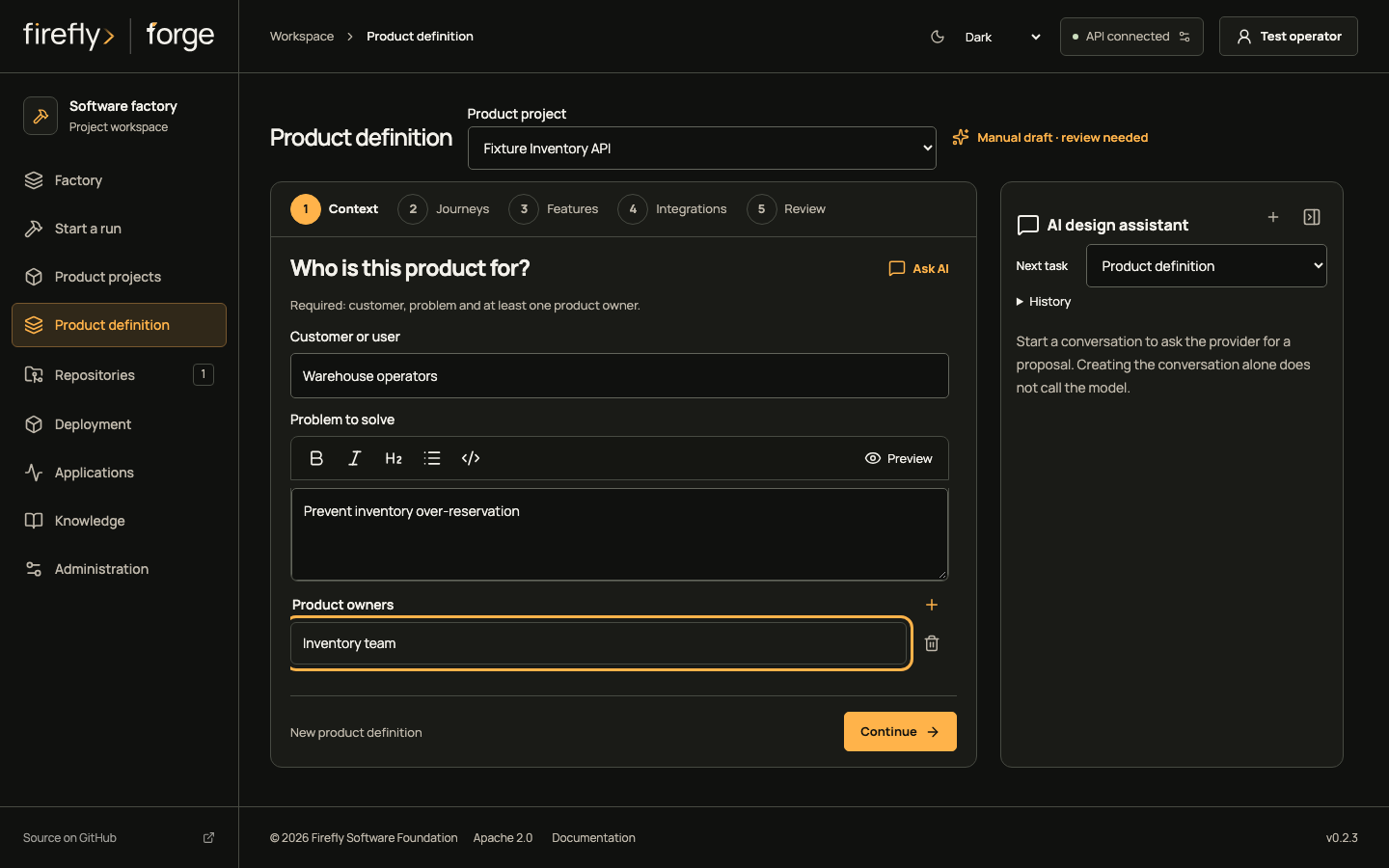
Follow the product definition steps
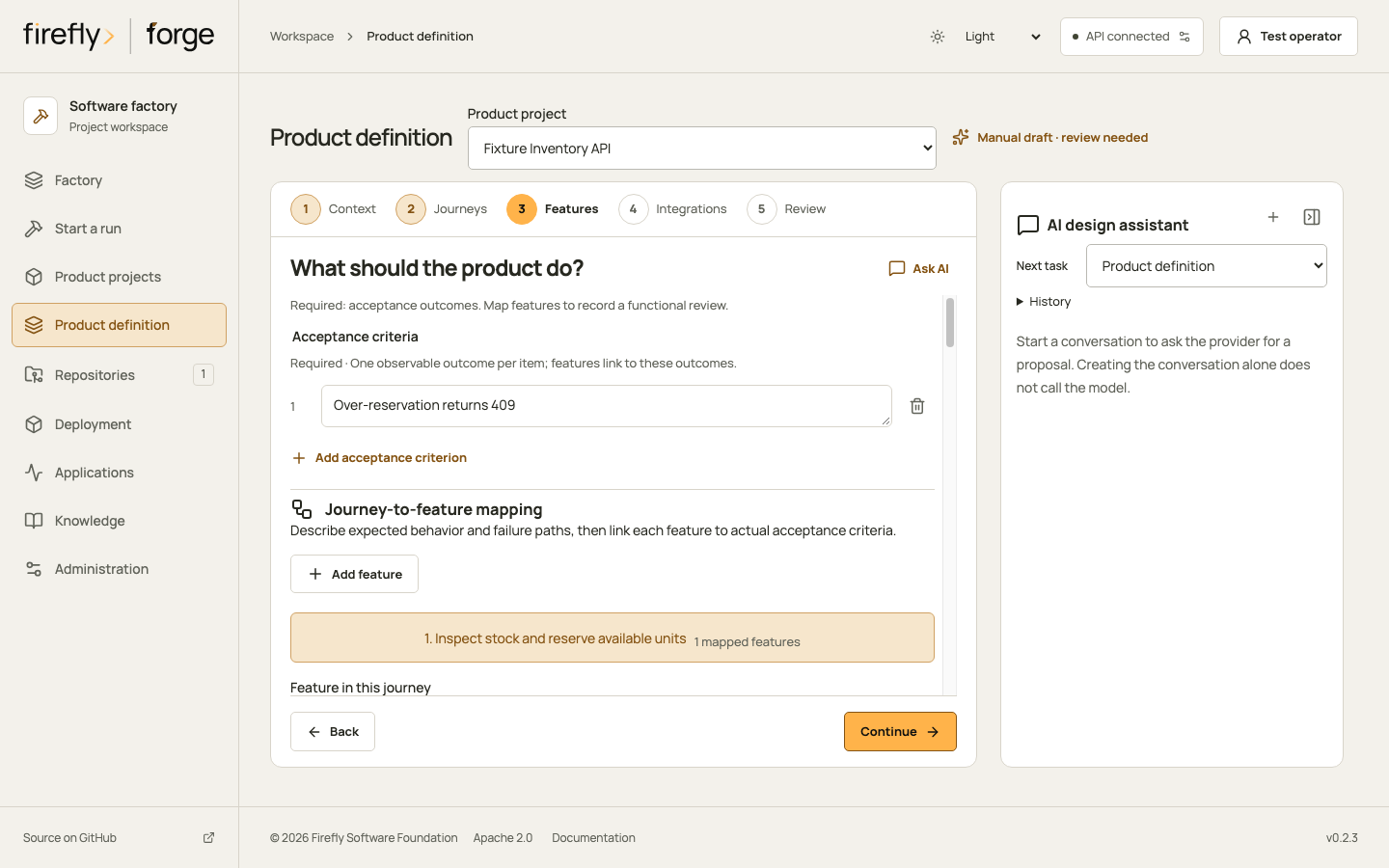
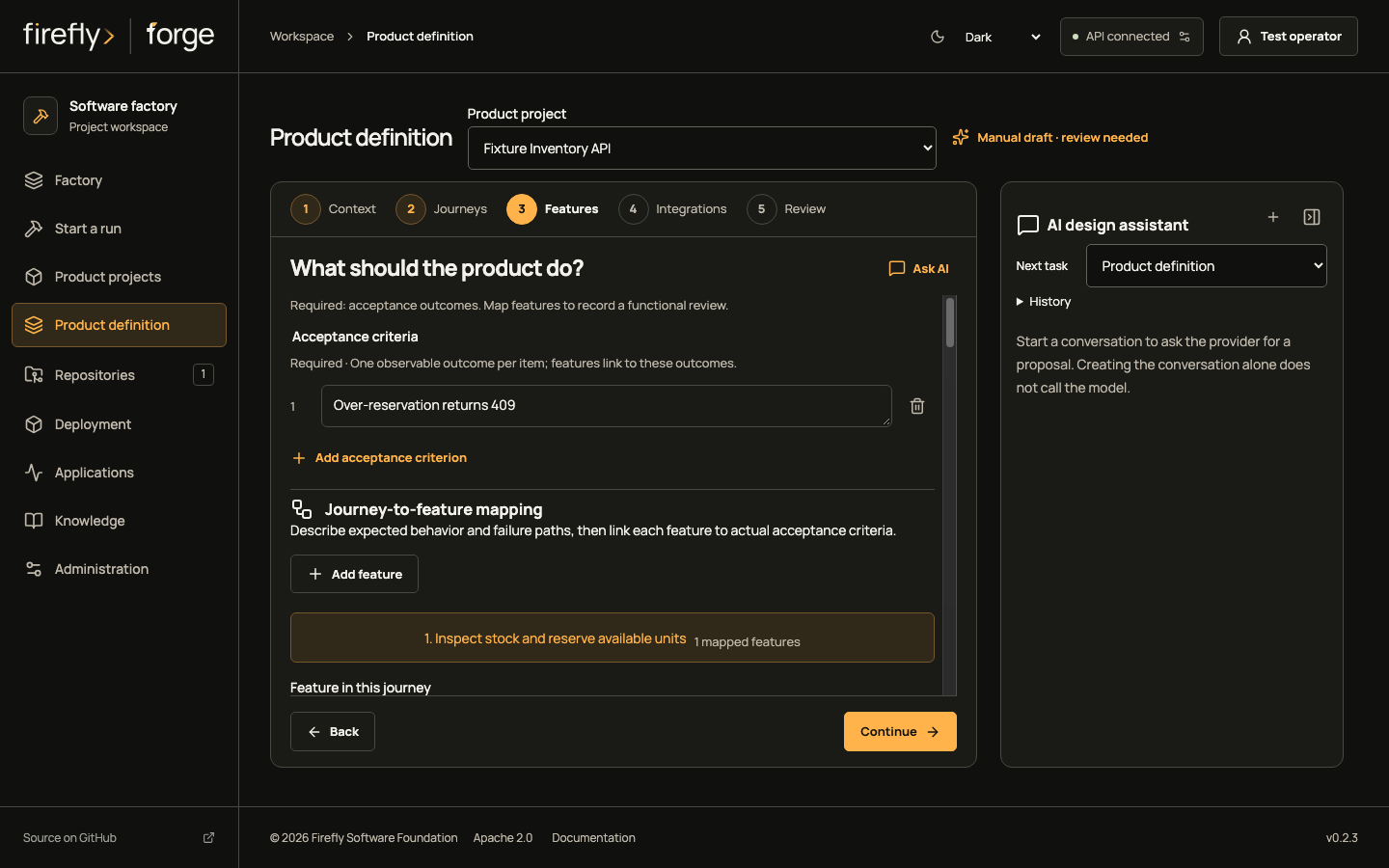
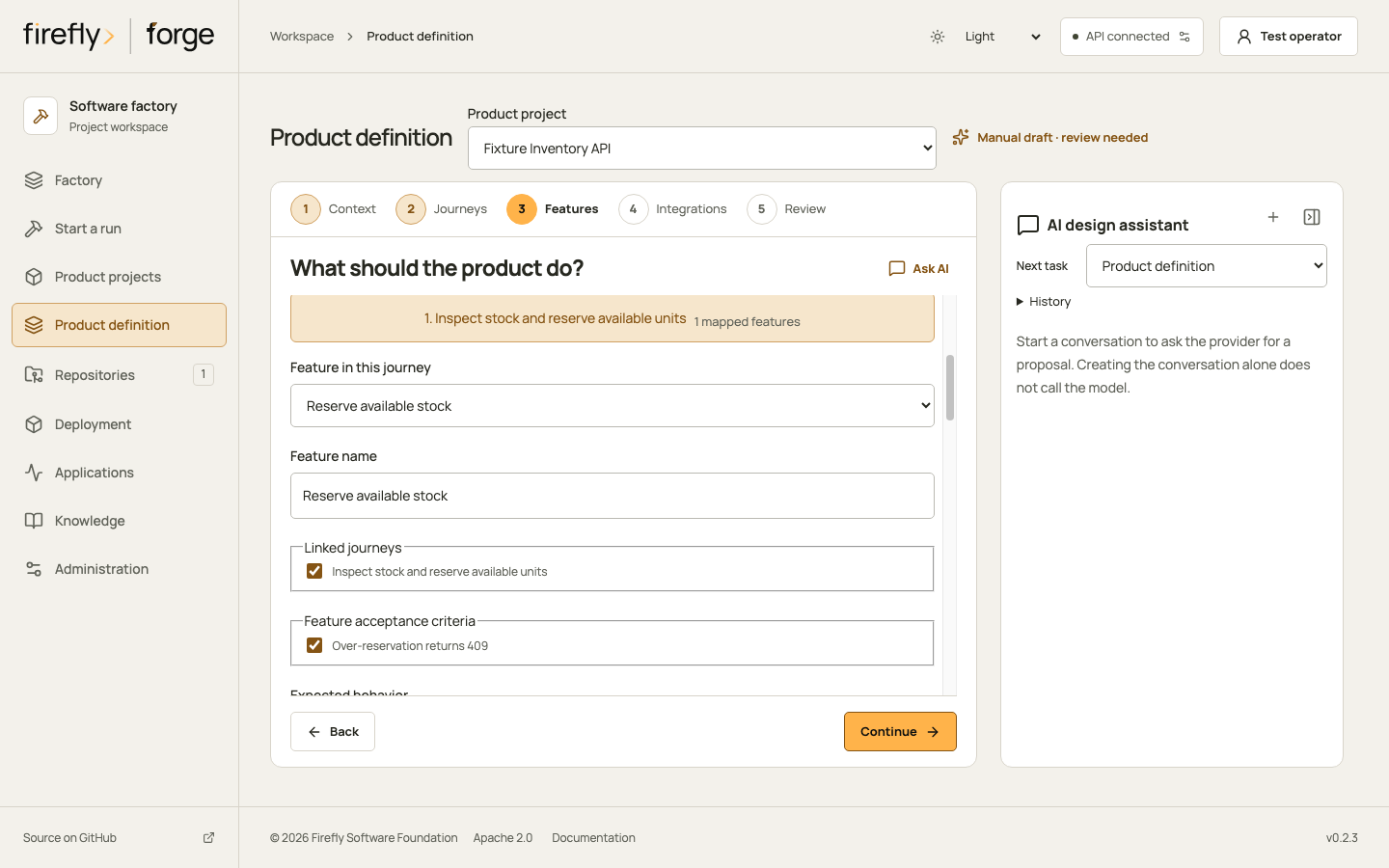
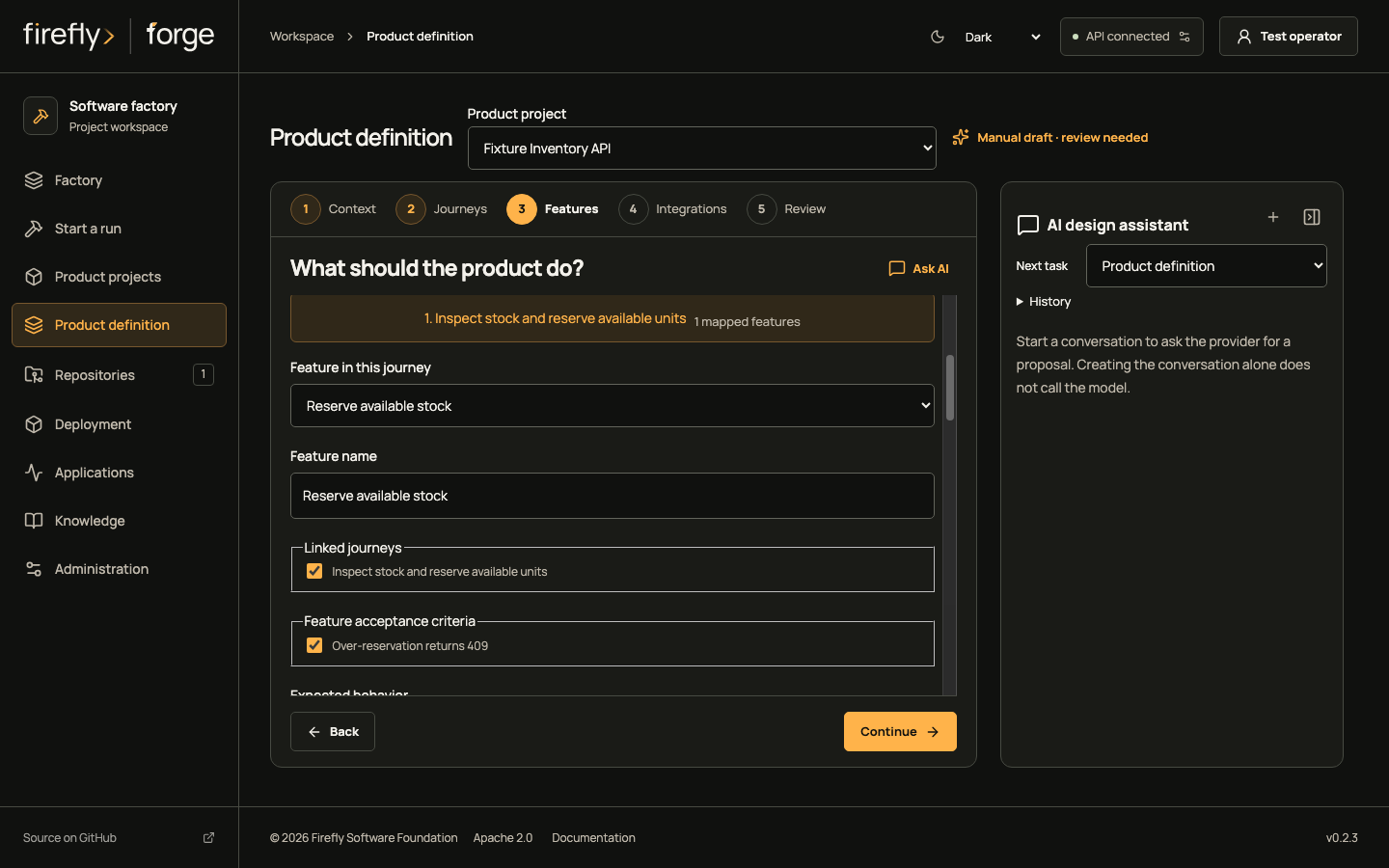
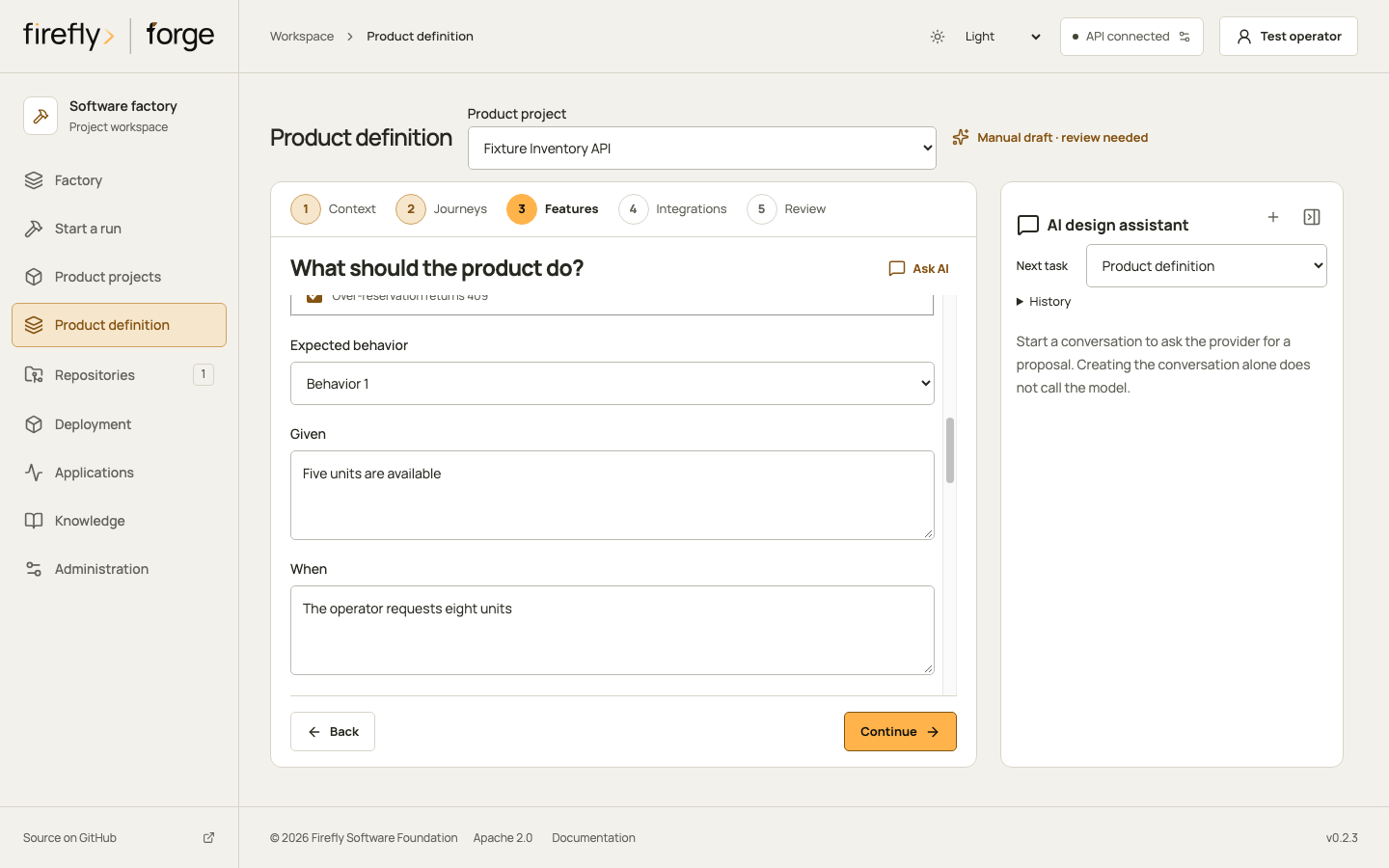
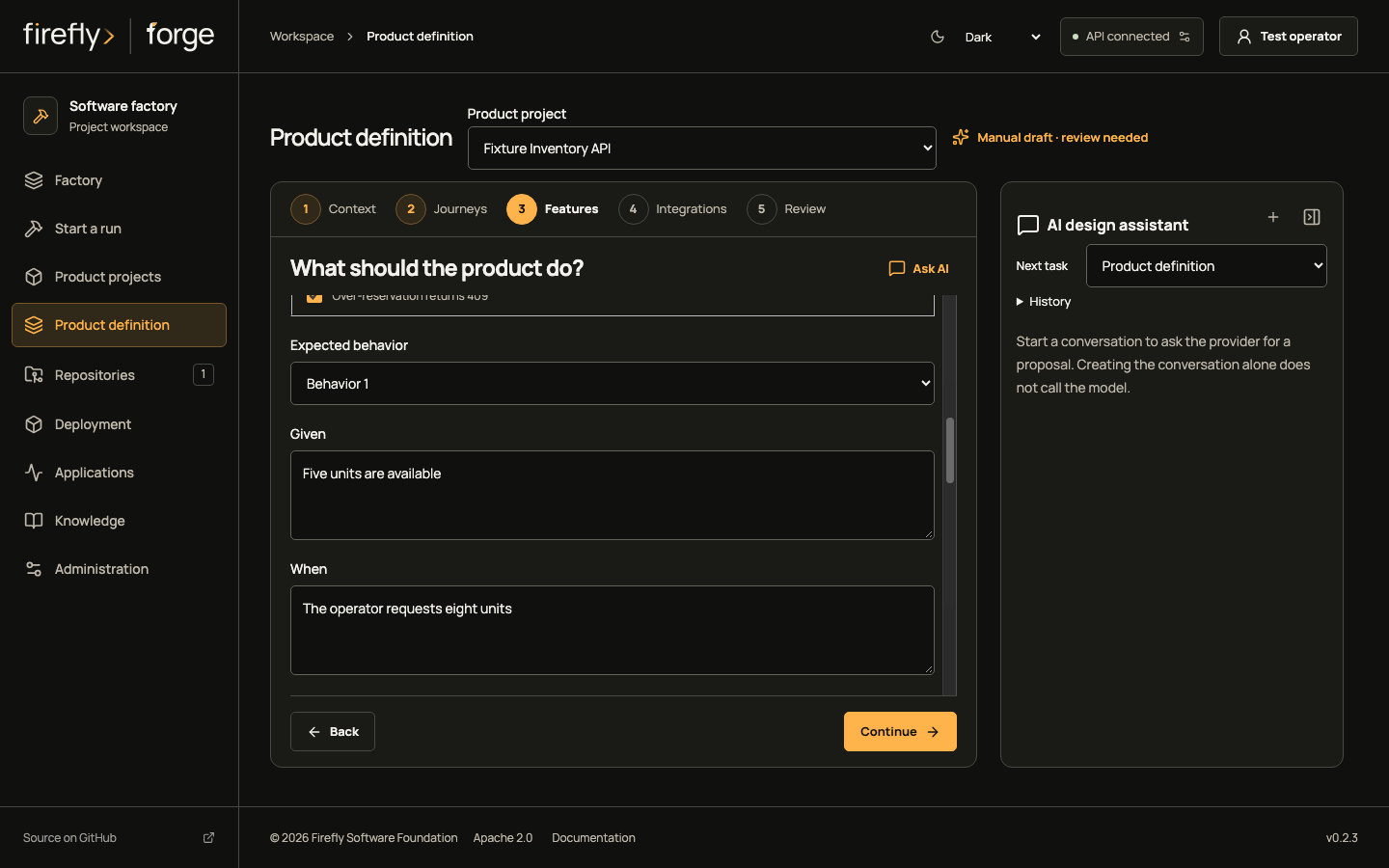
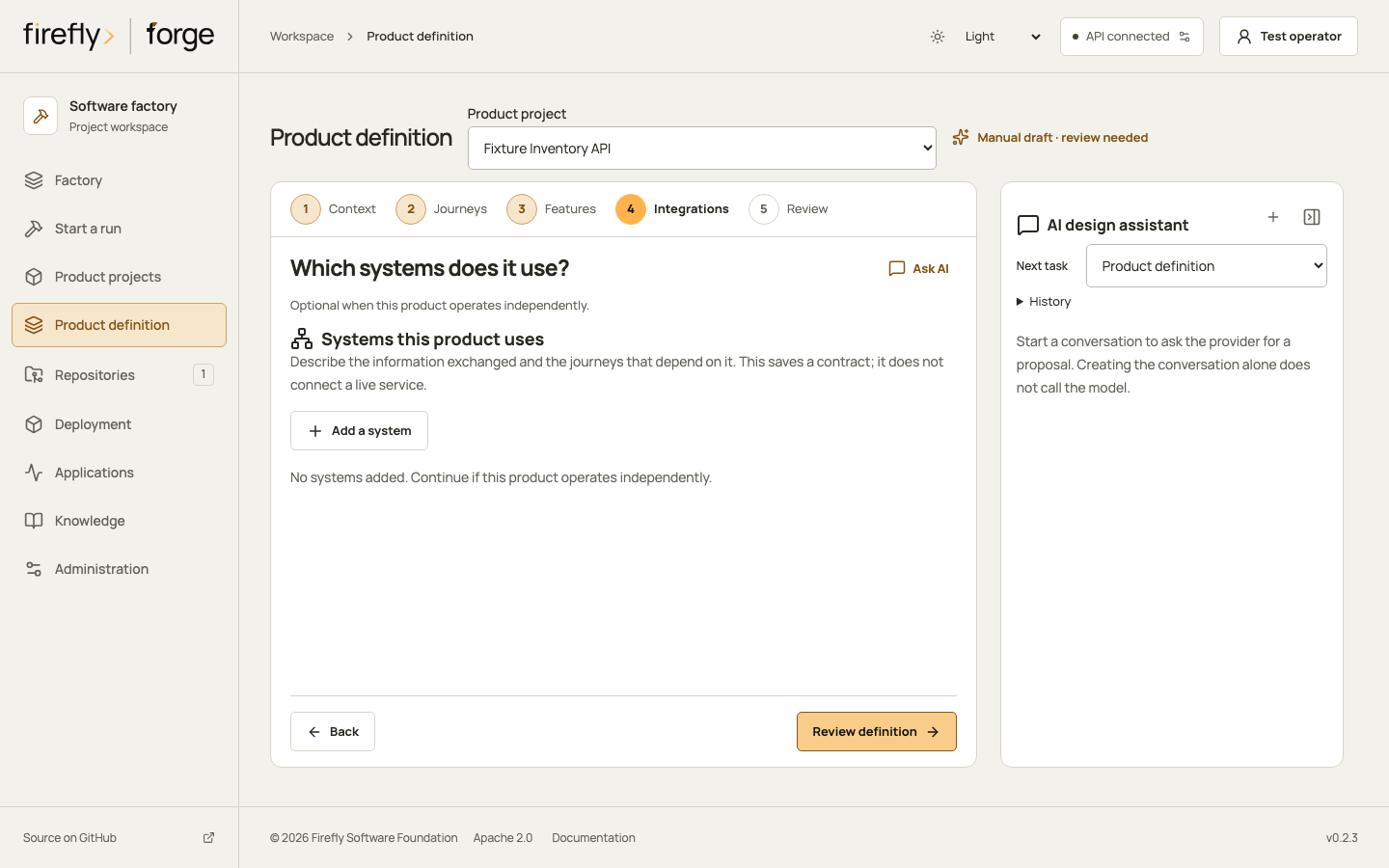
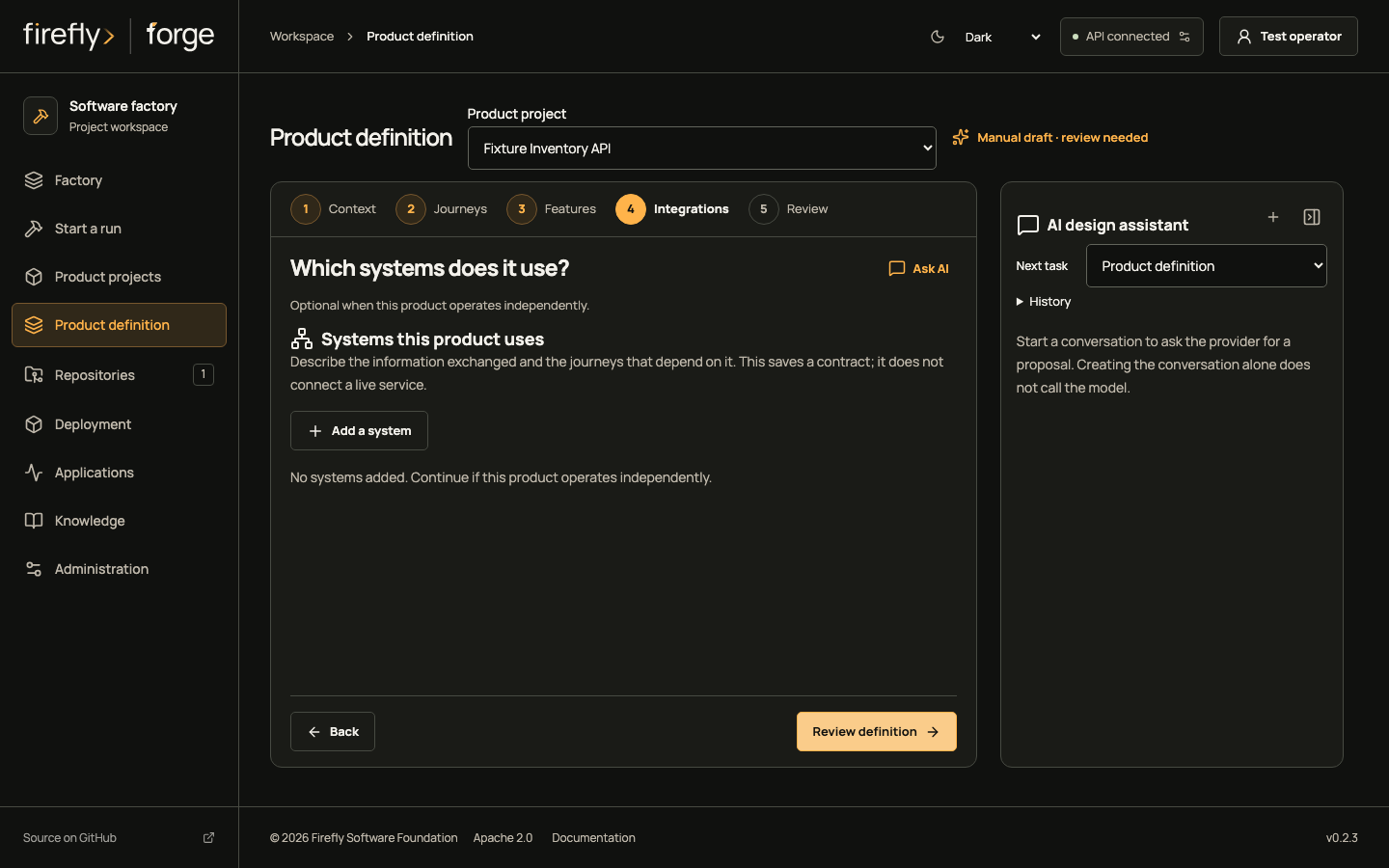
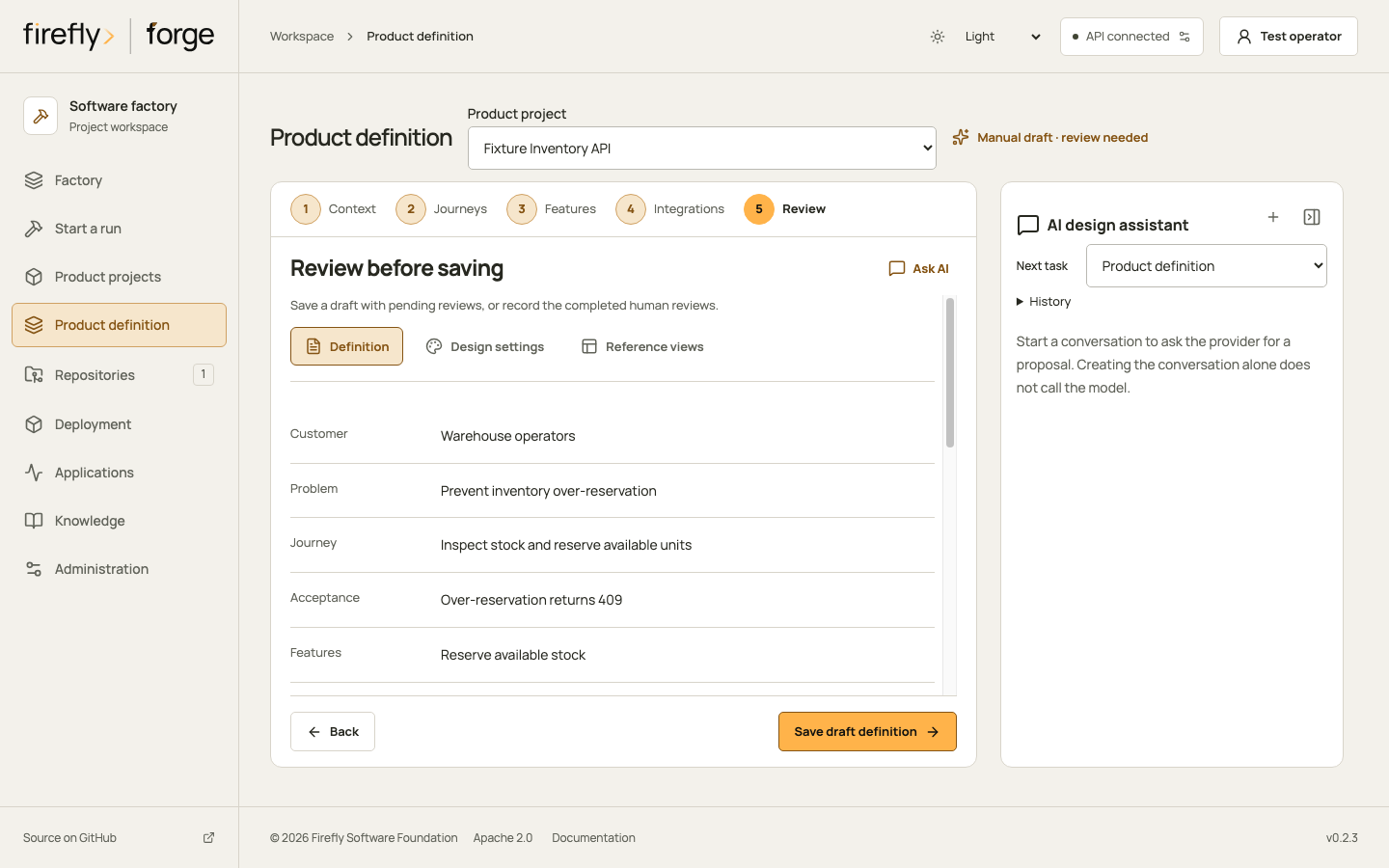
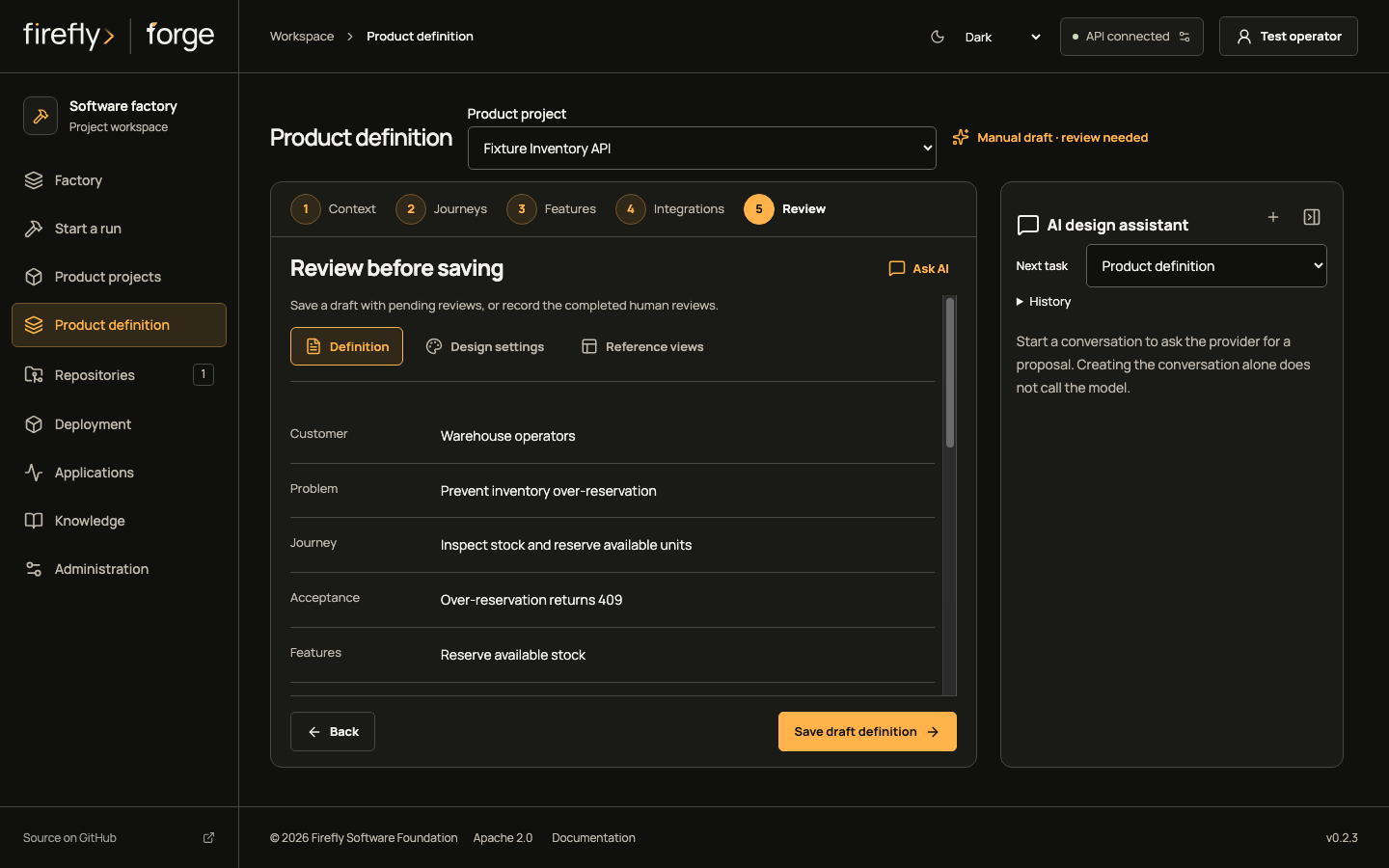
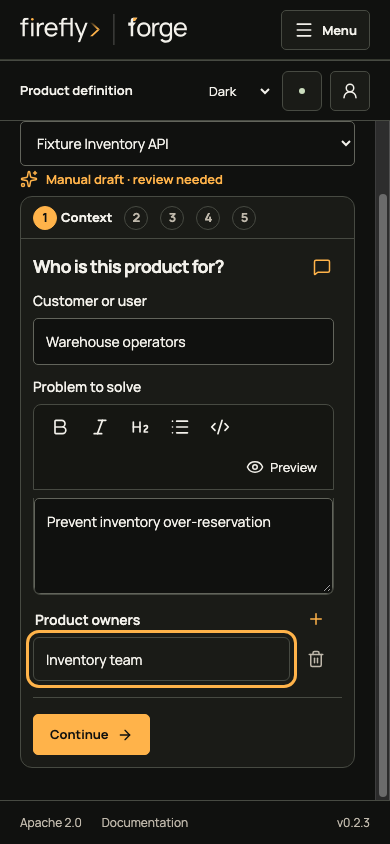
Inspect the product editor on a phone
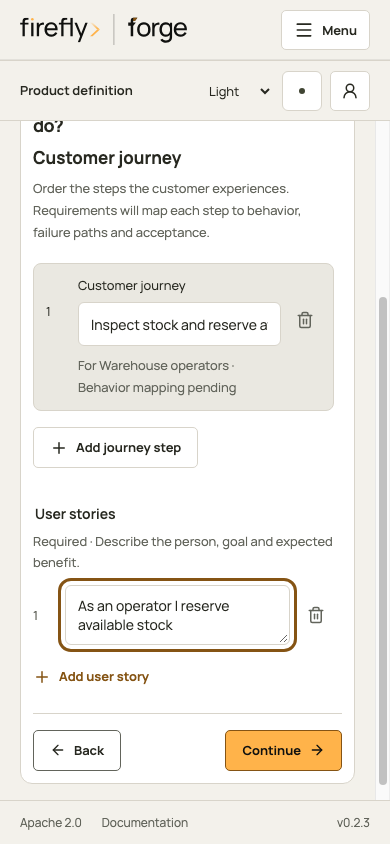
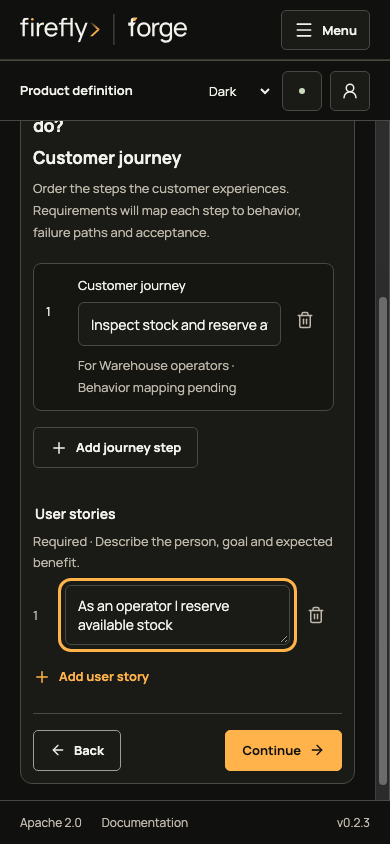
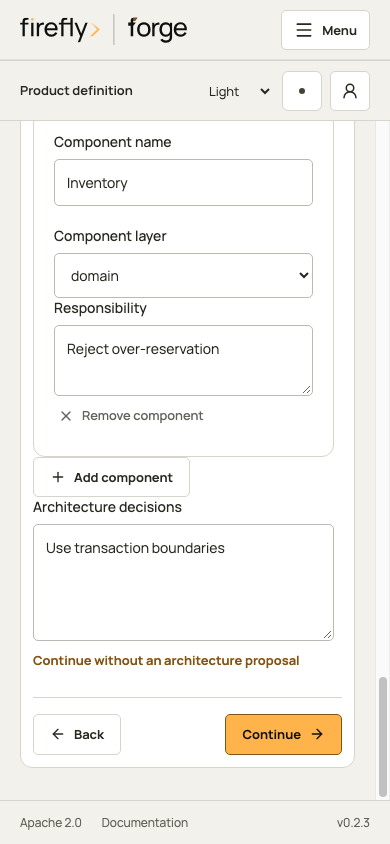
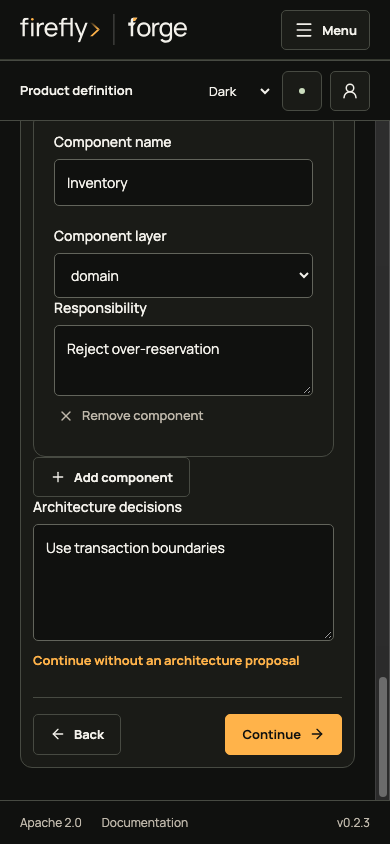
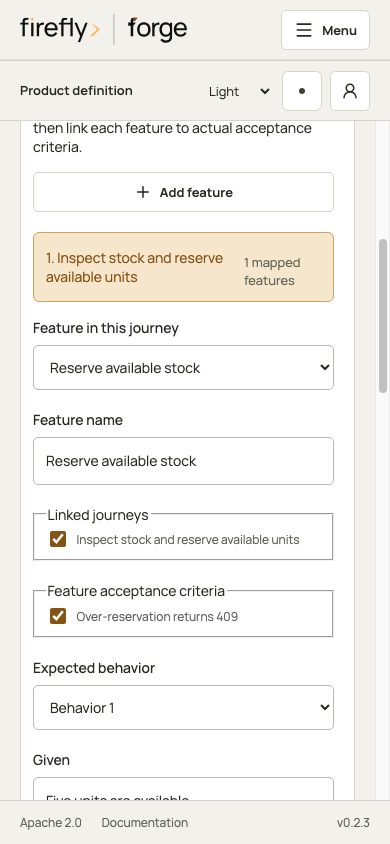
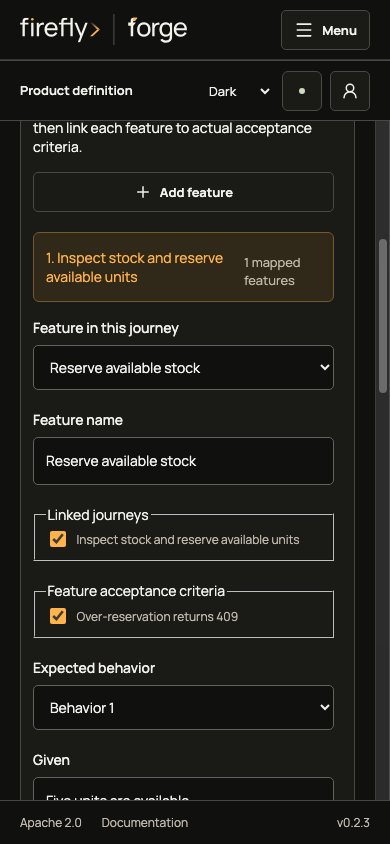
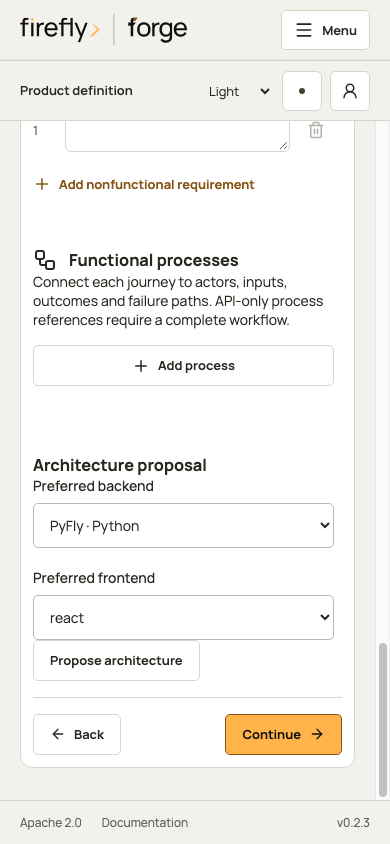
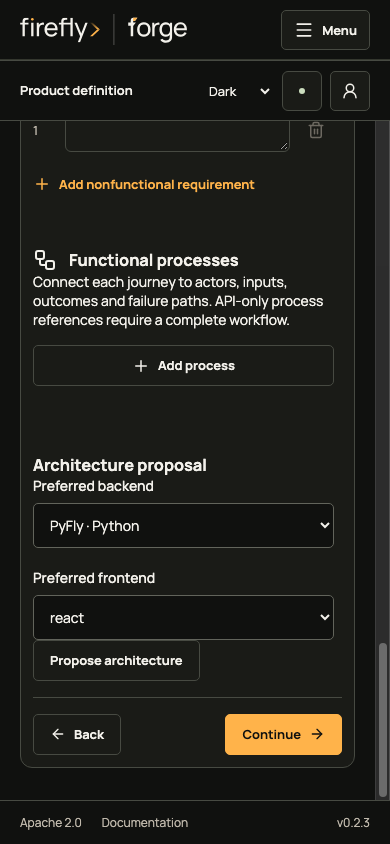
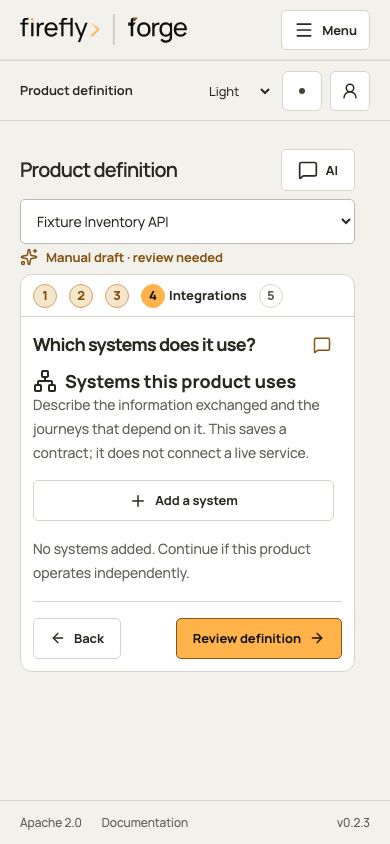
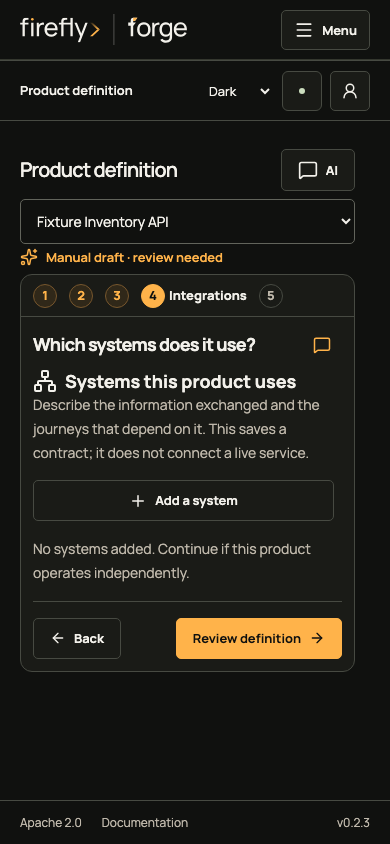
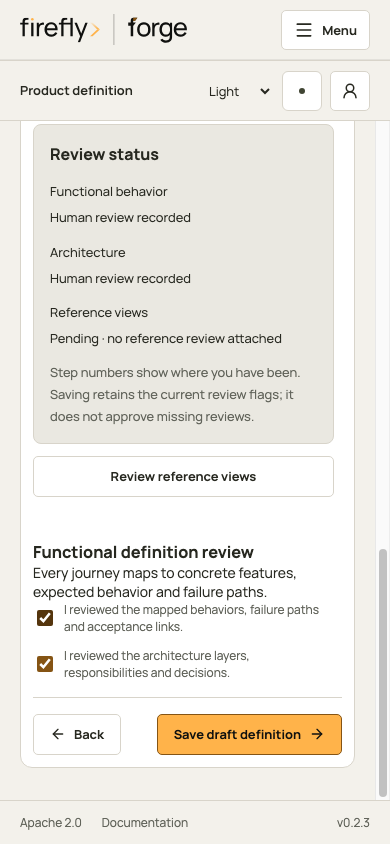
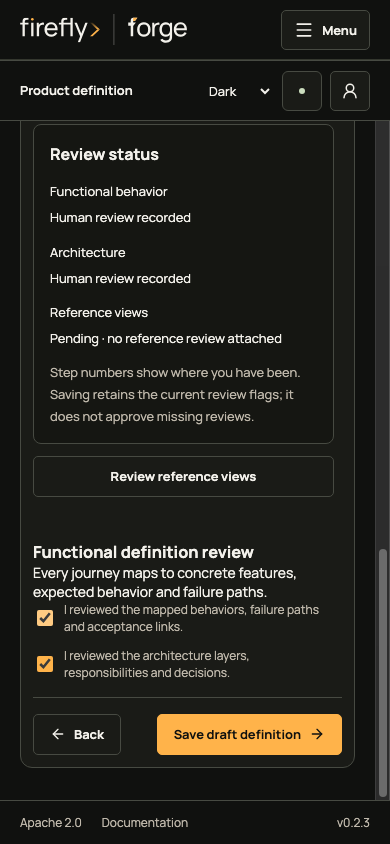
The assistant panel can prepare proposals and retain conversations. This case fills the form manually and uses a rule-based architecture response fixture. Preparing step context, applying a proposal and saving a definition have separate effects; see product definition.
The saved draft includes its pending reference review. For a visual product, review every journey reference before recording that acknowledgement. A saved revision freezes the agreed inputs for a run; customer acceptance and implementation verification still need their own evidence.
3. Review and admit the run
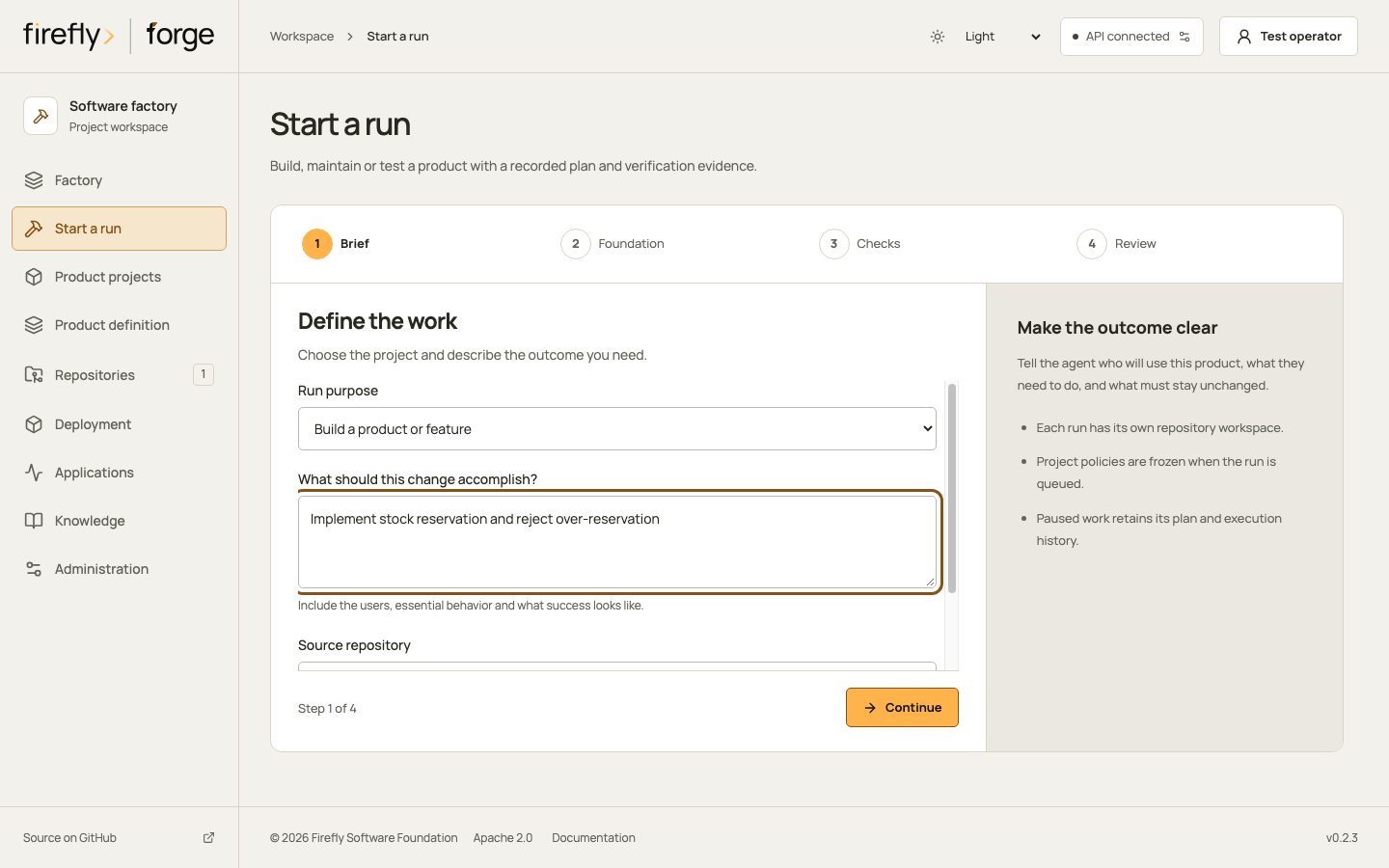
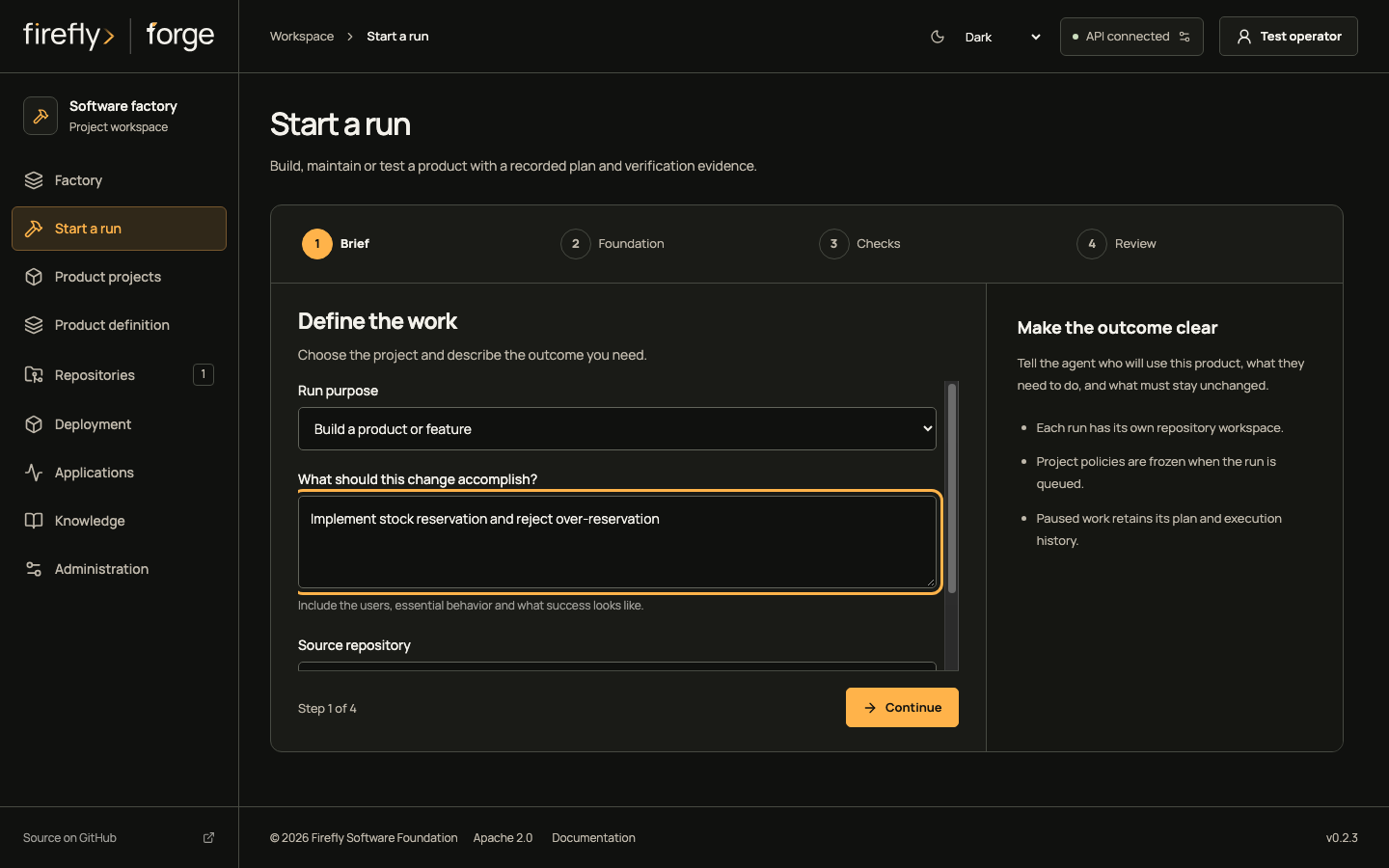
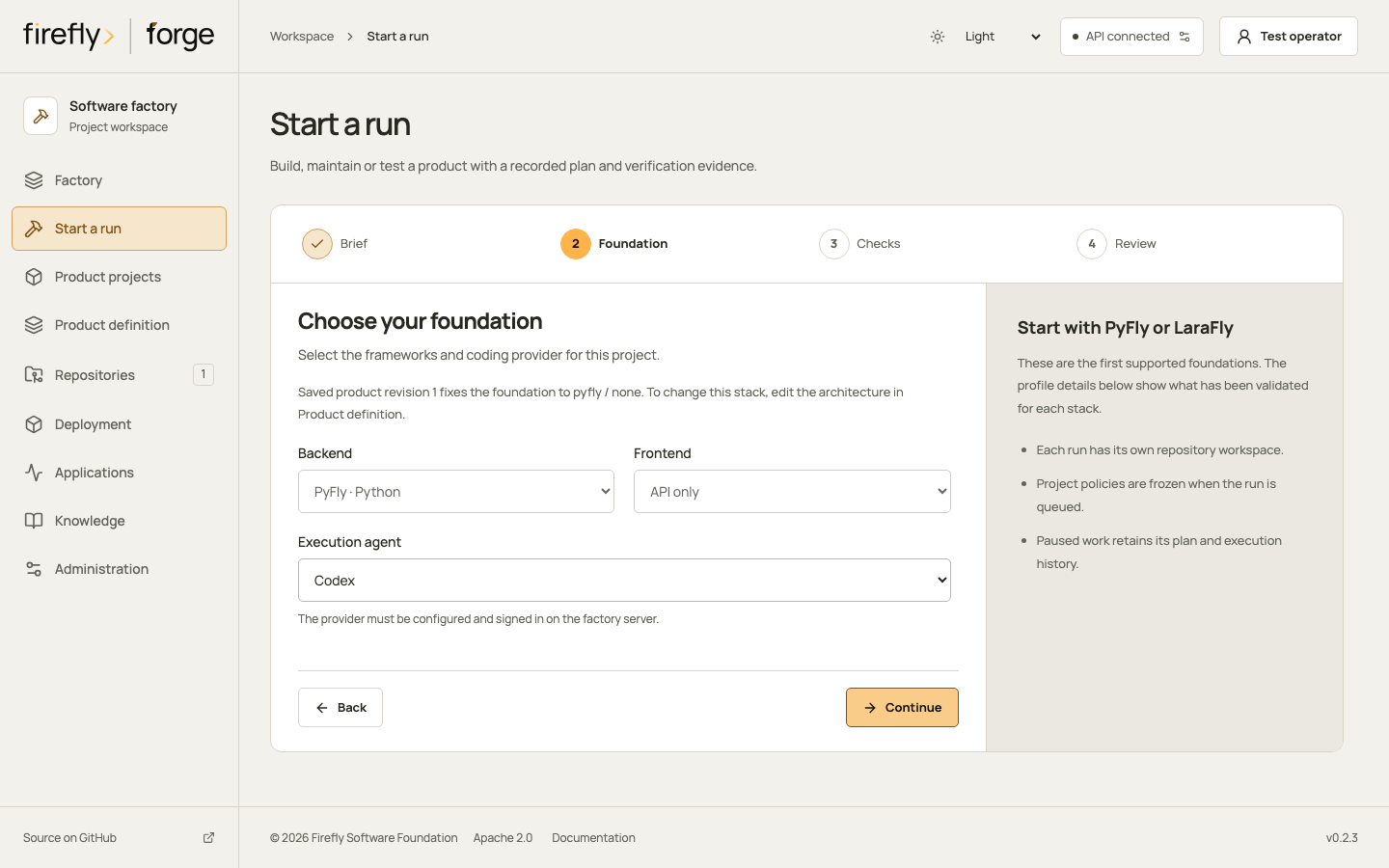
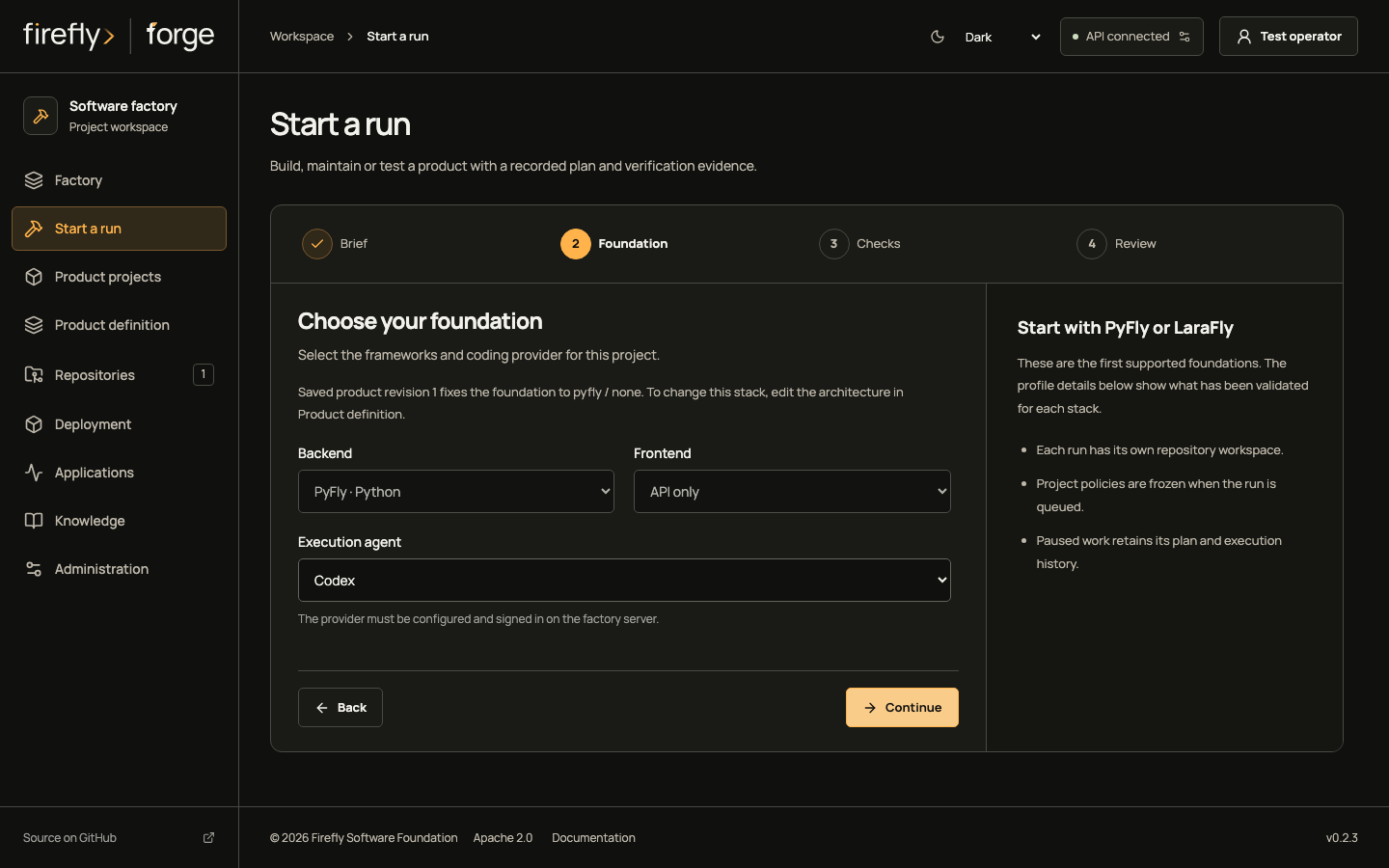
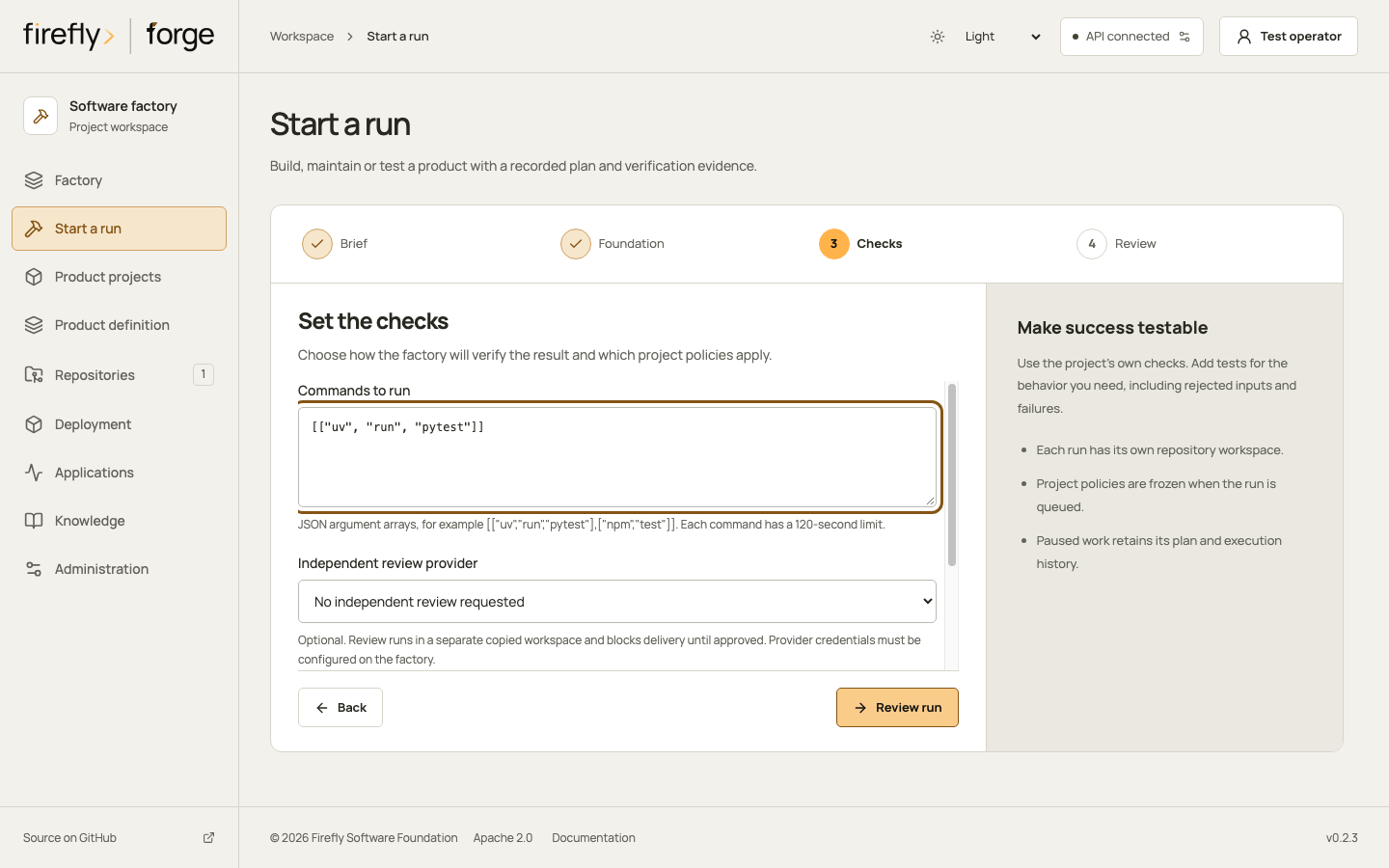
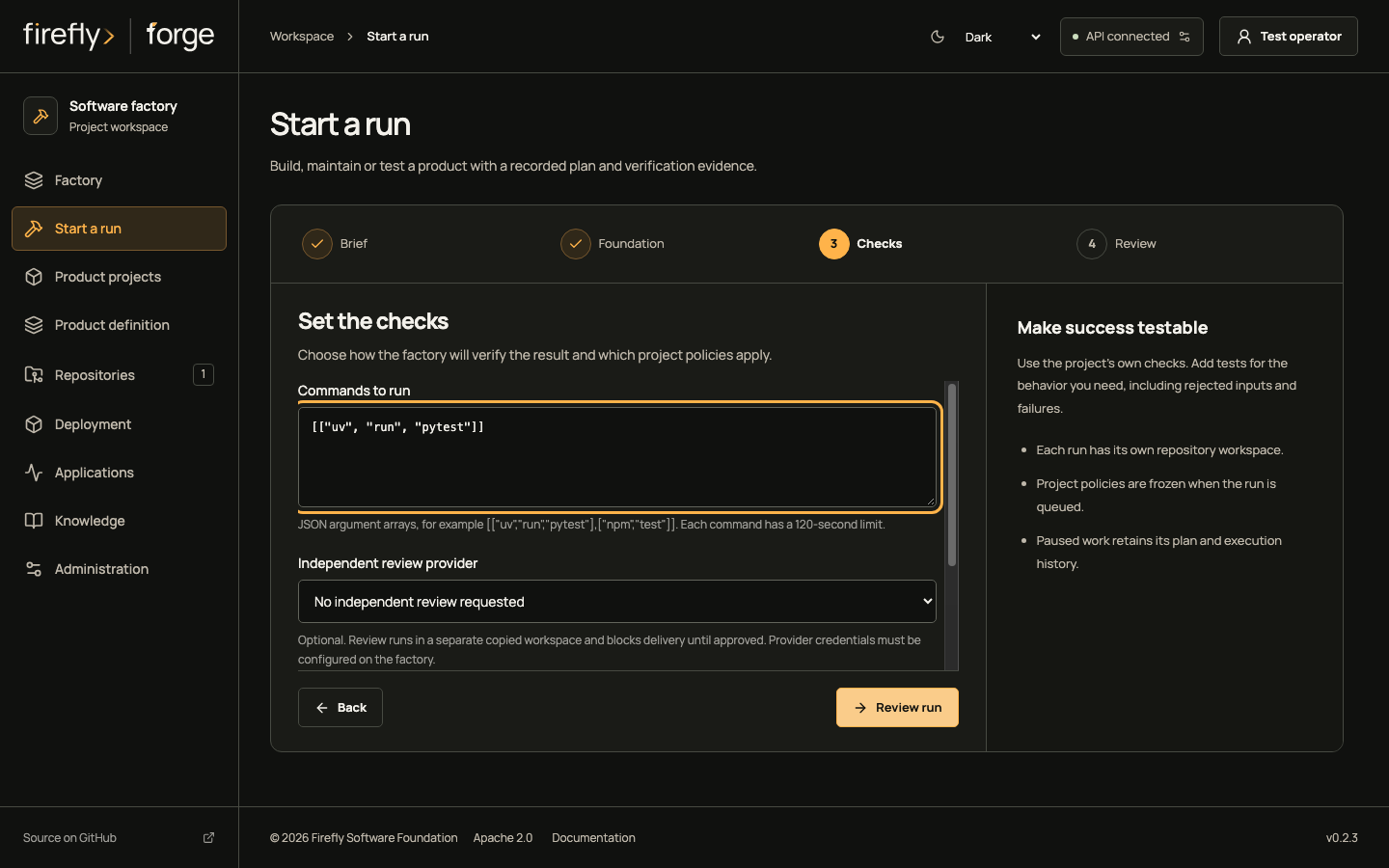
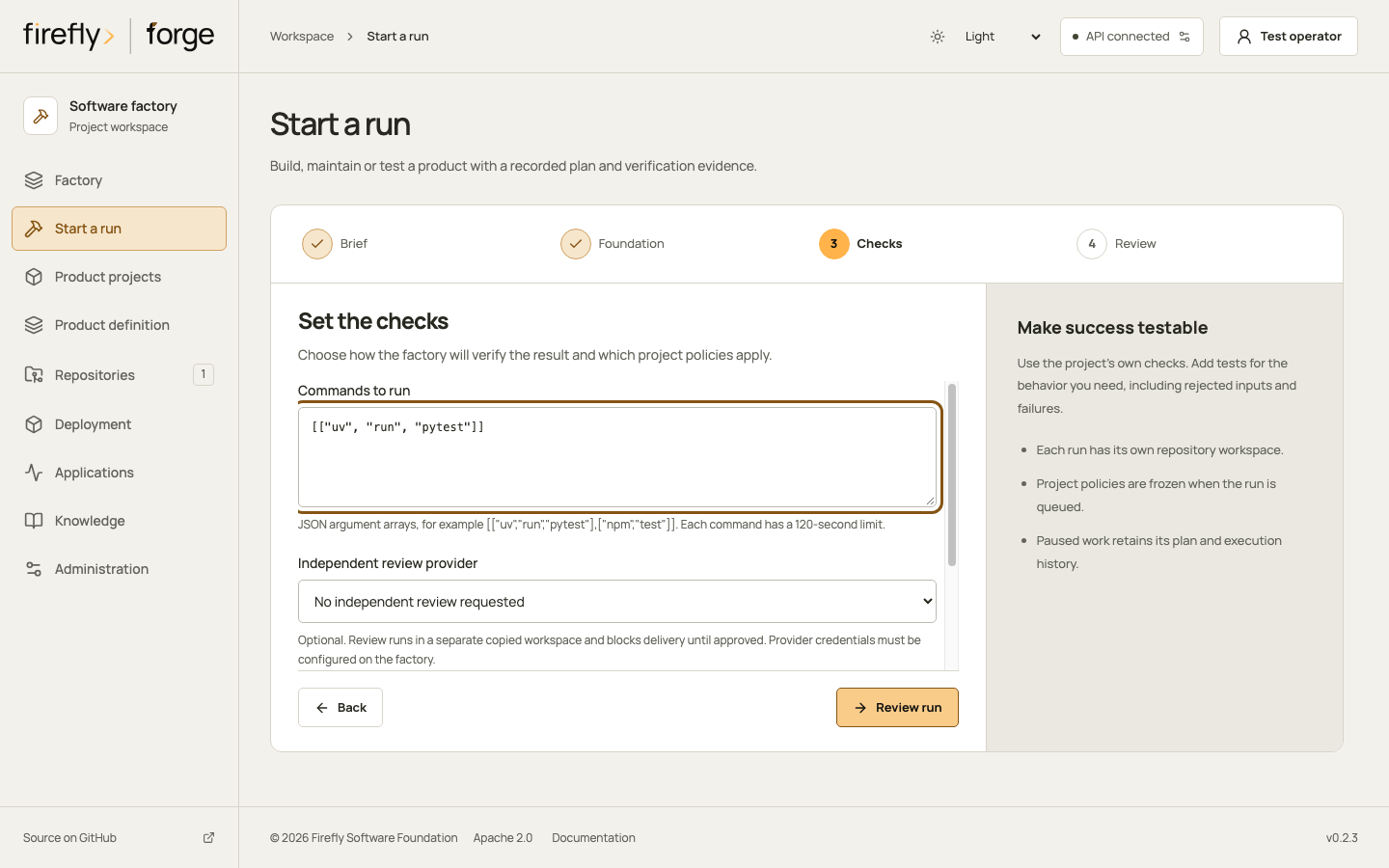
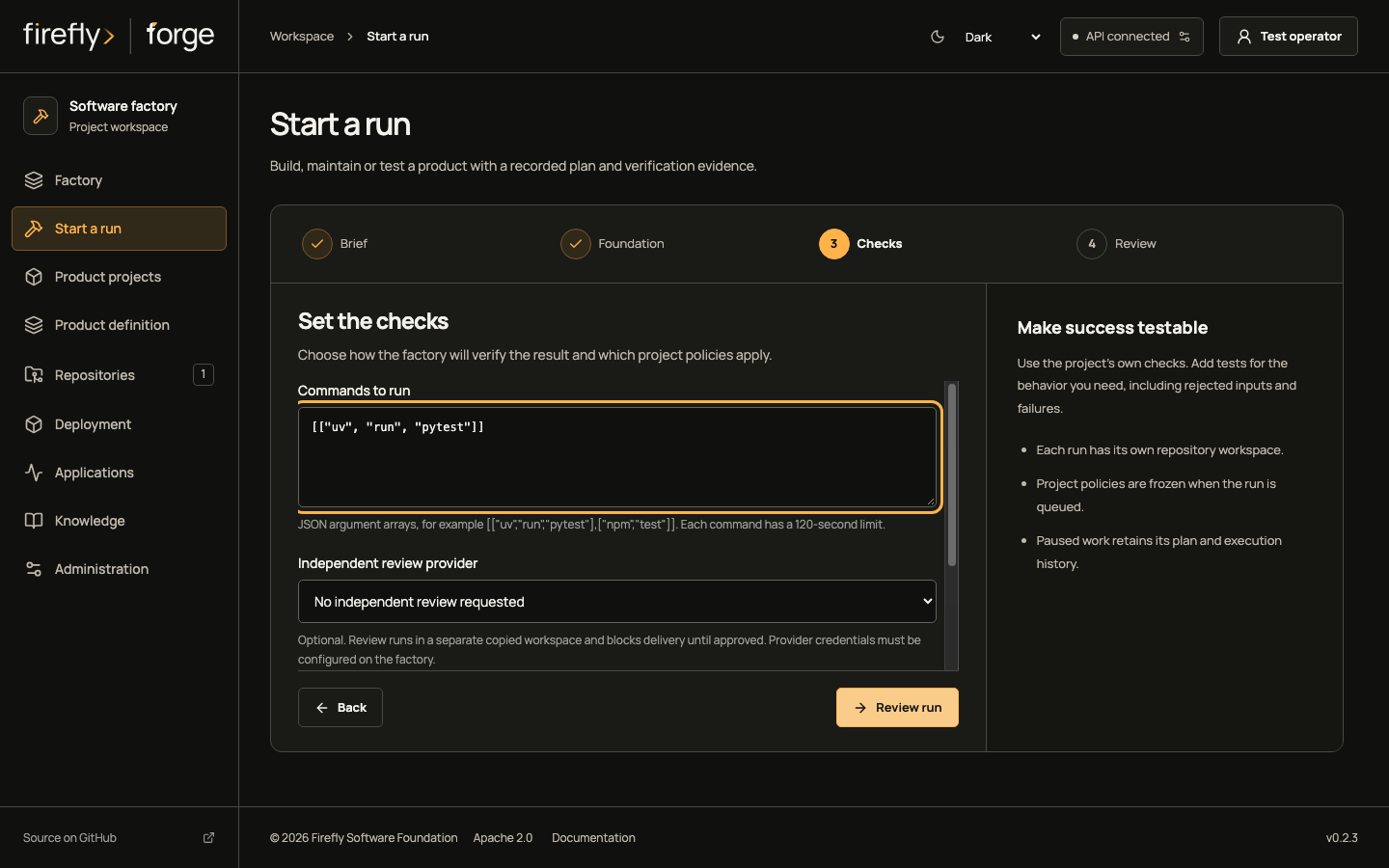
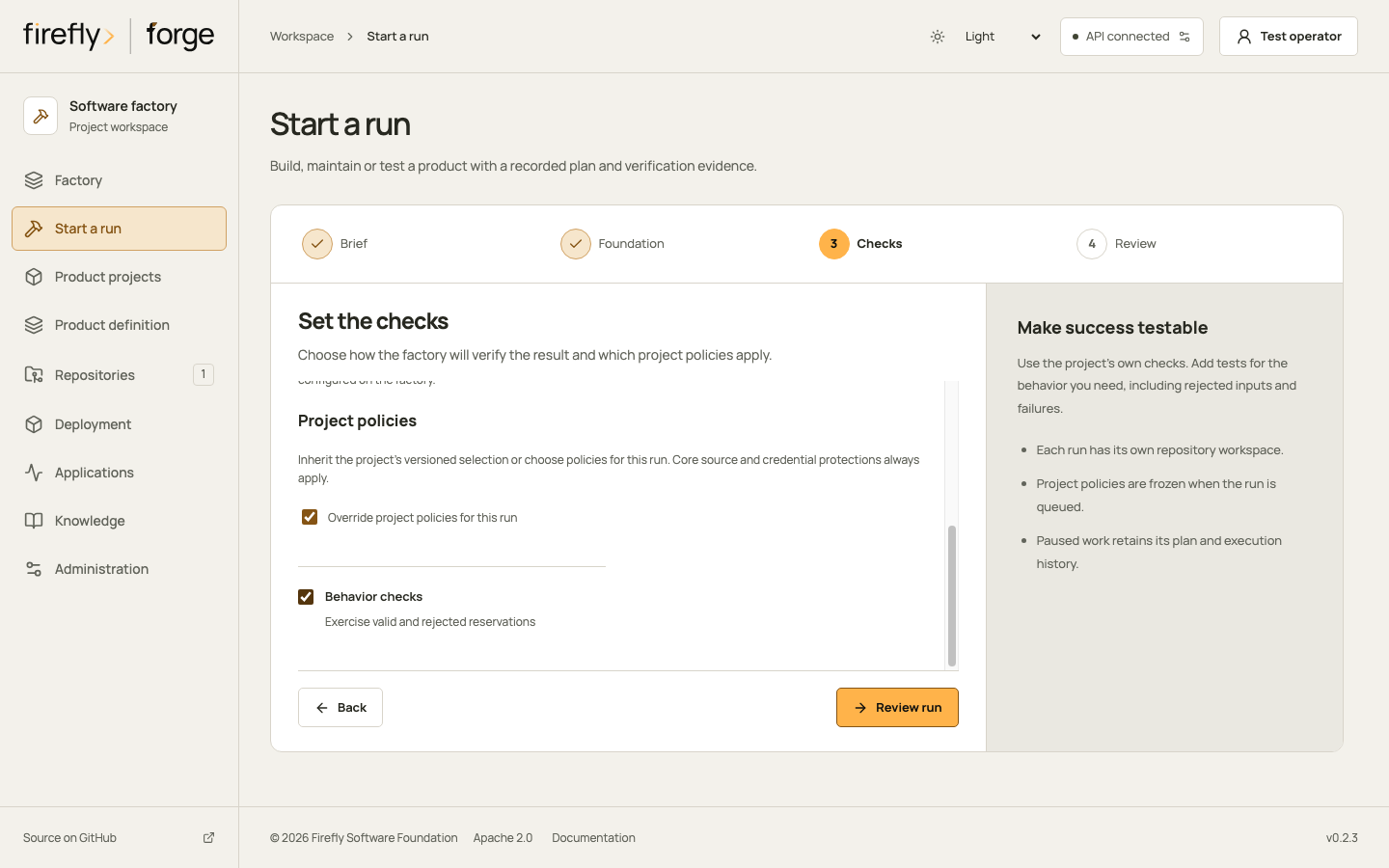
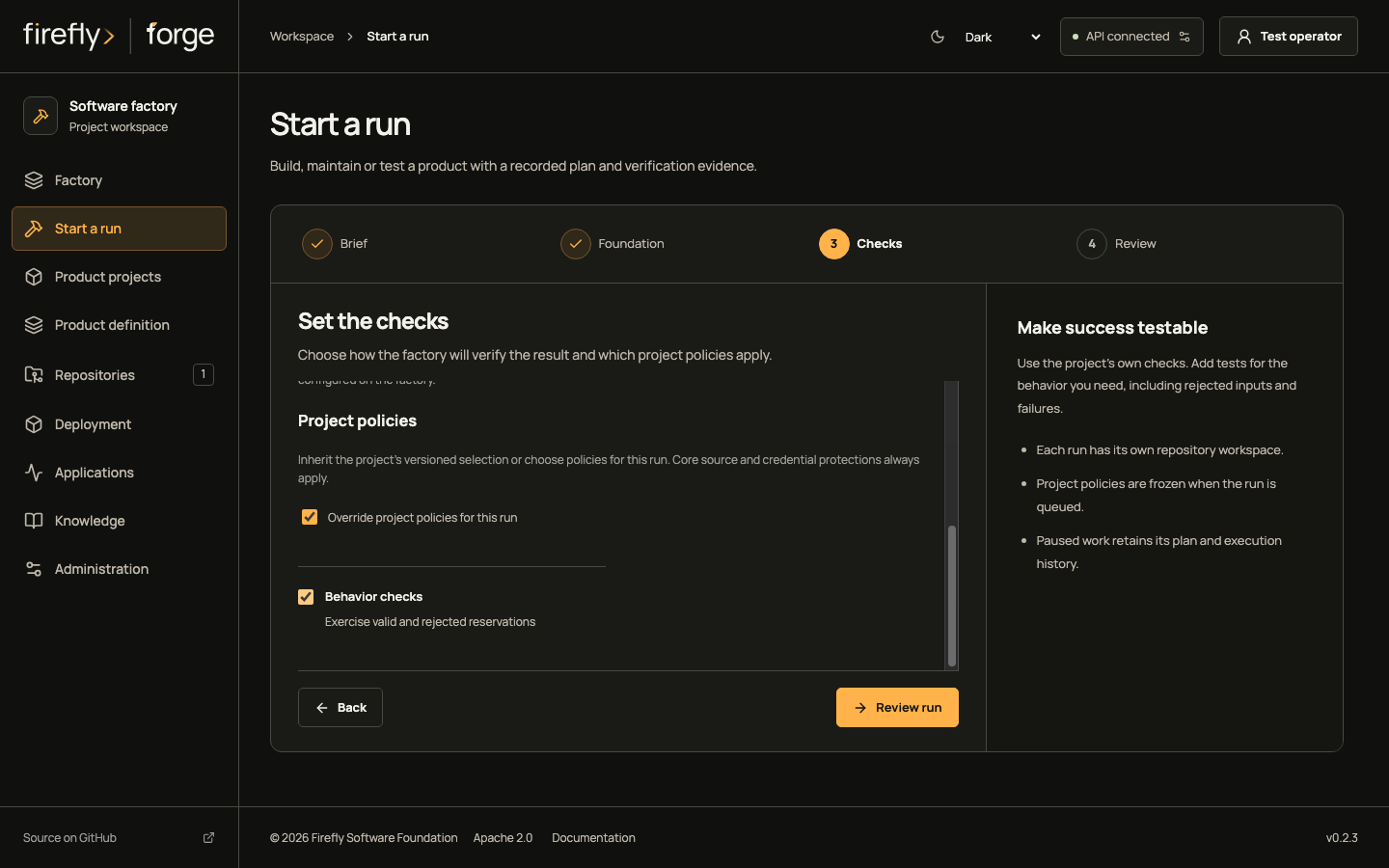
Start from the saved product revision. Keep the brief bounded: implement stock reservation and reject over-reservation. Inspect the foundation and choose checks that exist in the repository. Leave independent review unselected only when that matches the intended review policy.
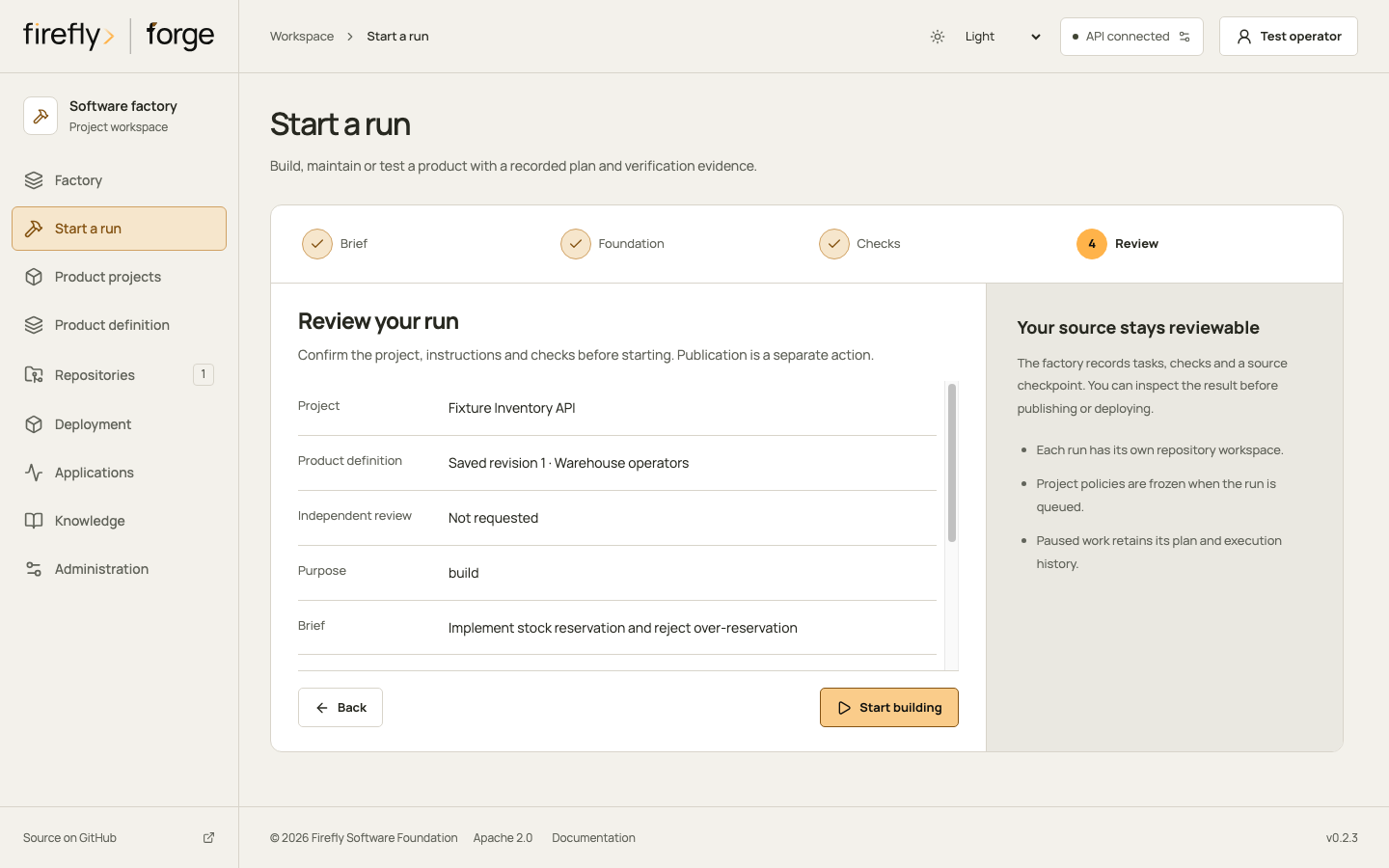
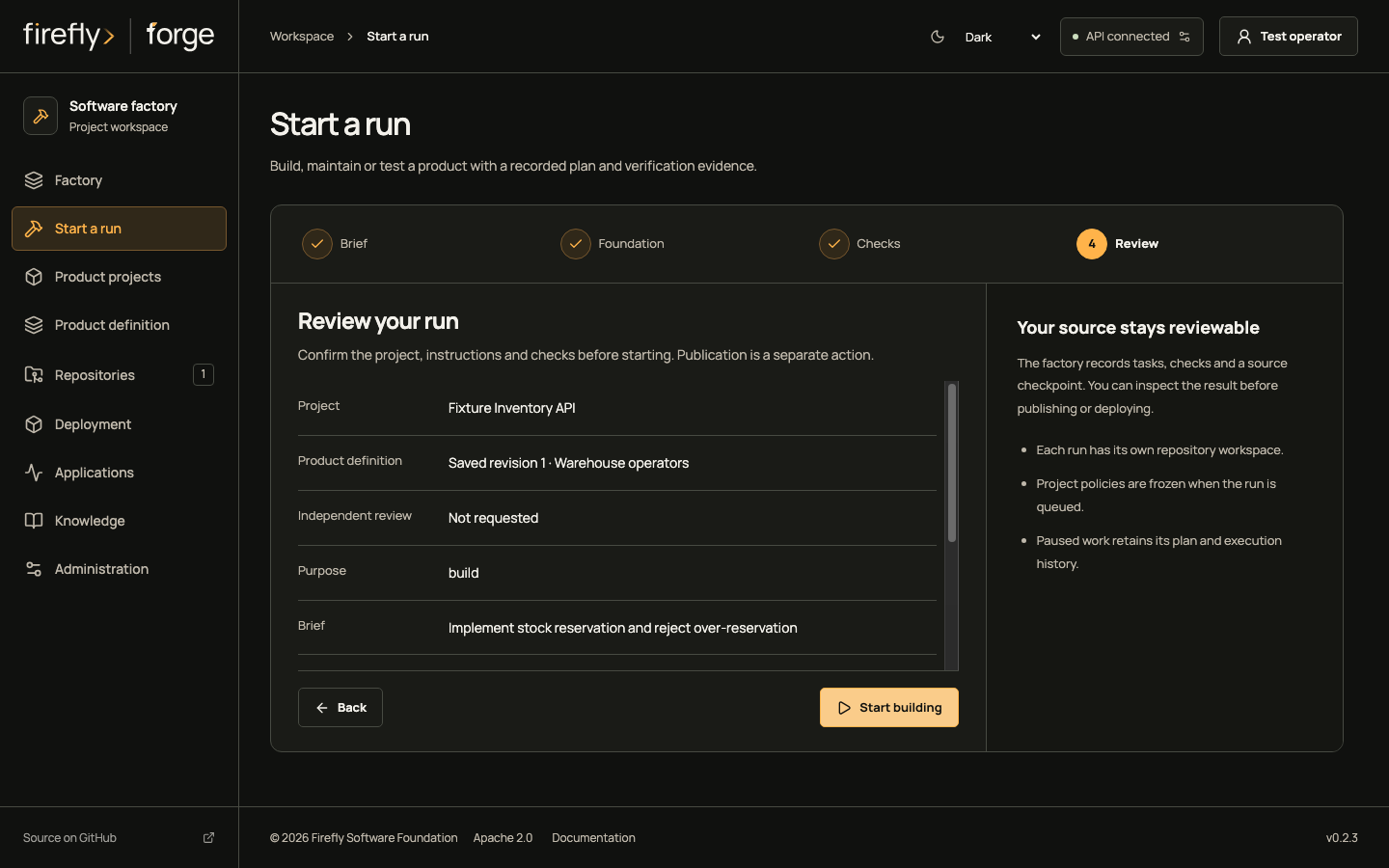
Follow Brief, Foundation and Checks
Review the run on a phone
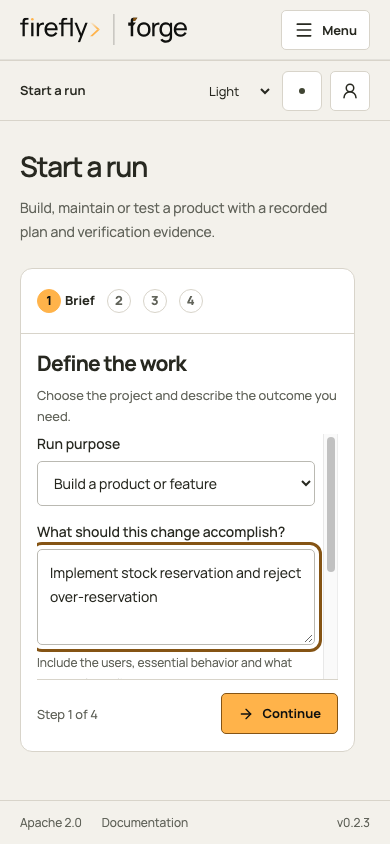
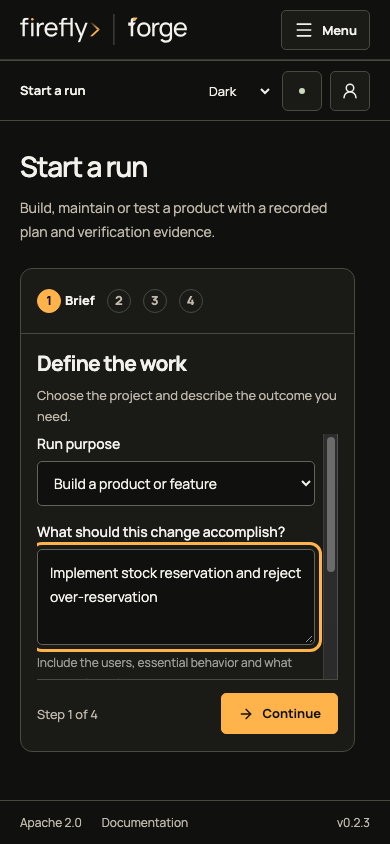
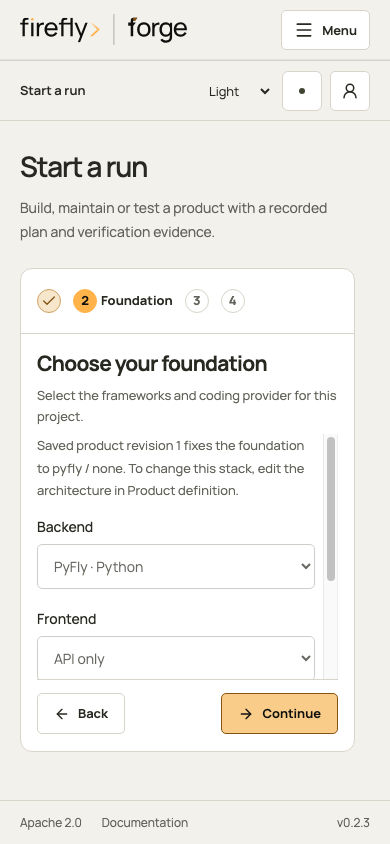
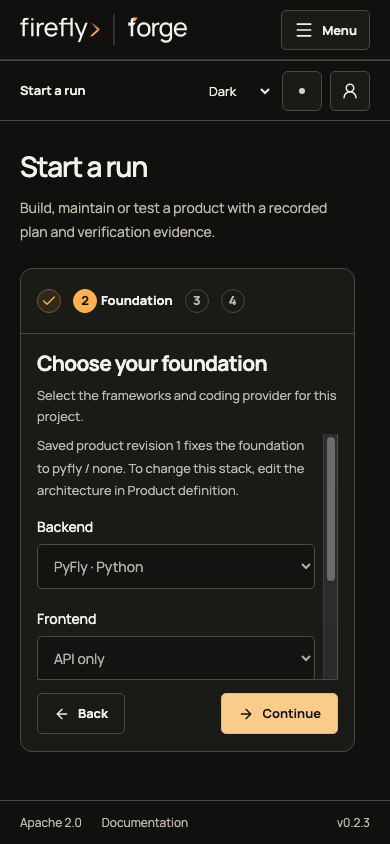
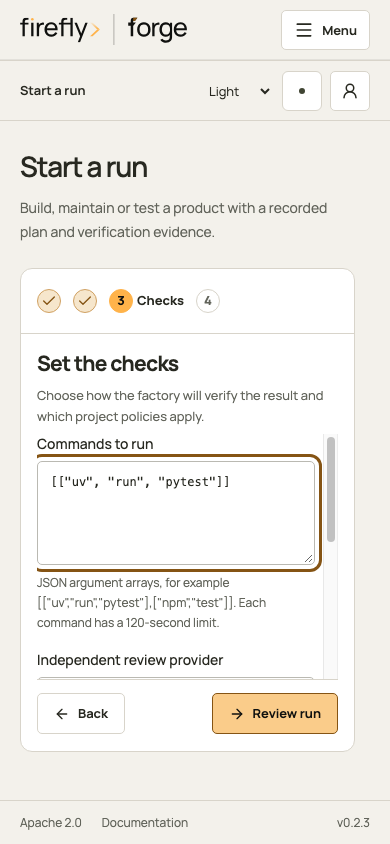
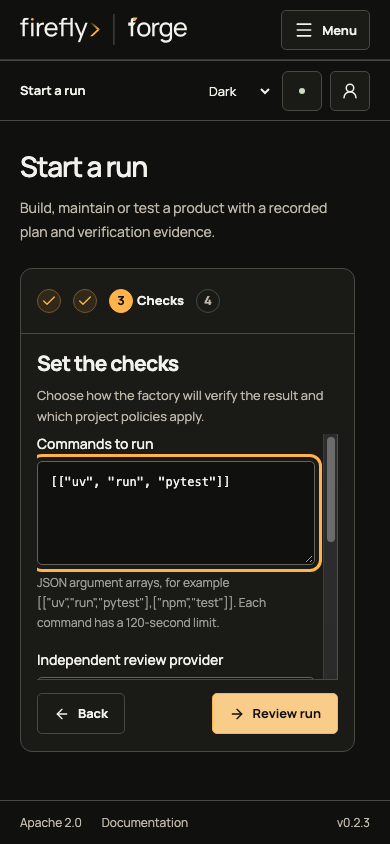
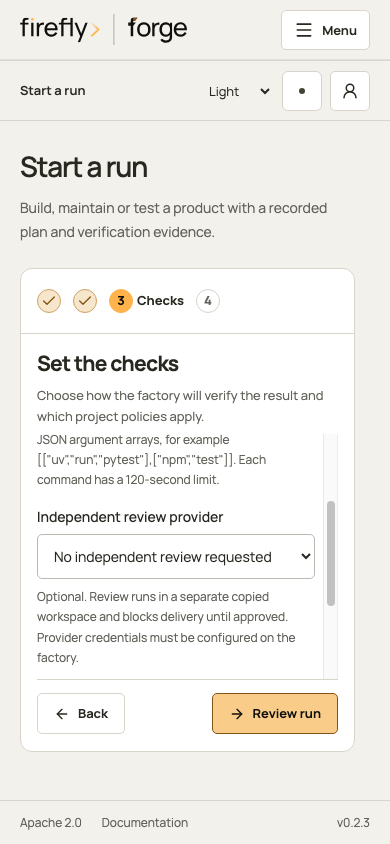
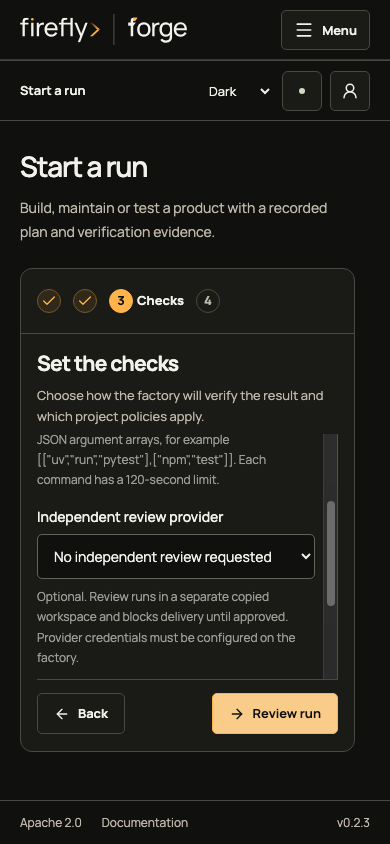
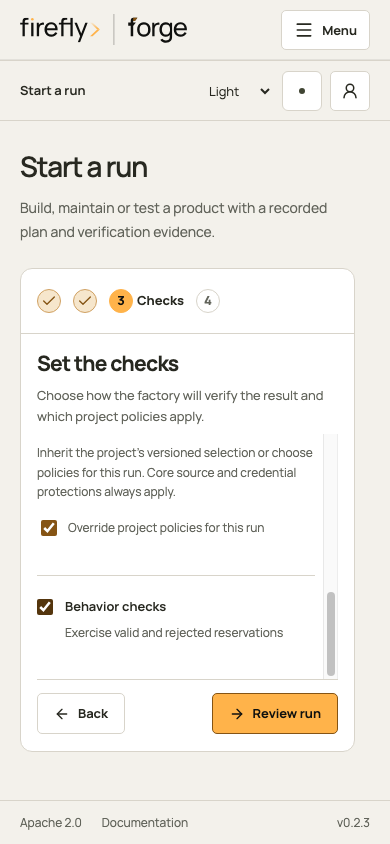
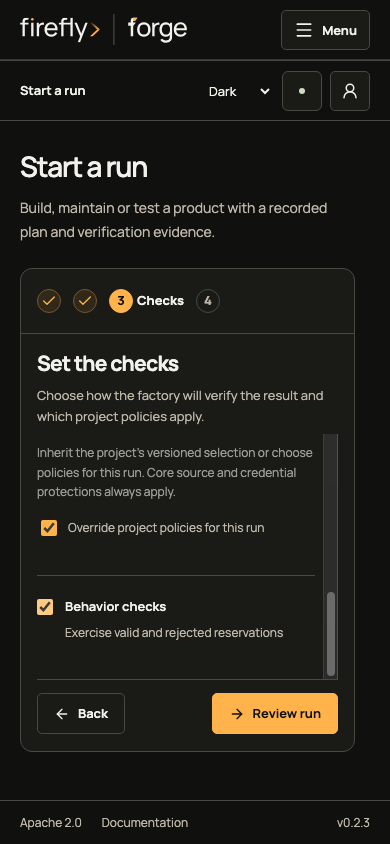
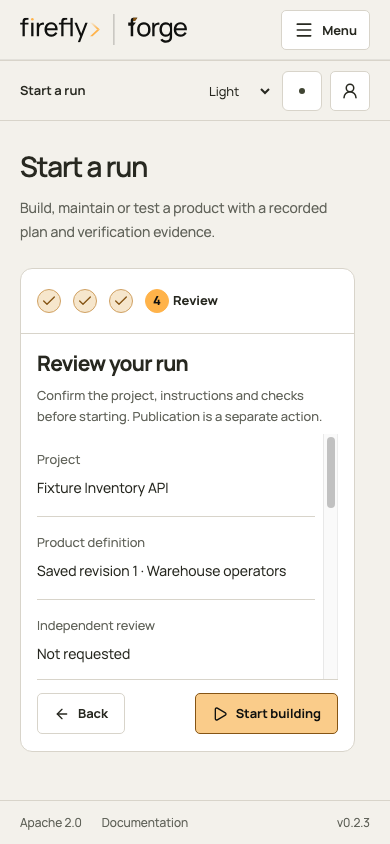
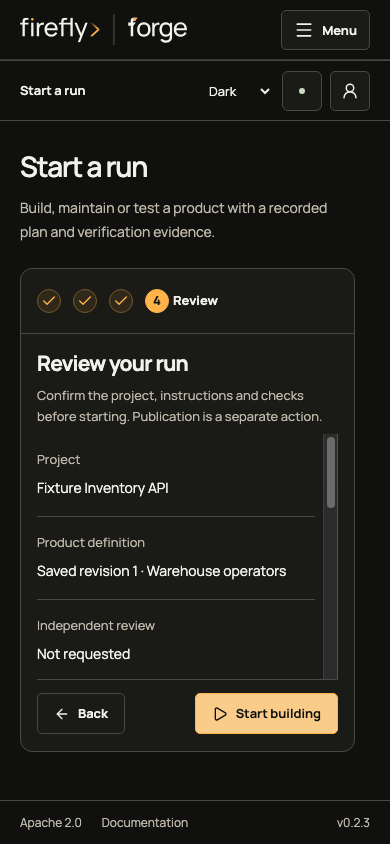
On a real factory, Start building admits the request. The retained source, product revision, provider configuration and policies belong to that run. Publication and deployment require their explicit operations; queueing work does not deliver a pull request or a live application.
4. Inspect the run before continuing
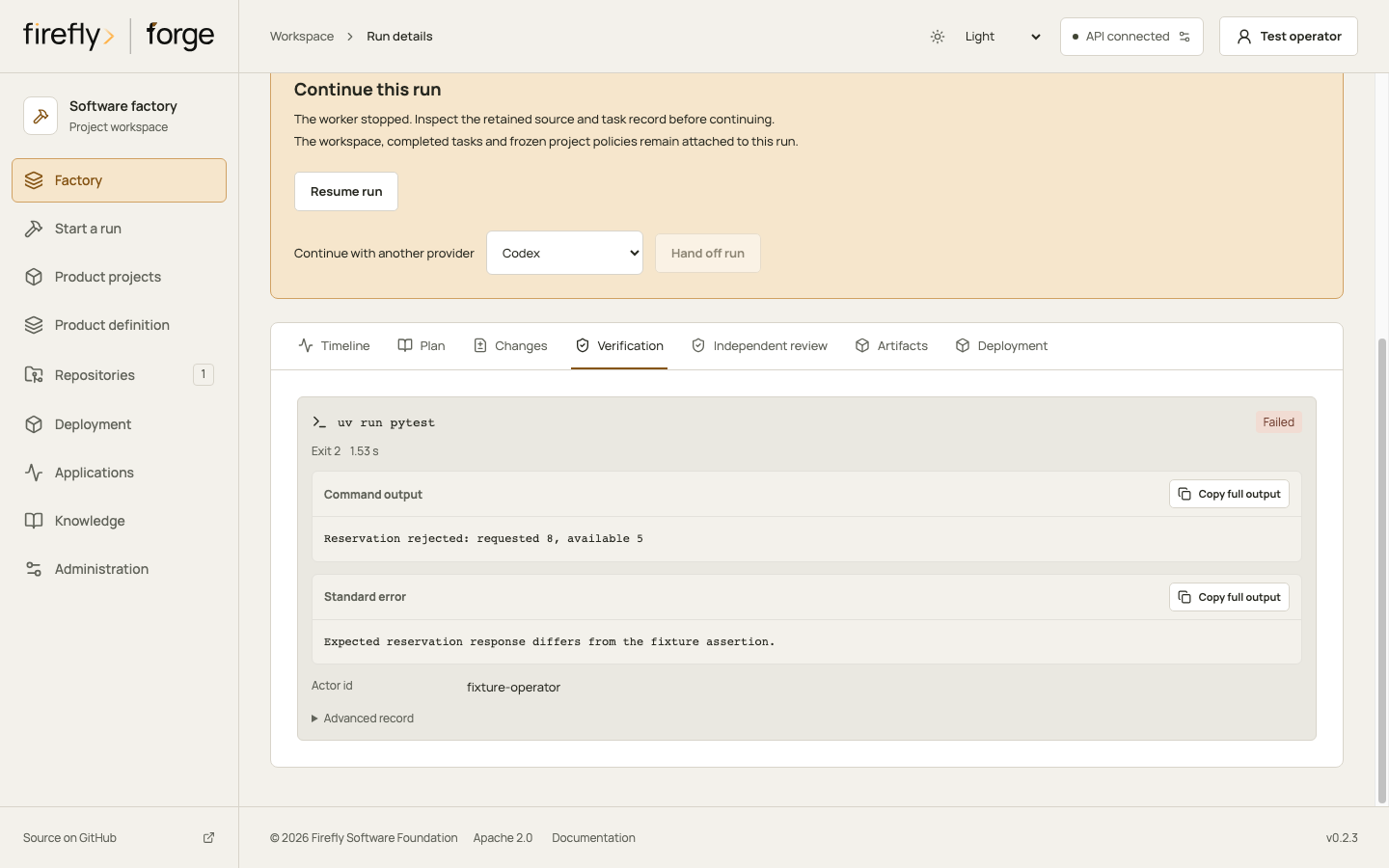
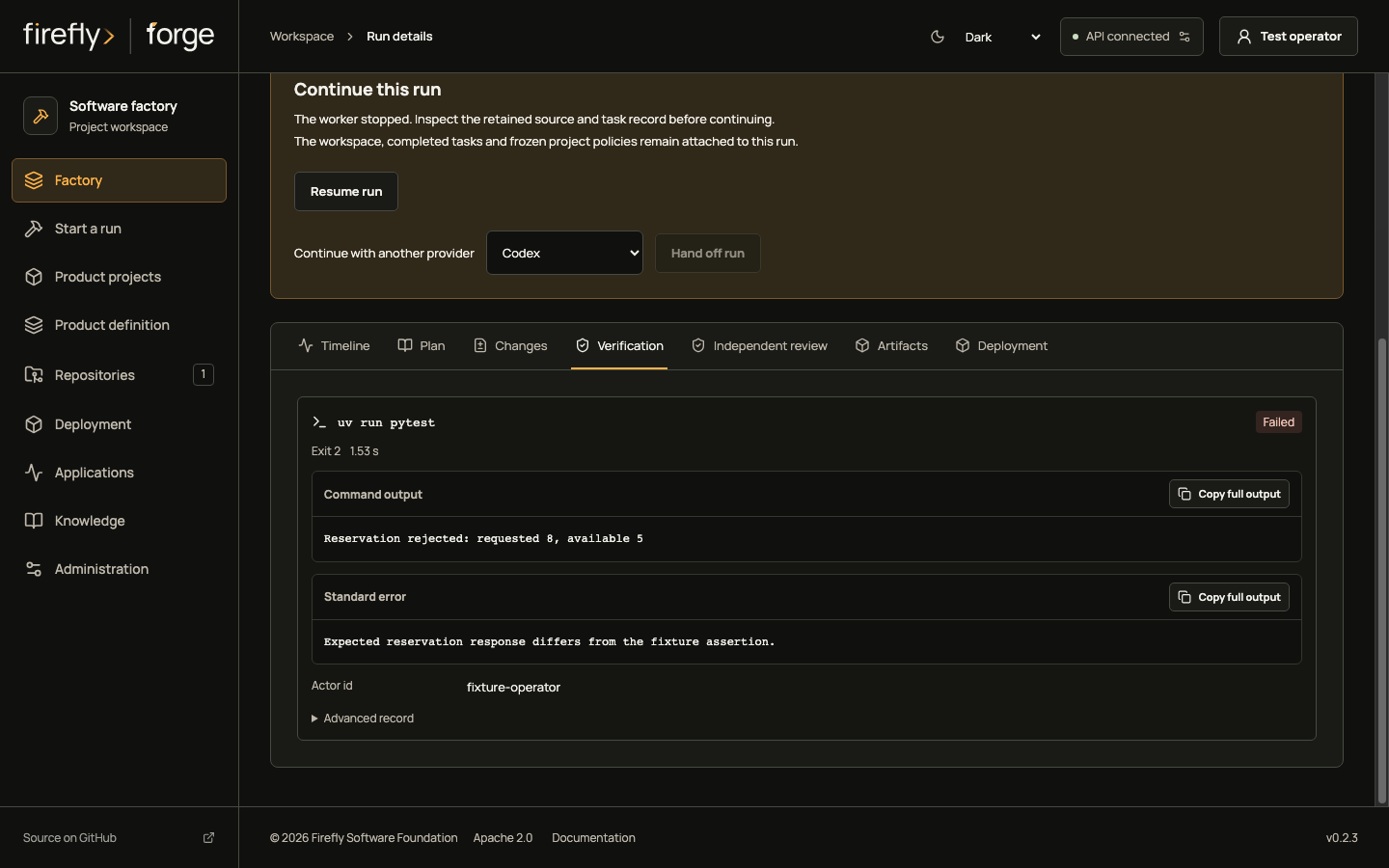
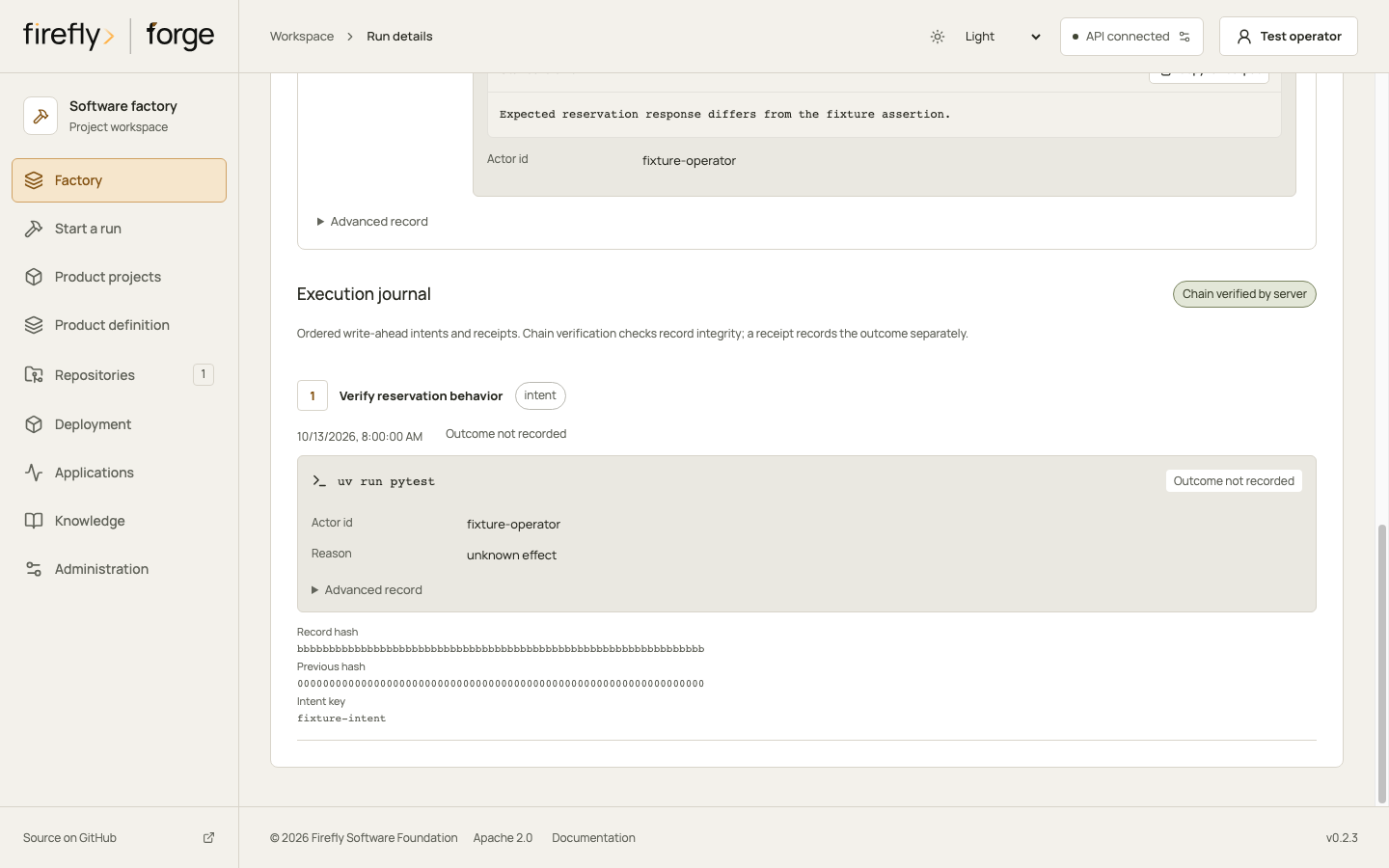
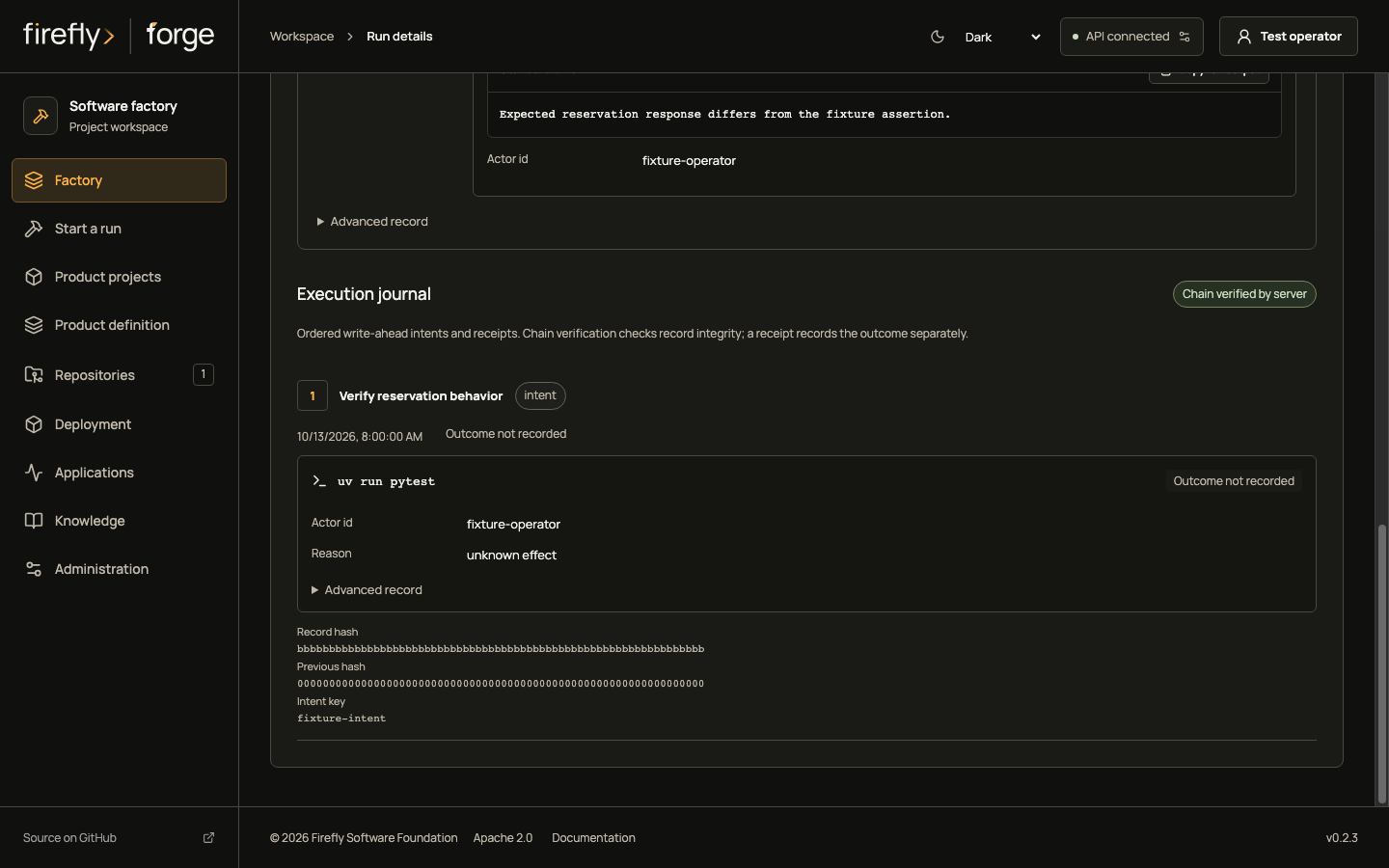
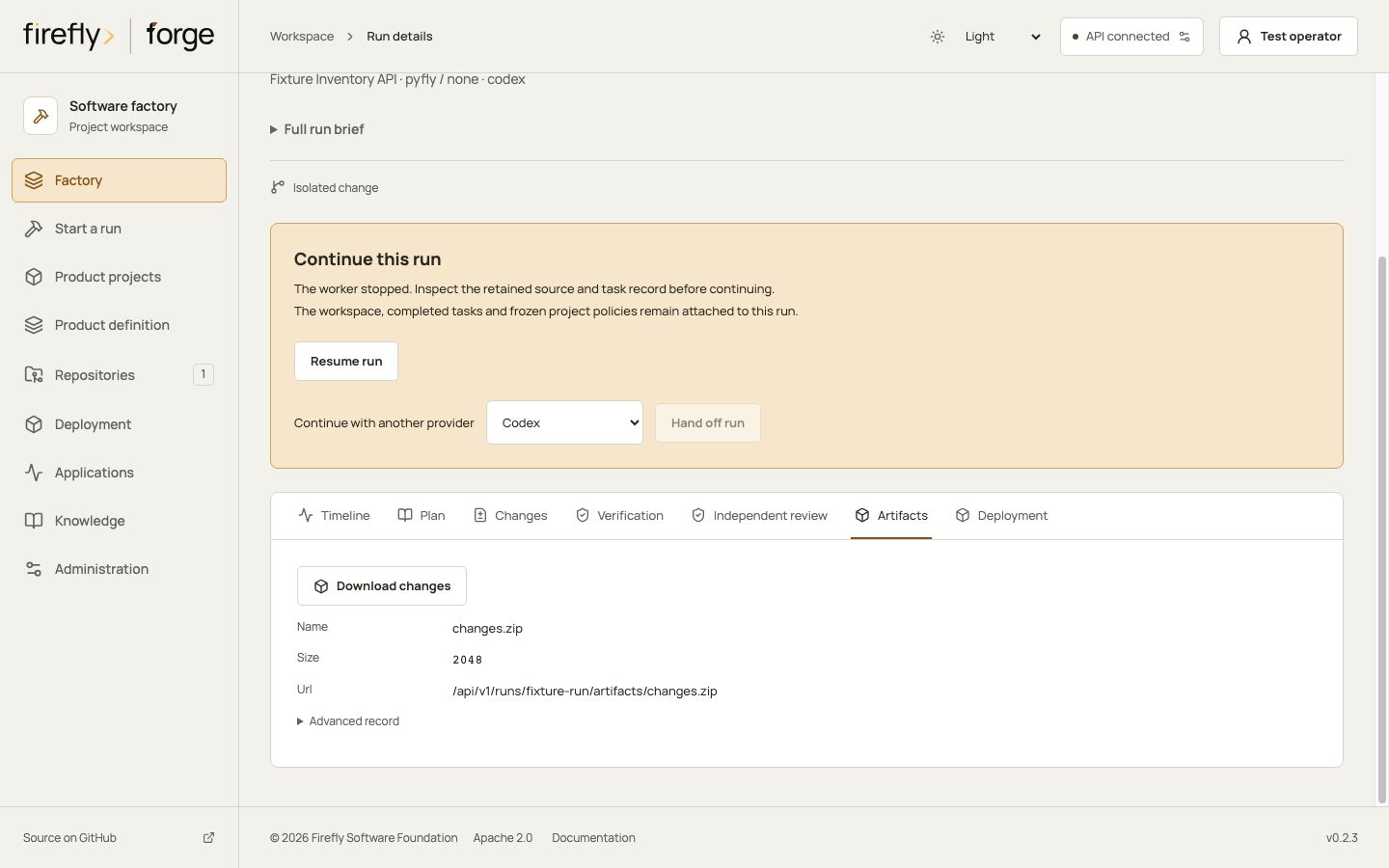
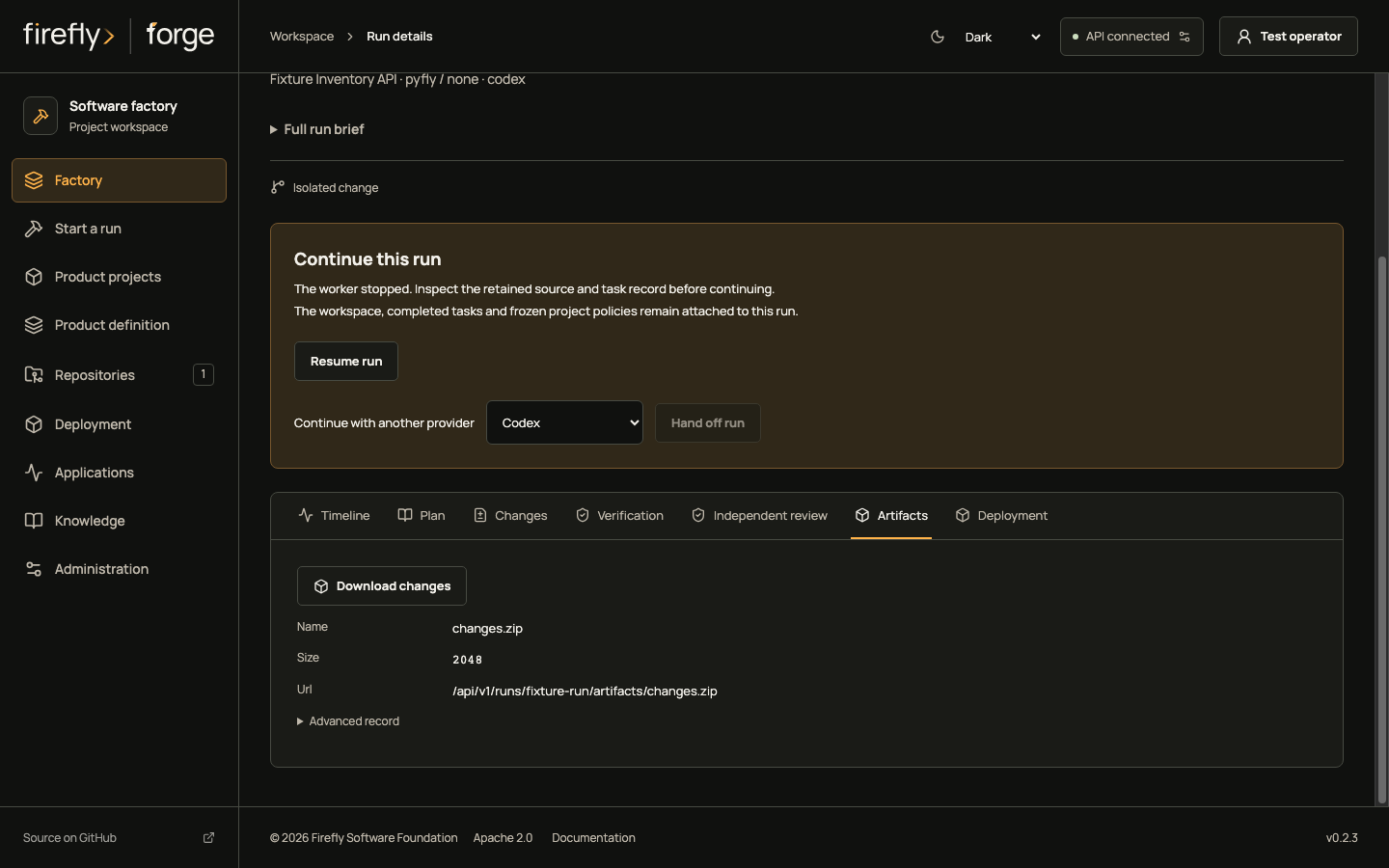
Factory lists the work. Select the inventory run to open its state, timeline and evidence tabs. In this example, the fixture reports needs_reconciliation, a failed verification command and an intent without a completion receipt.
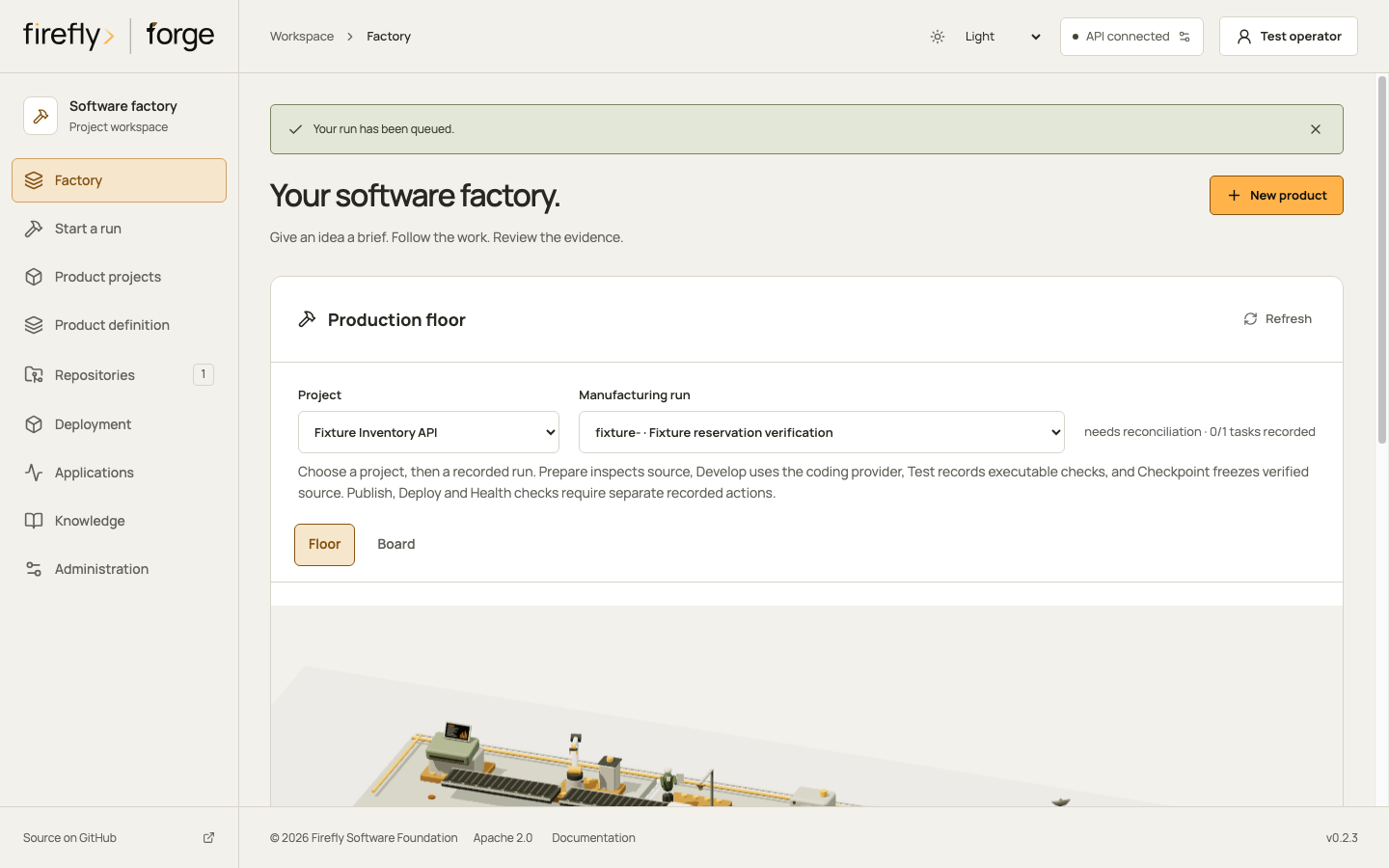
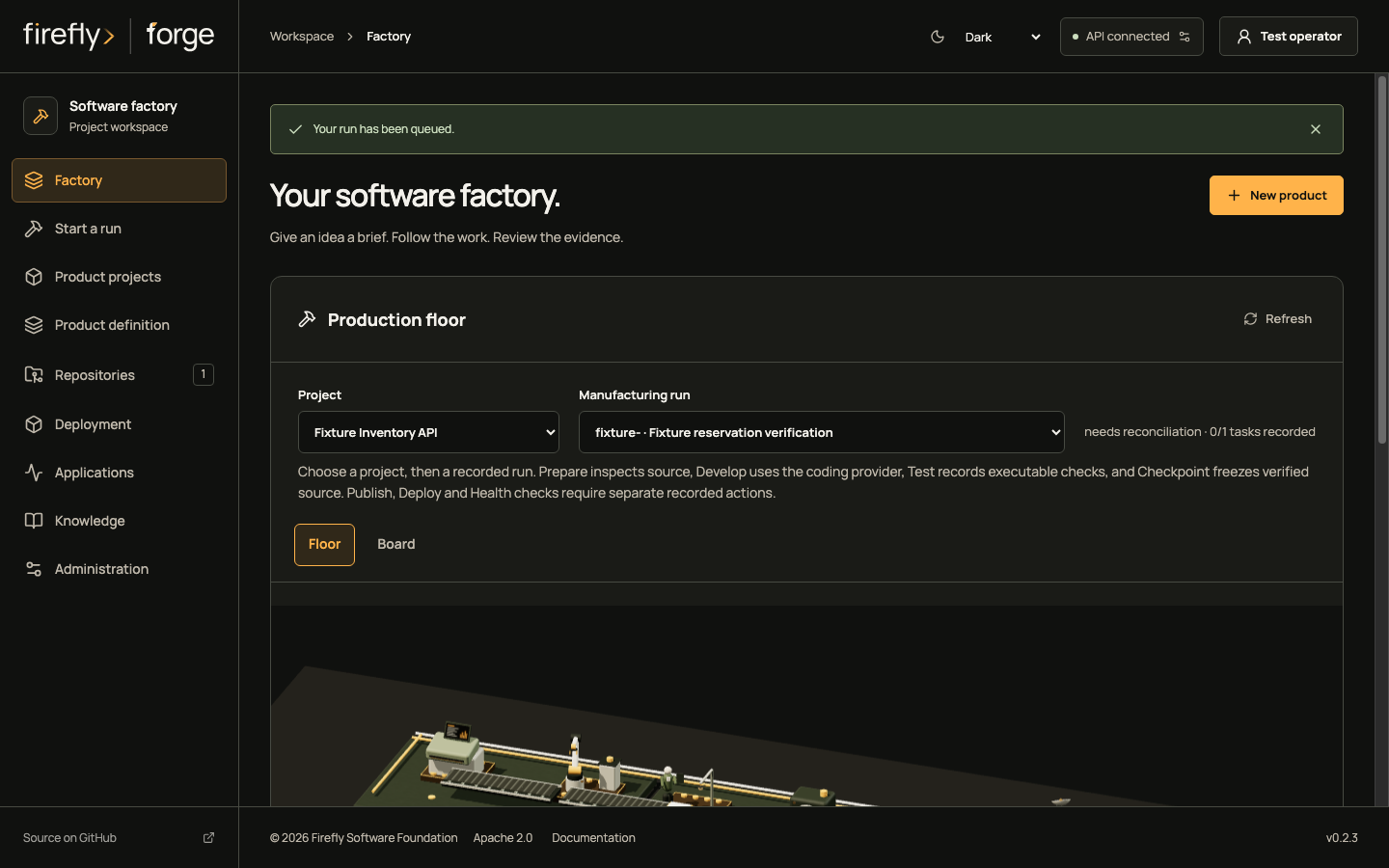
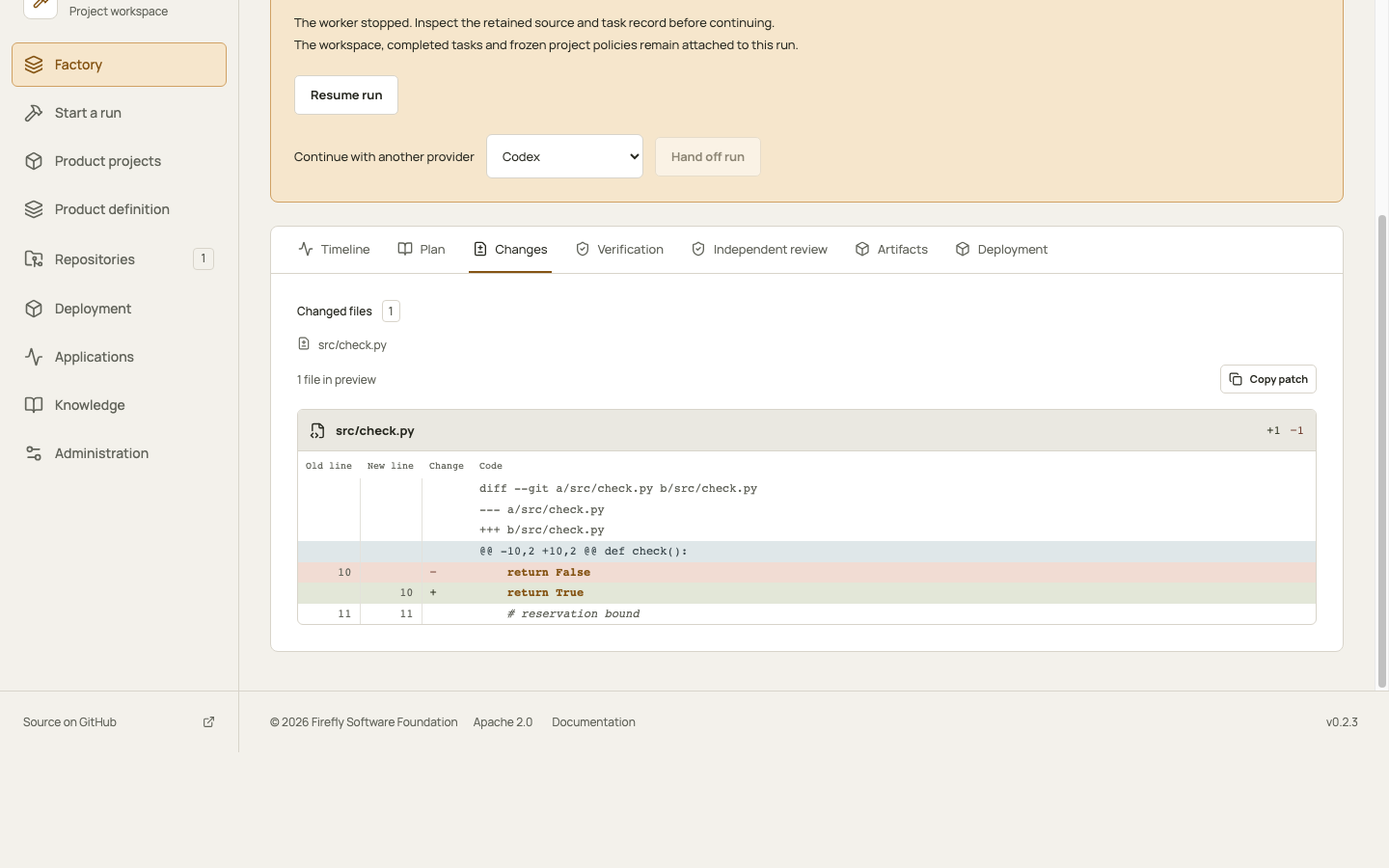
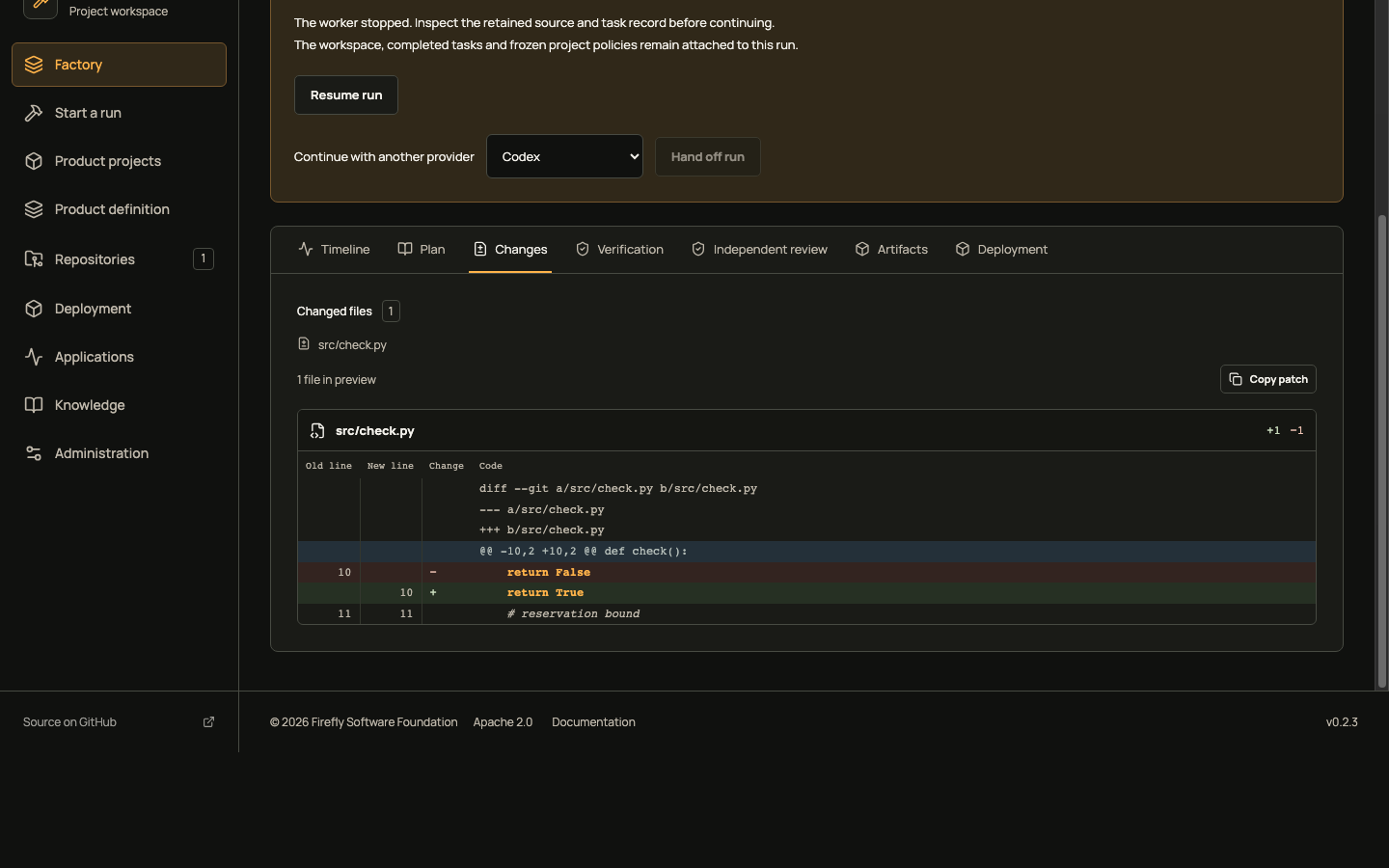
Inspect journal integrity and retained artifacts
Read run evidence on a phone
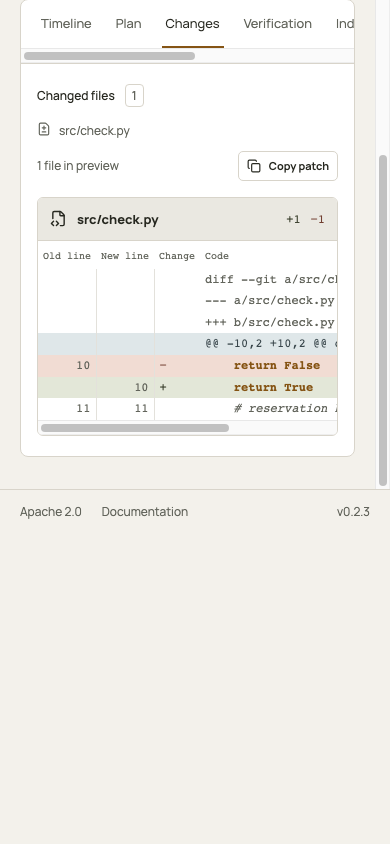
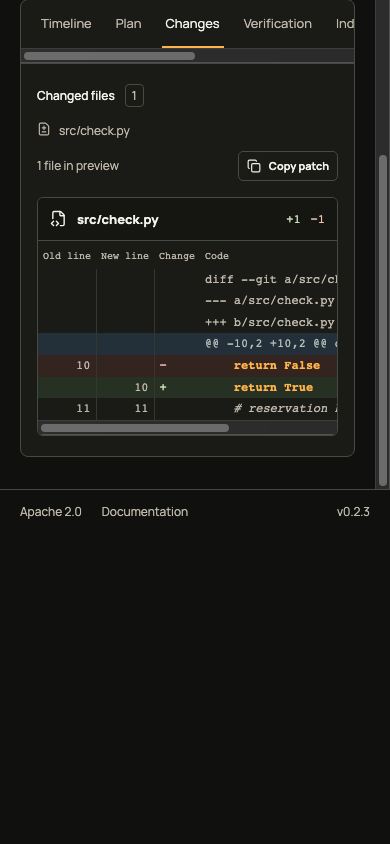
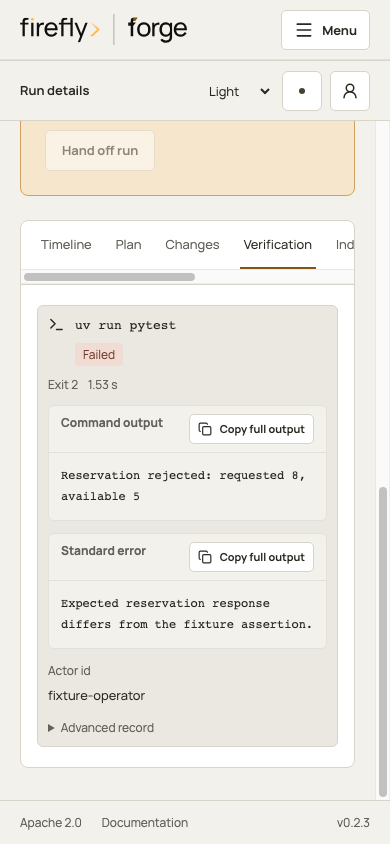
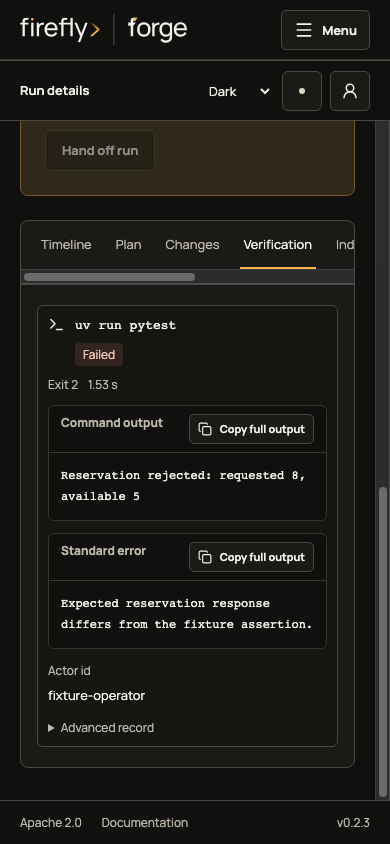
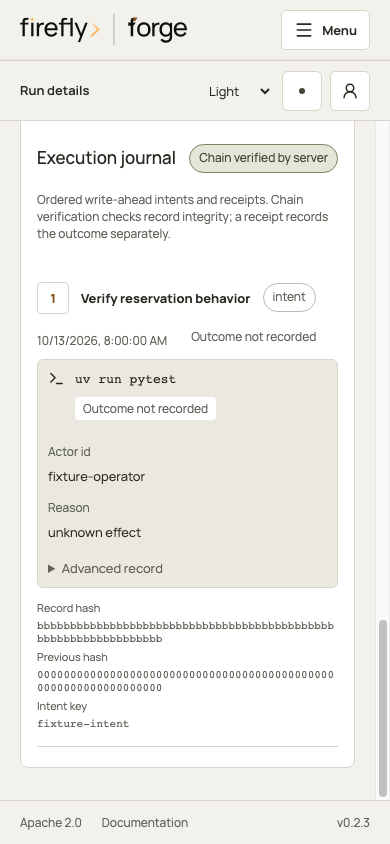
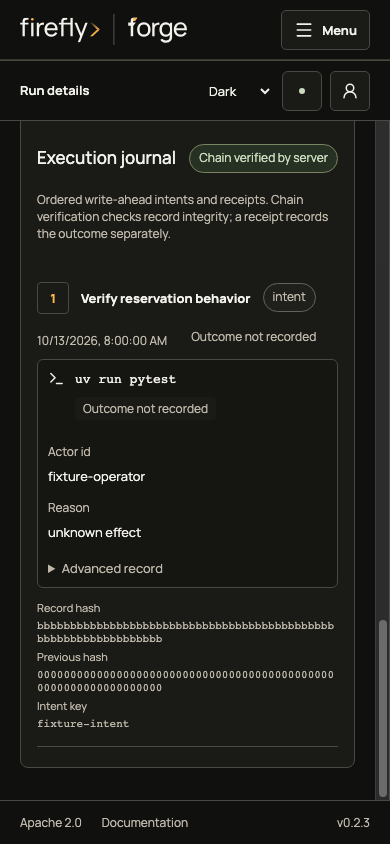
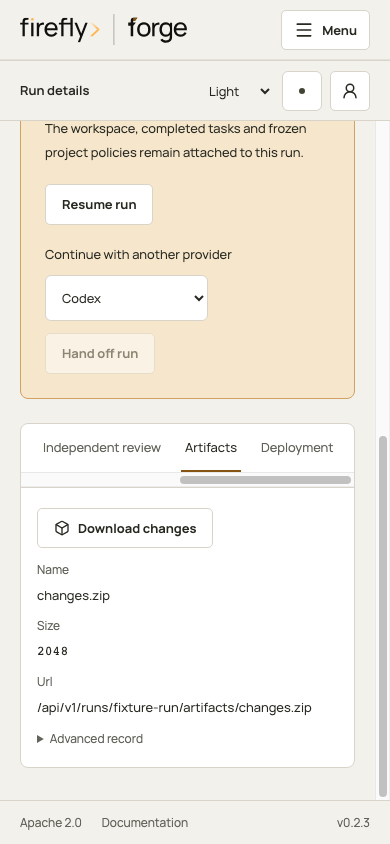
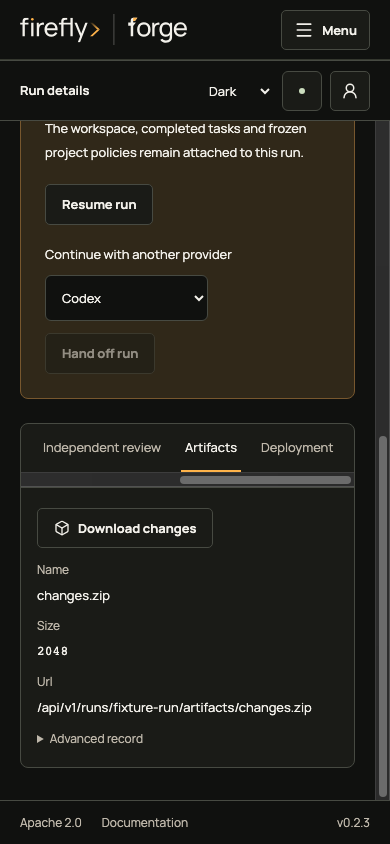
Commands and outputs have bounded previews and full-copy controls. Advanced record retains the original technical payload. In Plan, a completion receipt records an outcome; hash-chain validation checks record integrity. Neither can turn a failed check into a passing build. The journal is an operator-controlled database ledger, with the integrity limits described in recovery.
5. Choose recovery or handoff from the evidence
Inspect the actual workspace or external service for the unresolved effect, then retain its identity and result before repeating an operation. Resume preserves the run and available session. Retry creates a separate run and can repeat earlier effects. Handoff keeps the existing source and freezes a new configured provider snapshot.
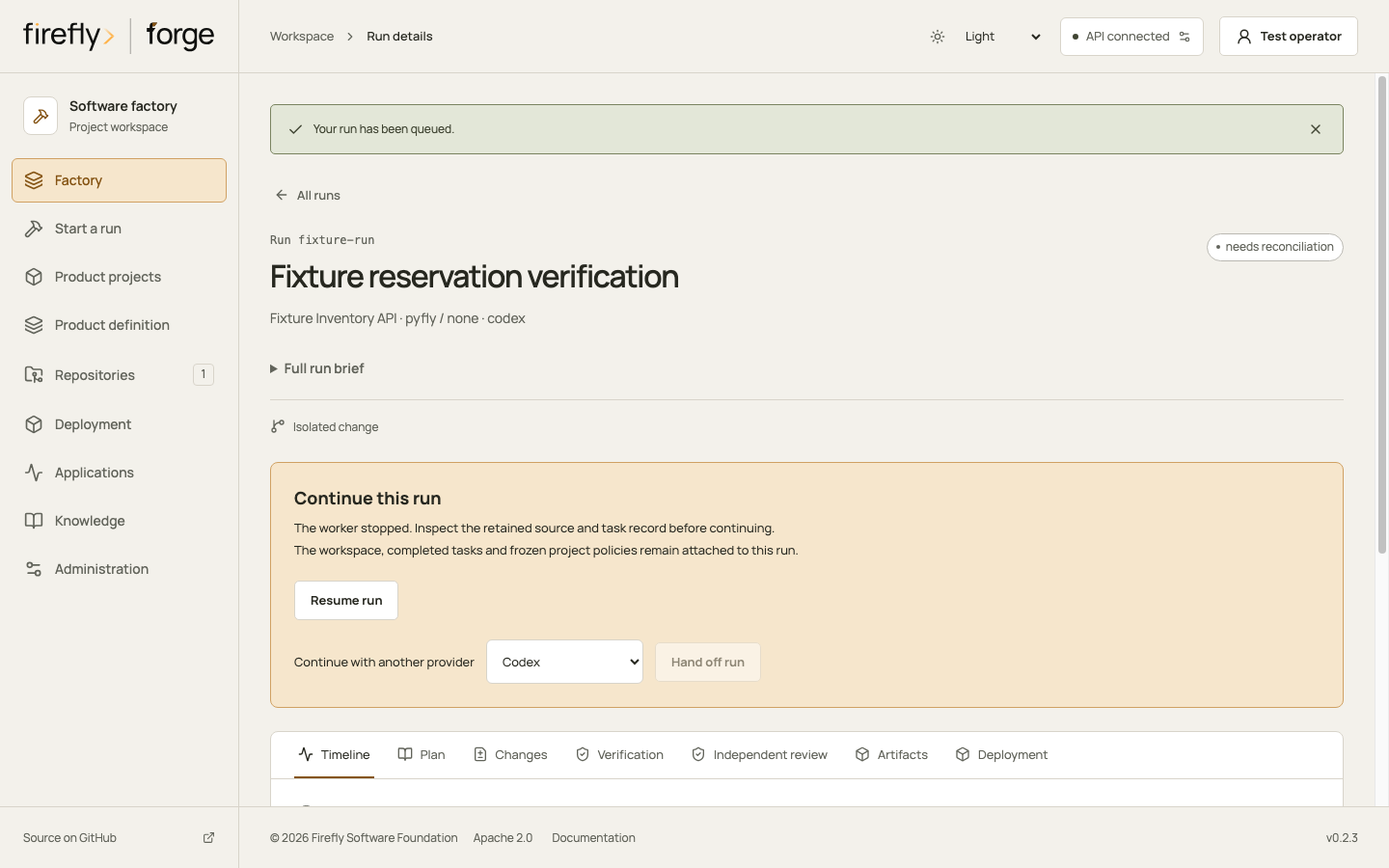
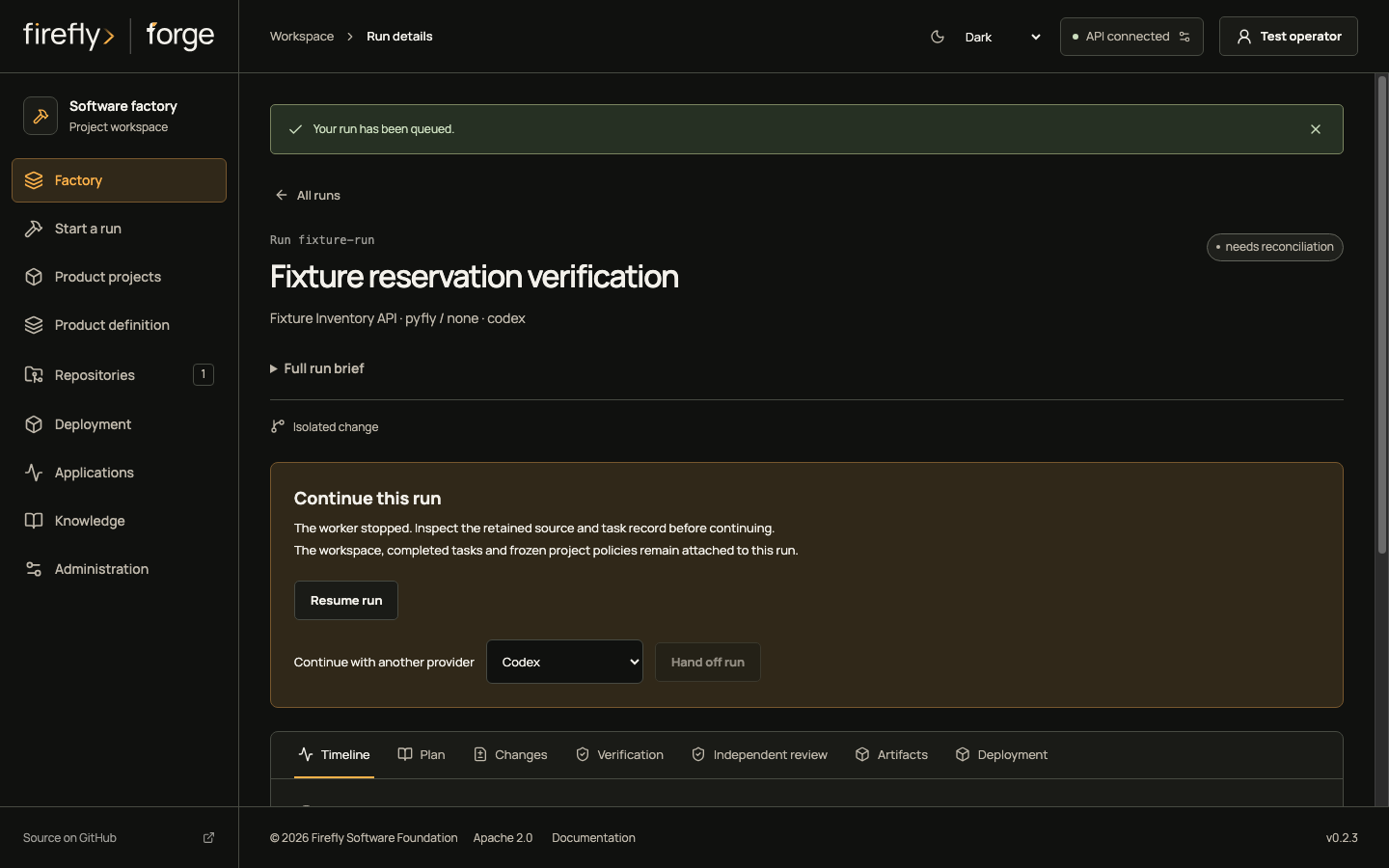
Inspect the continuation controls on a phone
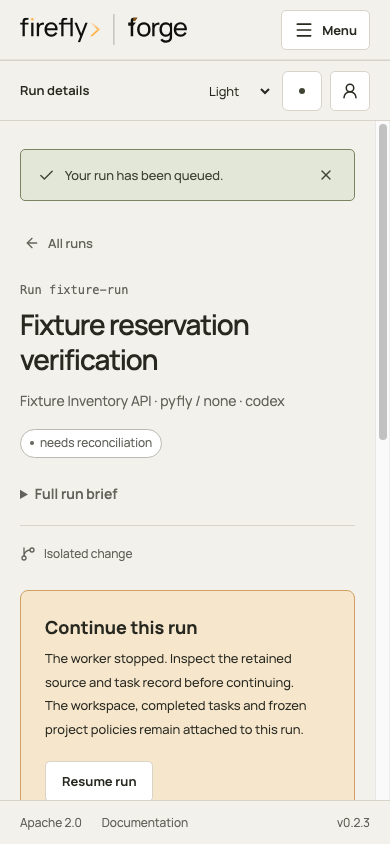
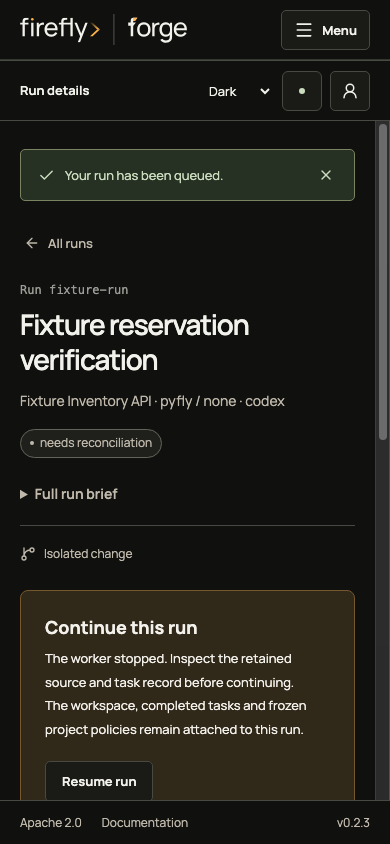
Follow recovery and handoff for the accepted state and request contract. Review the exact diff and passing checks before publication or deployment. Verified memory is written only after final verification; this failed fixture cannot establish a successful memory write.
Keep captures current
For project tool permissions and provider prerequisites, follow the external tools walkthrough.
The capture inventory records each path, fixture state, theme, actual viewport, image SHA-256, action bounds and frontend source hashes. Each entry retains its producer, shared-helper and browser-configuration hashes with the Studio version. The strict build rejects missing capture inputs, changed image bytes and mixed frontend versions until the complete inventory is refreshed.
From the repository root, with the existing Studio dependencies installed, capture through the isolated fixture browser configuration:
UPDATE_DOC_SCREENSHOTS=1 FORGE_DOCS_PORT=5227 \
  node studio/node_modules/@playwright/test/cli.js test \
  --config studio/playwright.docs.config.ts
The configuration captures both the product journey and external tool setup. For complementary views against unchanged frontend and capture inputs, set CAPTURE_STAGES to a comma-separated list of state names. Existing captures keep their bytes and recorded provenance. After a frontend, Studio version or capture-input change, refresh both complete journeys.
Choose an unused local port. The configuration starts its own server and refuses to reuse another checkout. Captures wait for fonts, use the configured viewport and check visible wizard actions against the footer and click target. Native scrollbar painting stays enabled. Review the actual images and rendered guides after regeneration. Fixture screenshots remain presentation evidence, even when the browser checks pass.
-
These screenshots render the Studio source and version recorded in the capture inventory with controlled API fixtures. Provider readiness, product receipts, command results and journal hashes are fixtures. The journey makes no real model, command, remote repository or knowledge-service call. It demonstrates navigation and presentation; browser success does not establish execution, authenticated provider access or customer acceptance. Phone captures use their recorded viewport and remain bounded in the guide. See capture maintenance and source hashes. ↩