Configure external tools in Studio
Open Administration, then External tools to manage a connection and its project permissions. Follow the GitHub setup below, or inspect the requirements for another provider.
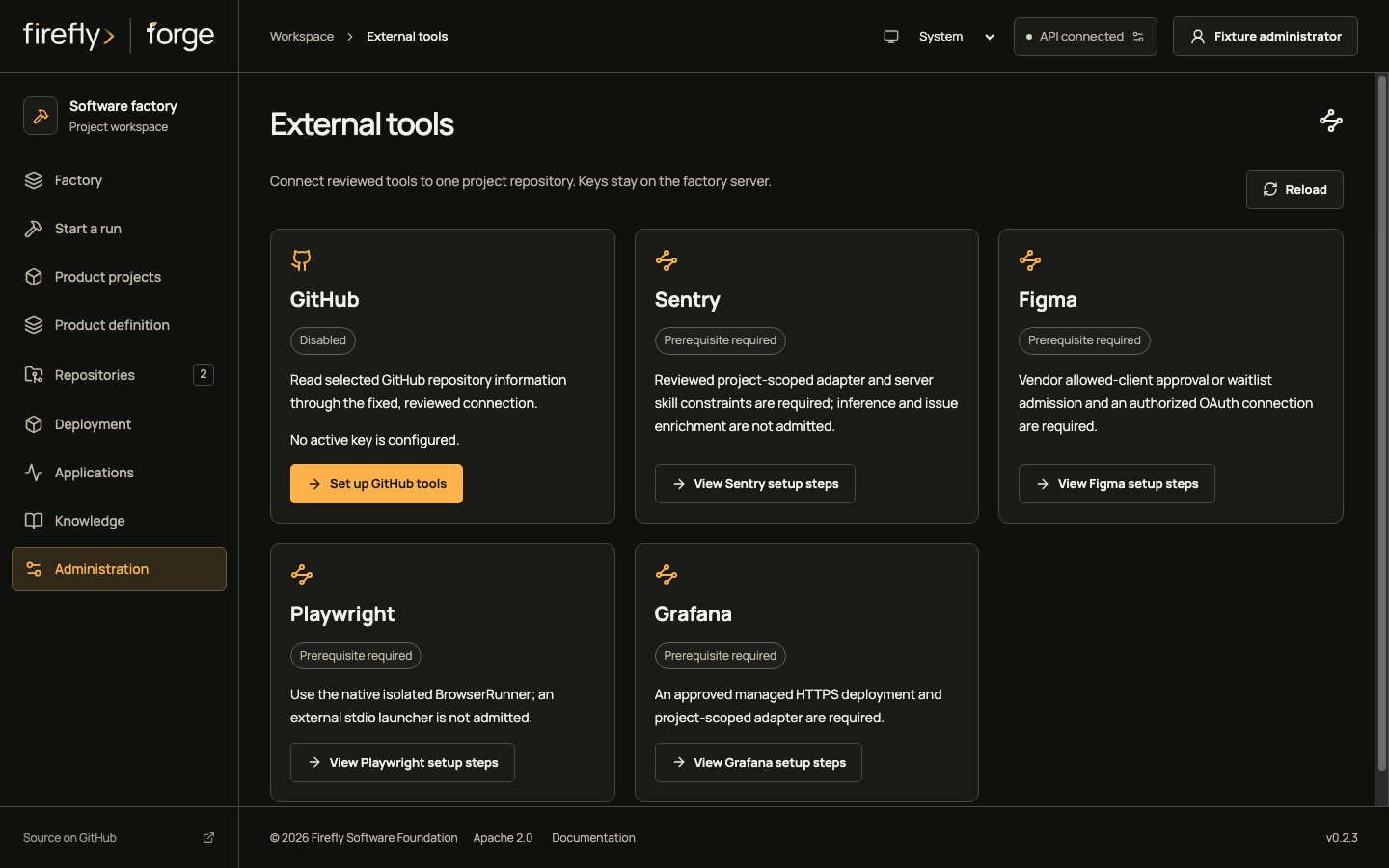
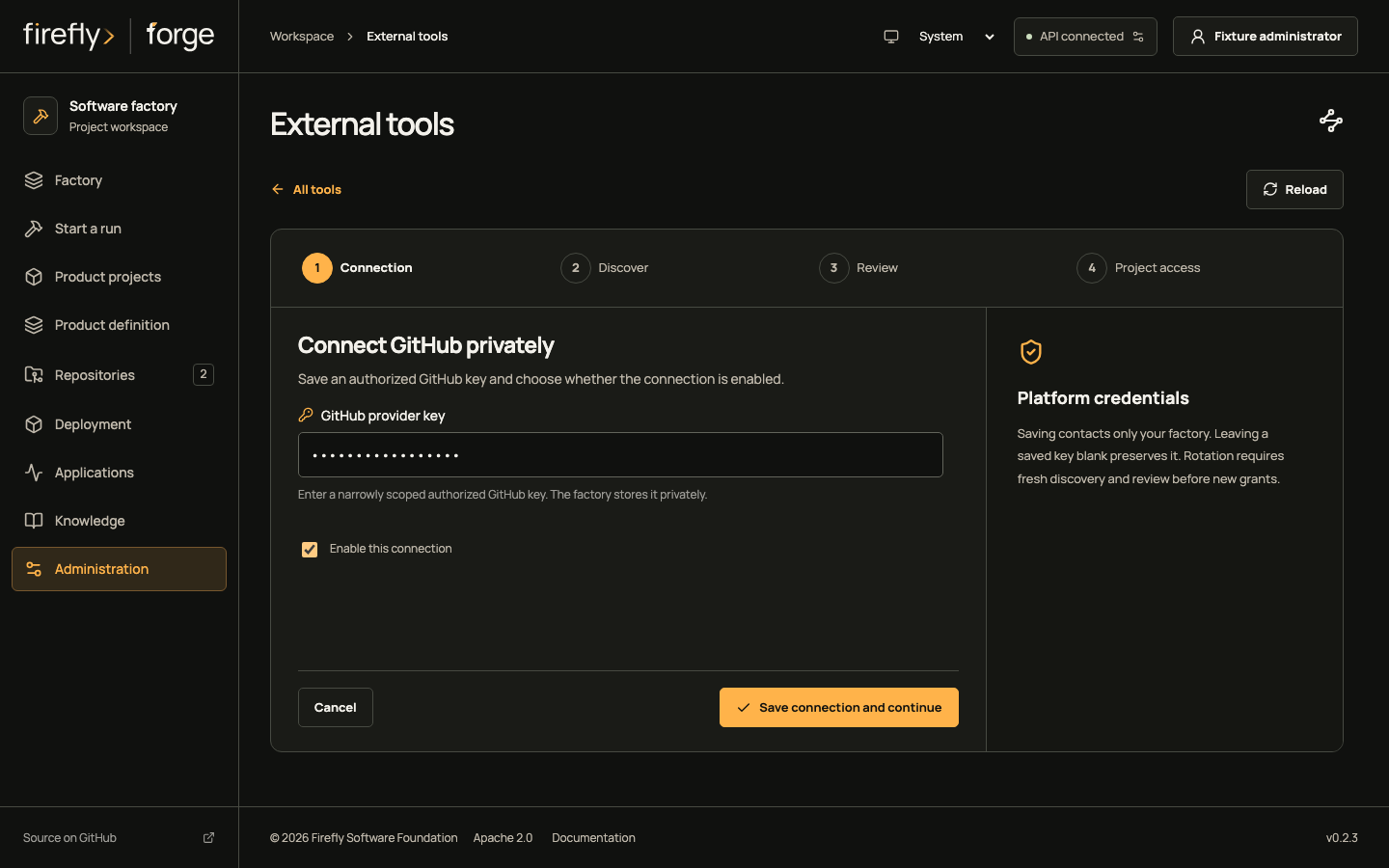
Screenshots use controlled fixtures.1 Select an image to open the full capture; its theme follows the page appearance.
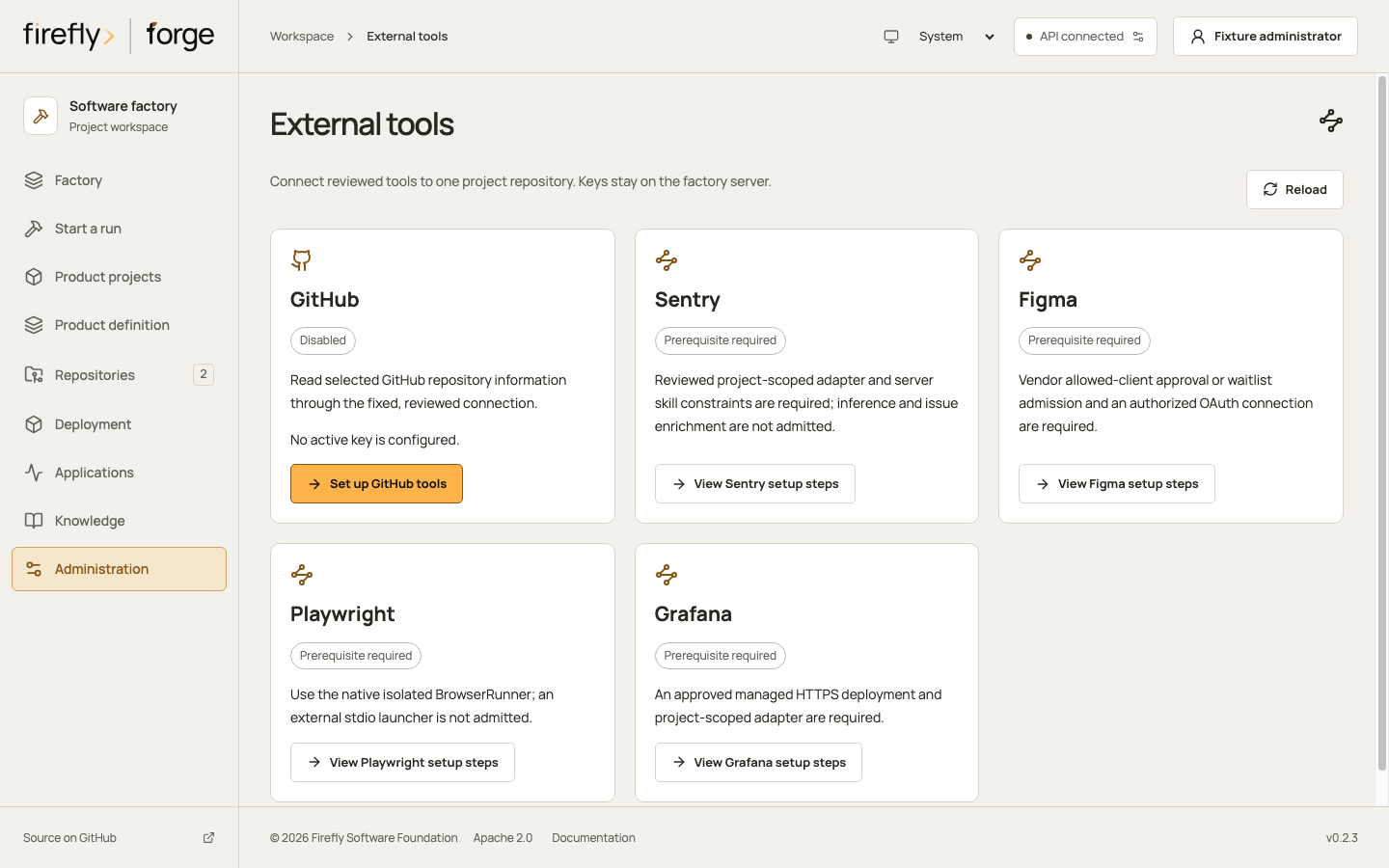
Connect GitHub to a project repository
A factory administrator configures the platform key and project grants. A project owner cannot change those settings. The worker also needs the external_mcp role permission in Agents & skills; direct Codex and Claude CLI tools use their own permissions.
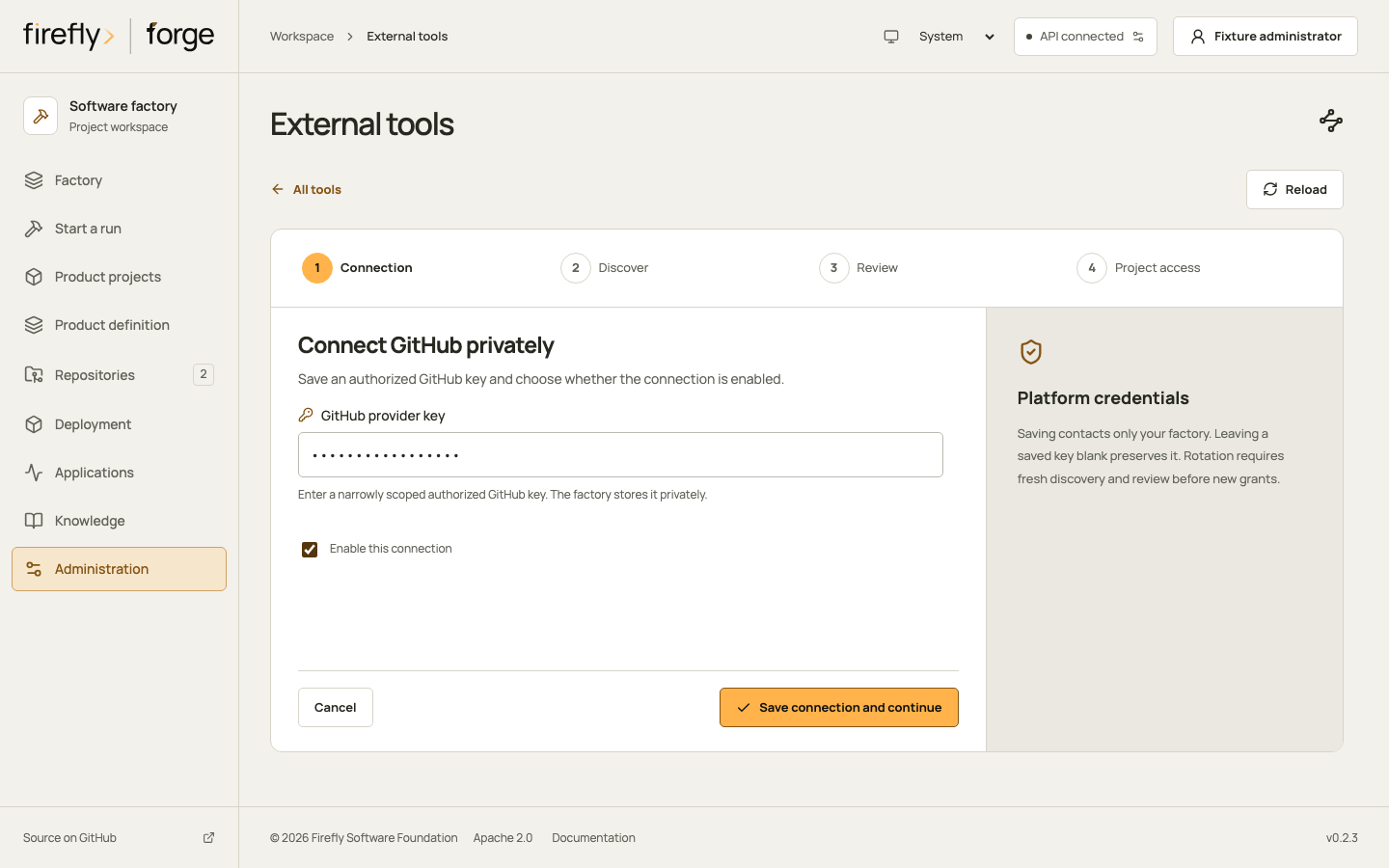
1. Save the connection
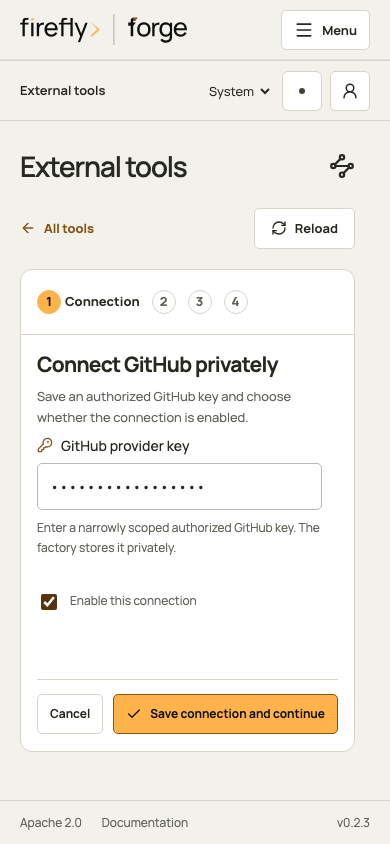
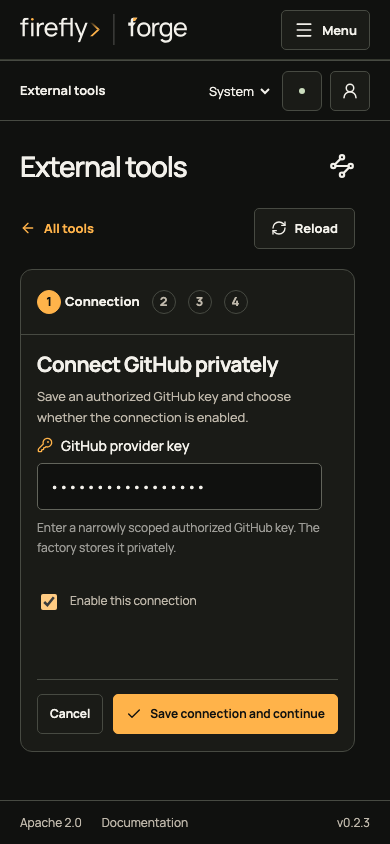
Enter an authorized GitHub key and choose whether to enable the connection. Saving contacts your factory API. Leave a saved key blank to preserve it; the page never reads its value back.
Inspect the connection on a phone
2. Request discovery explicitly
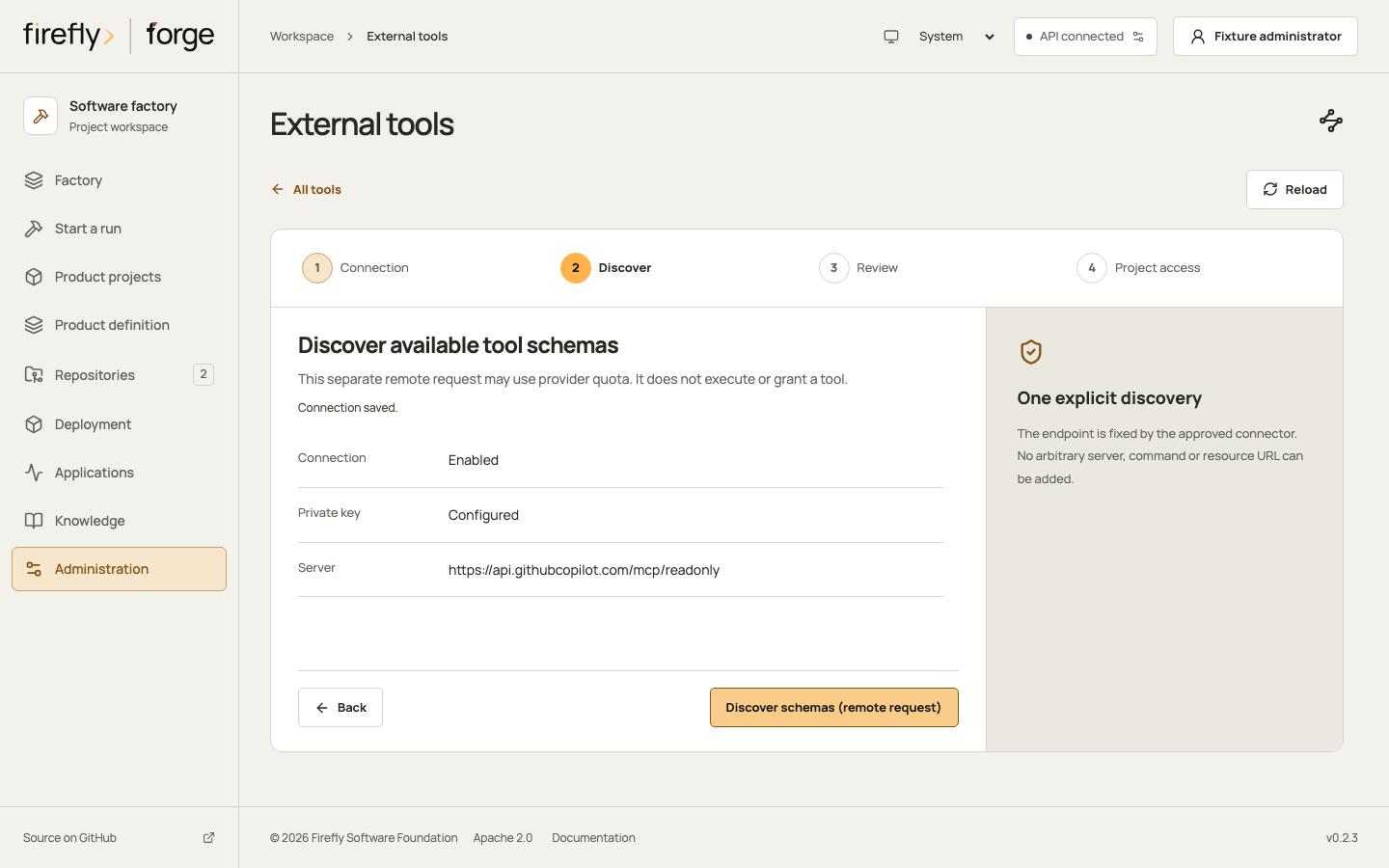
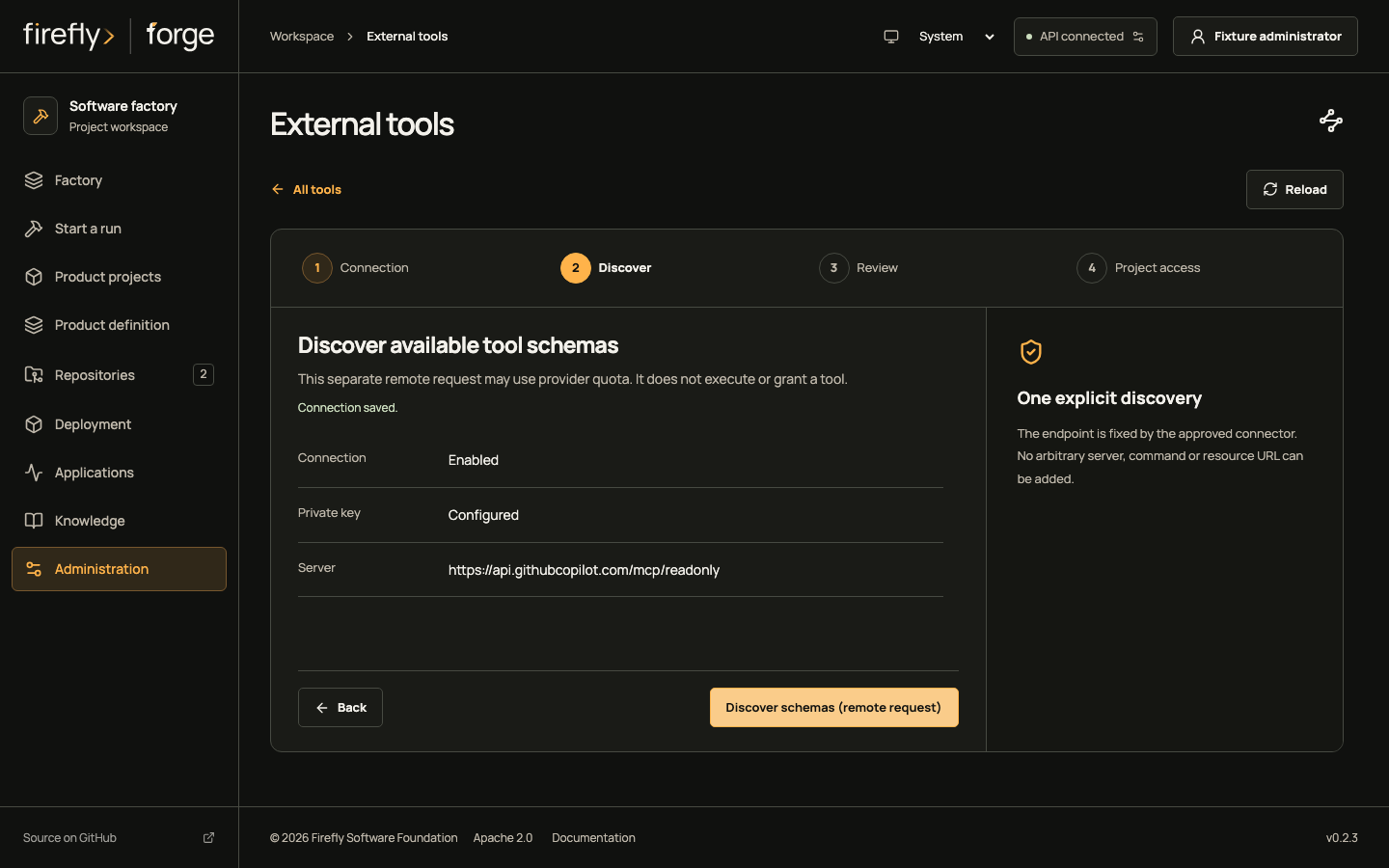
Discover schemas sends a remote request on your factory and may consume provider quota. Inspect the saved connection first, then start discovery when you are ready to review its result. Discovery does not execute a repository tool.
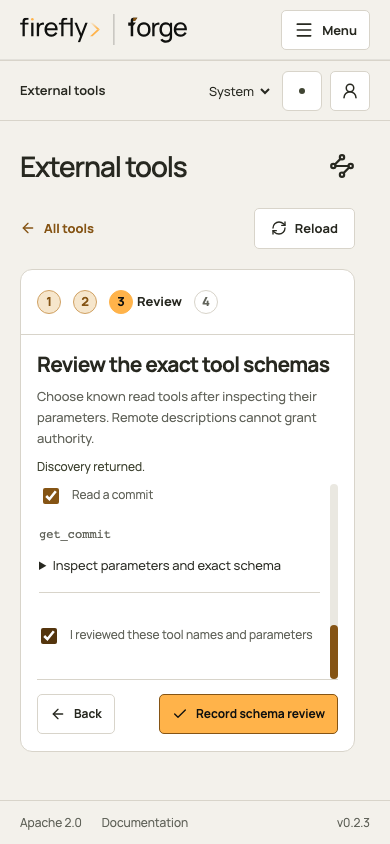
3. Review the returned tools
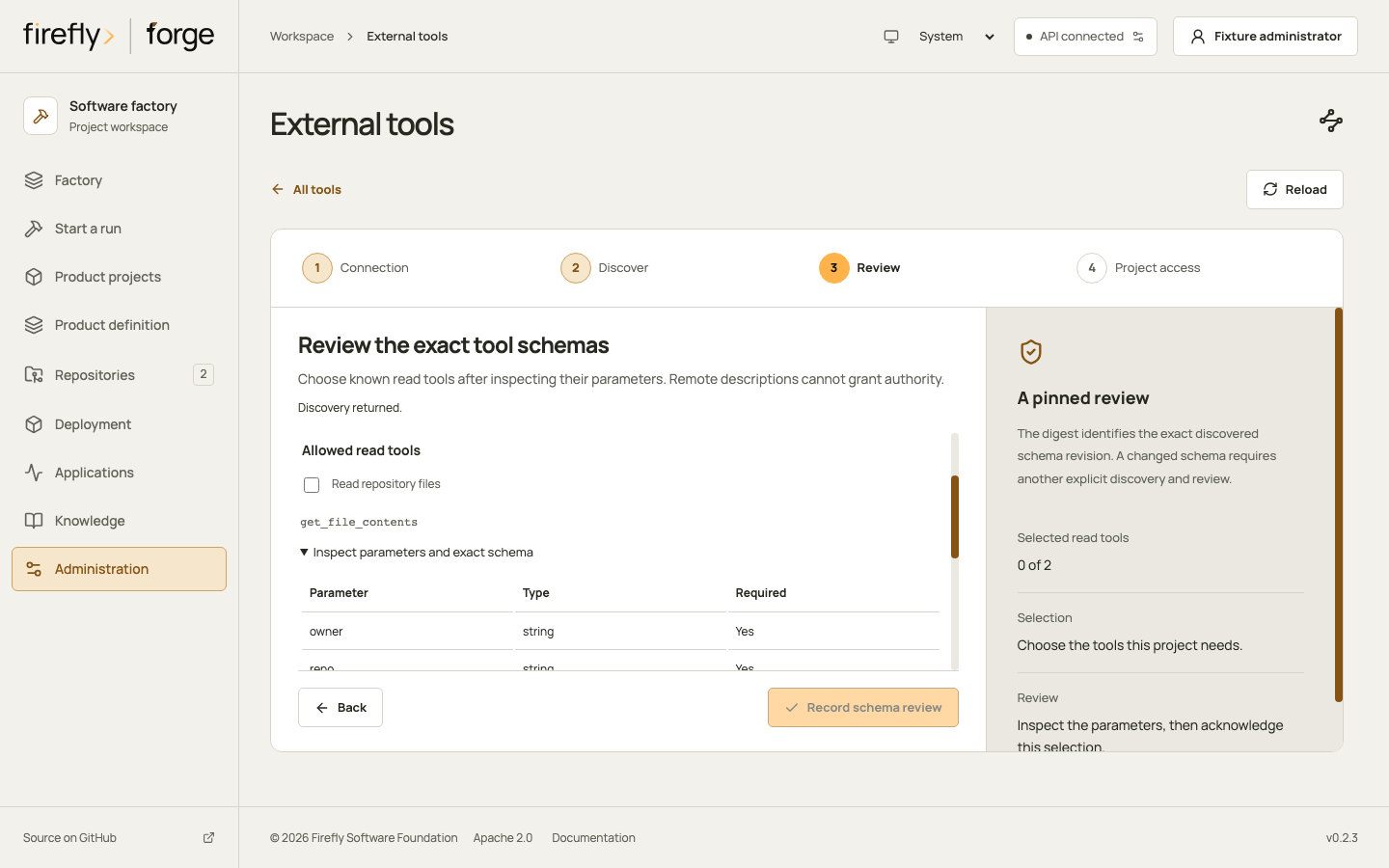
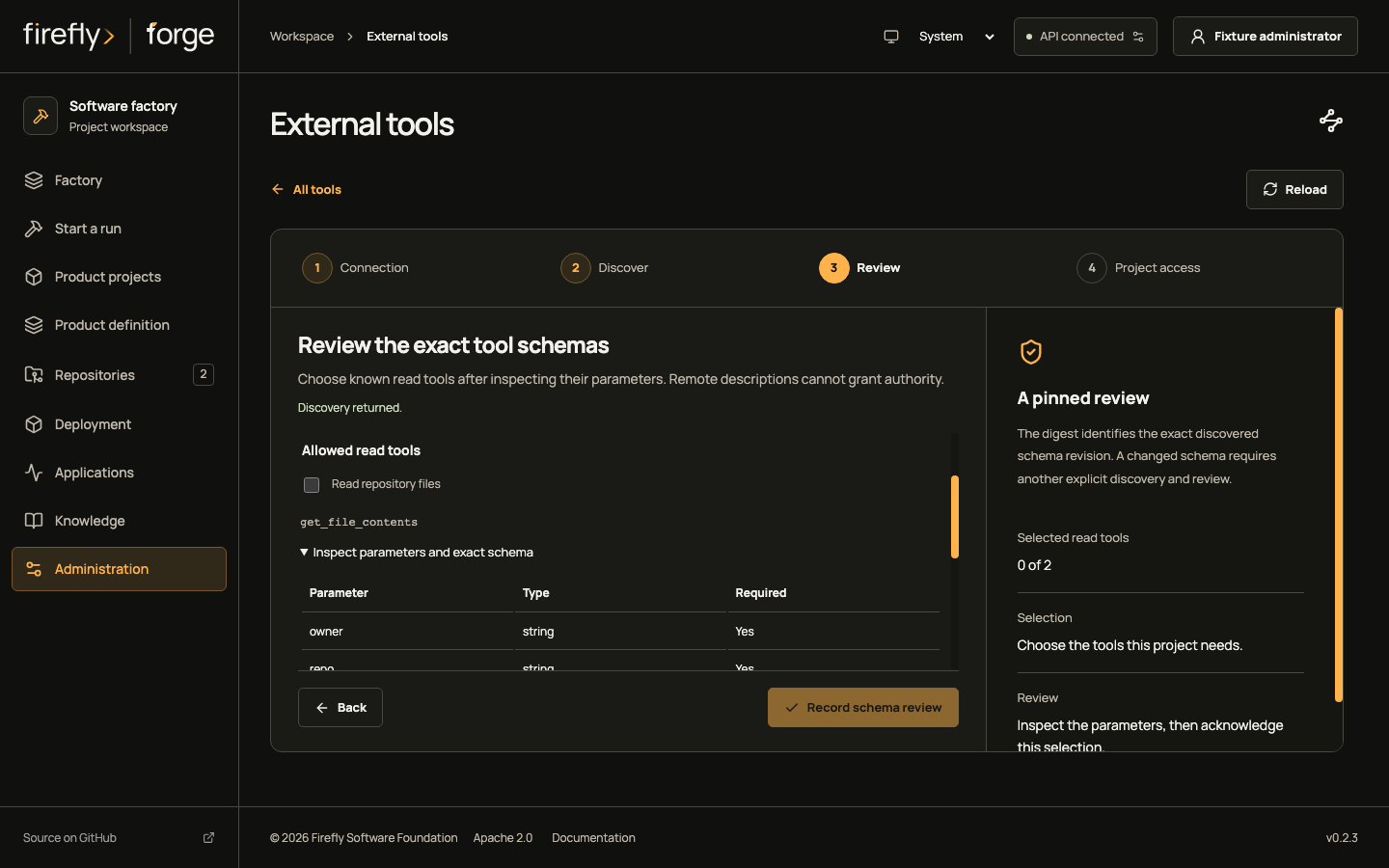
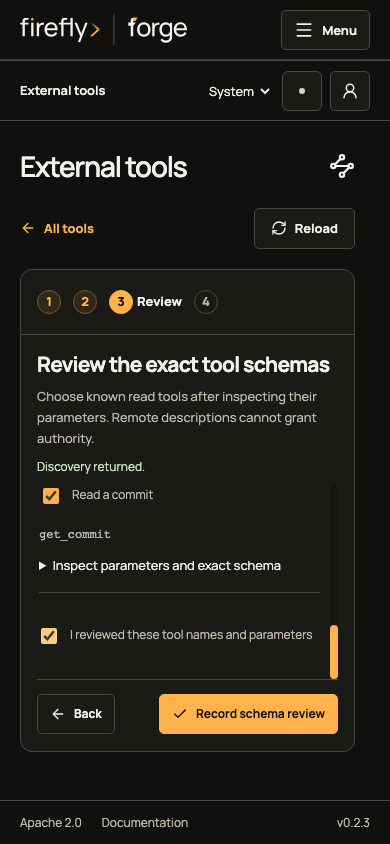
Choose the read tools the project needs and inspect their parameters. Copy the exact digest or open its identity disclosure when comparing schema revisions. A changed schema needs a new discovery and review.
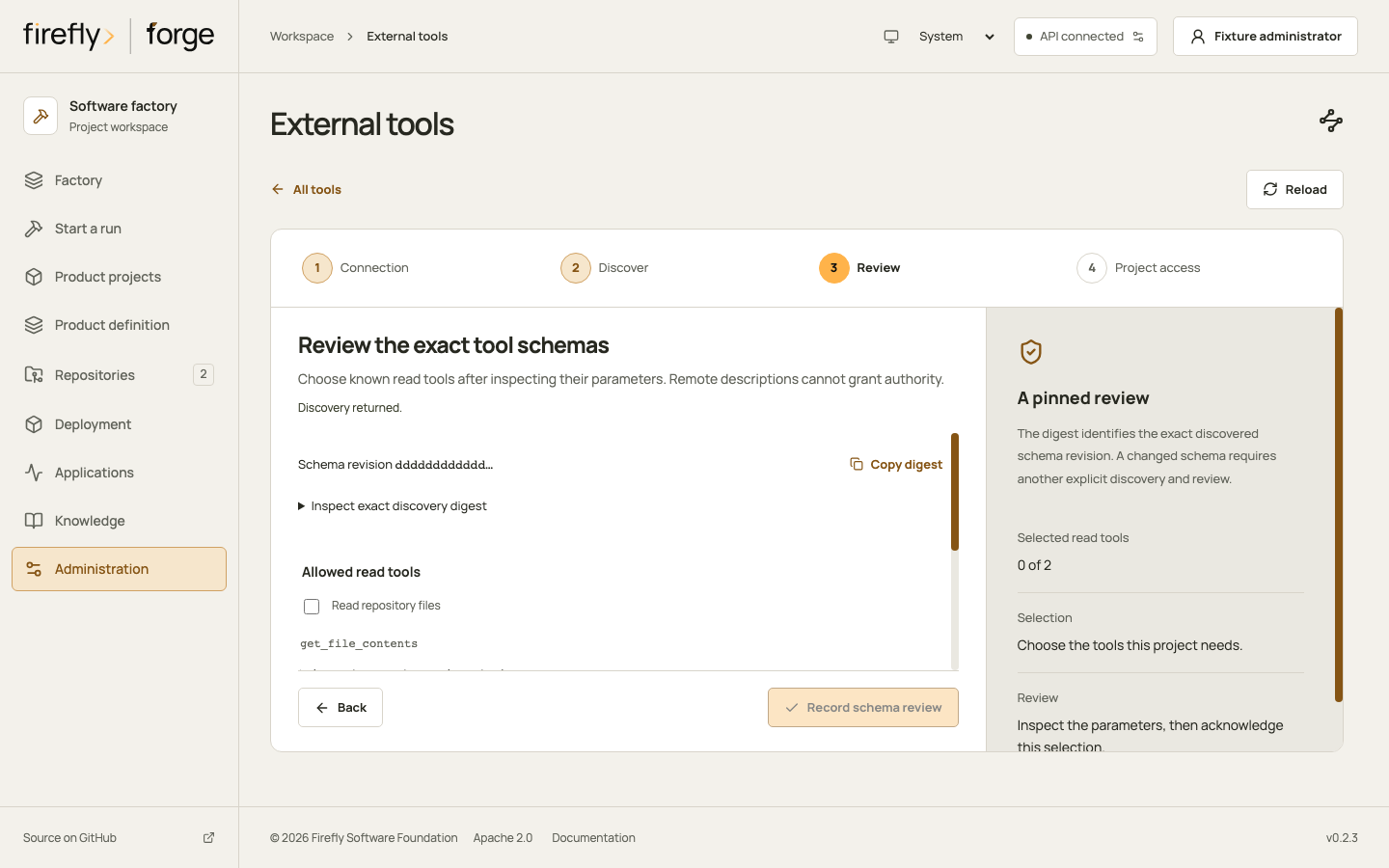
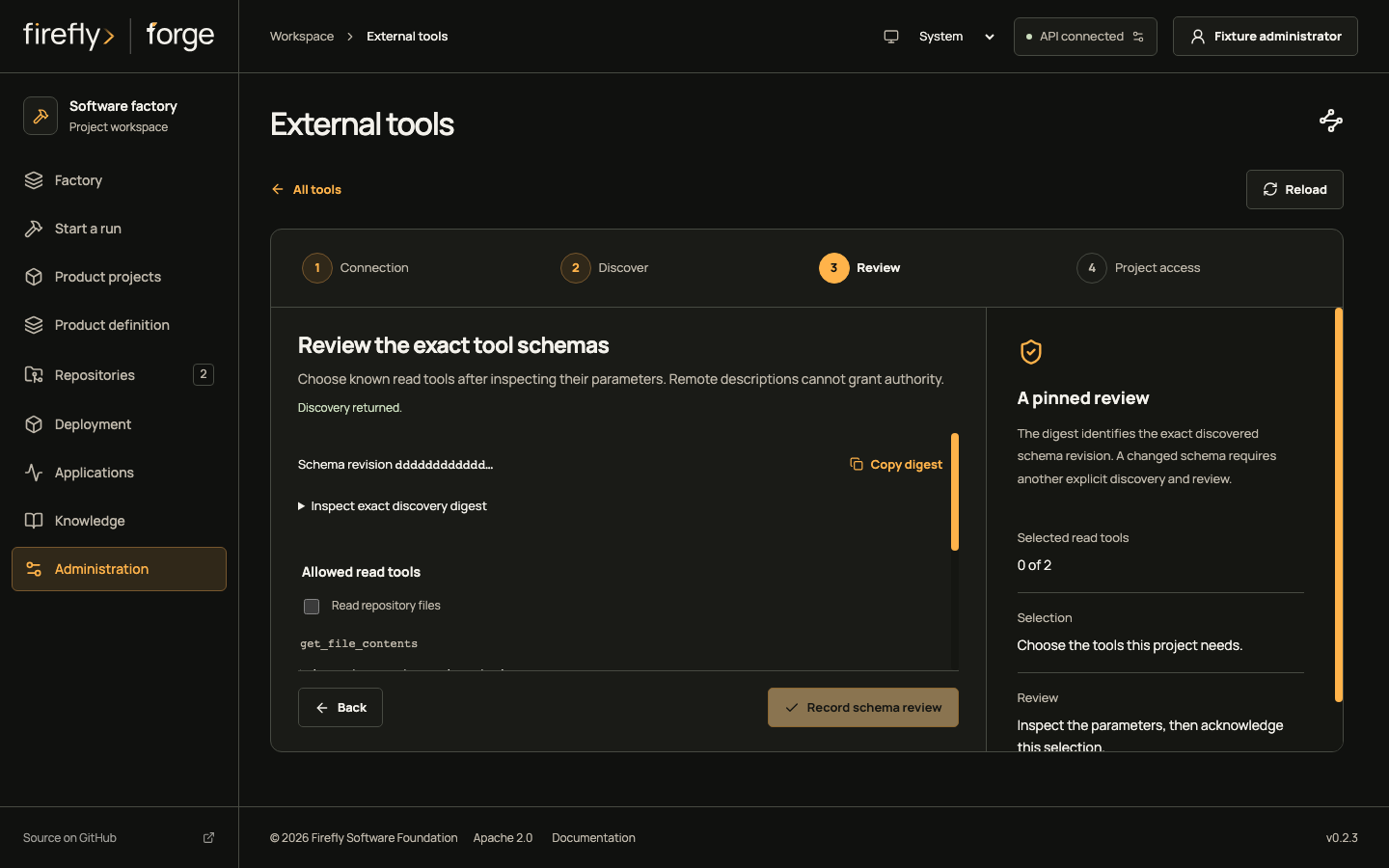
Inspect parameters and the review acknowledgment
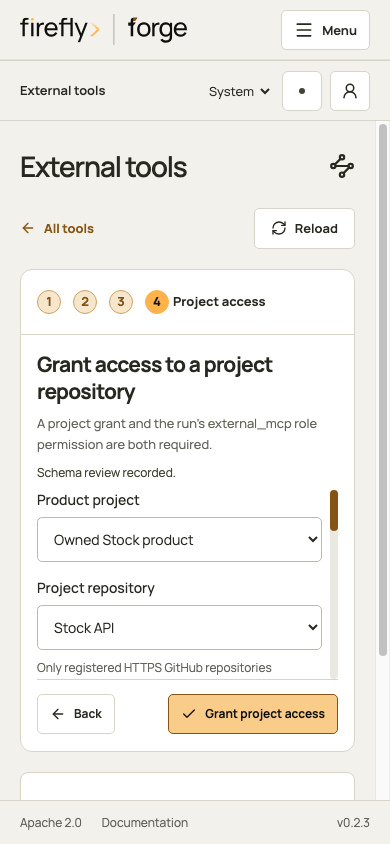
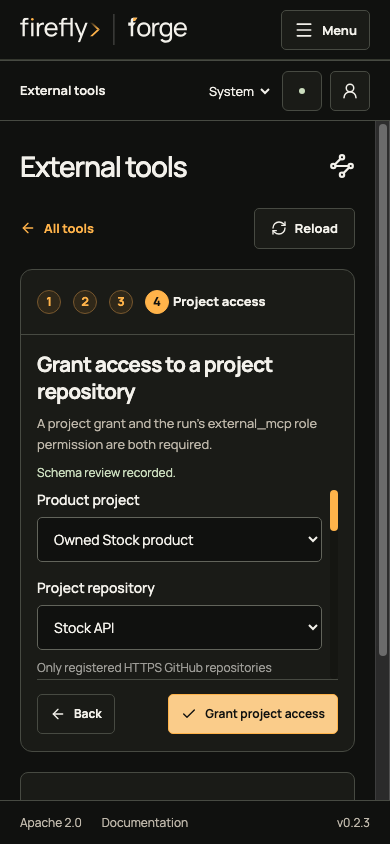
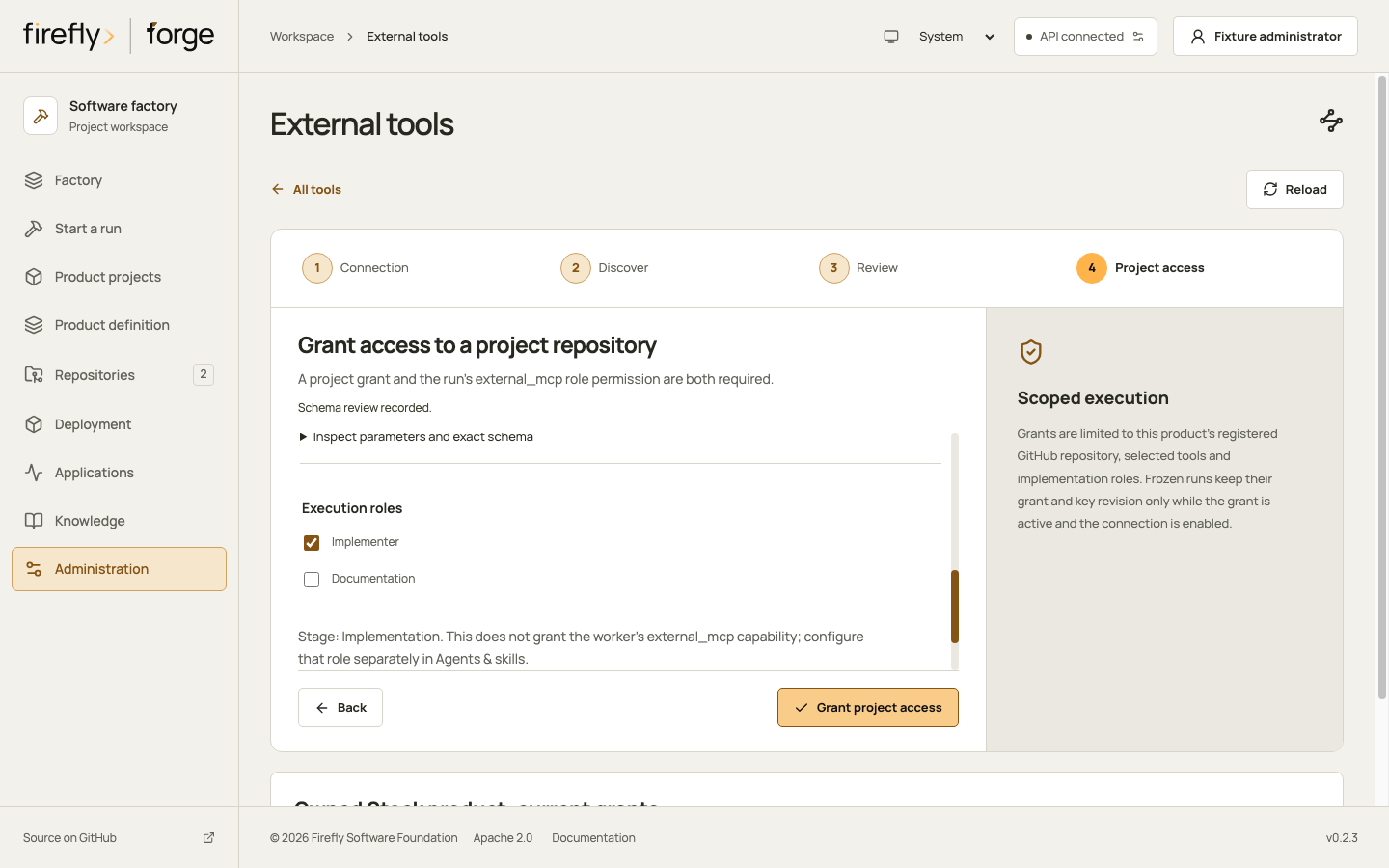
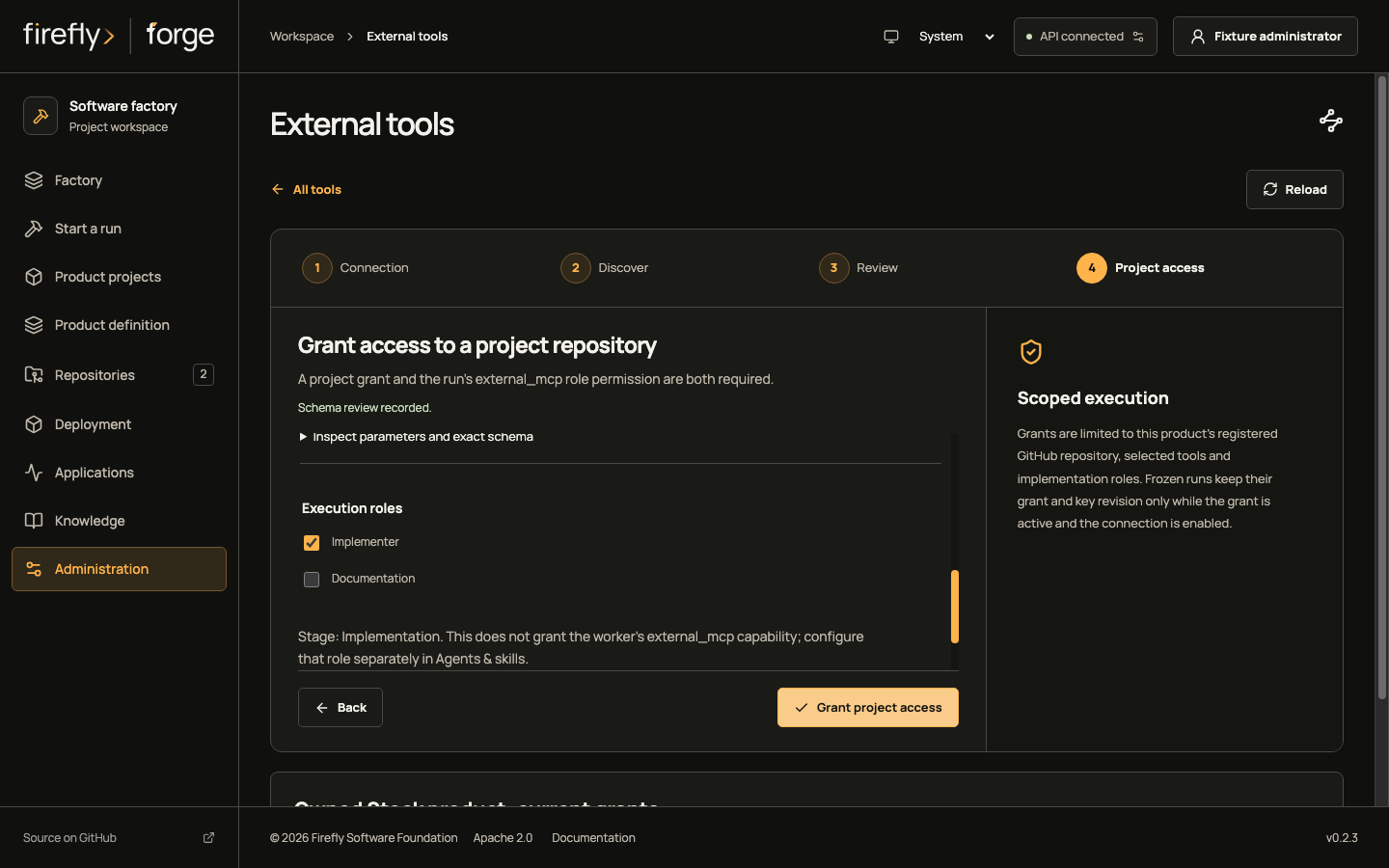
4. Grant the repository and roles
Choose a product project and one of its registered HTTPS GitHub repositories. Select the reviewed tools and implementation roles, then record the grant. Keep one current-key grant for each repository and tool, with all intended roles in that grant. To change an overlapping grant, revoke it explicitly and create its replacement.
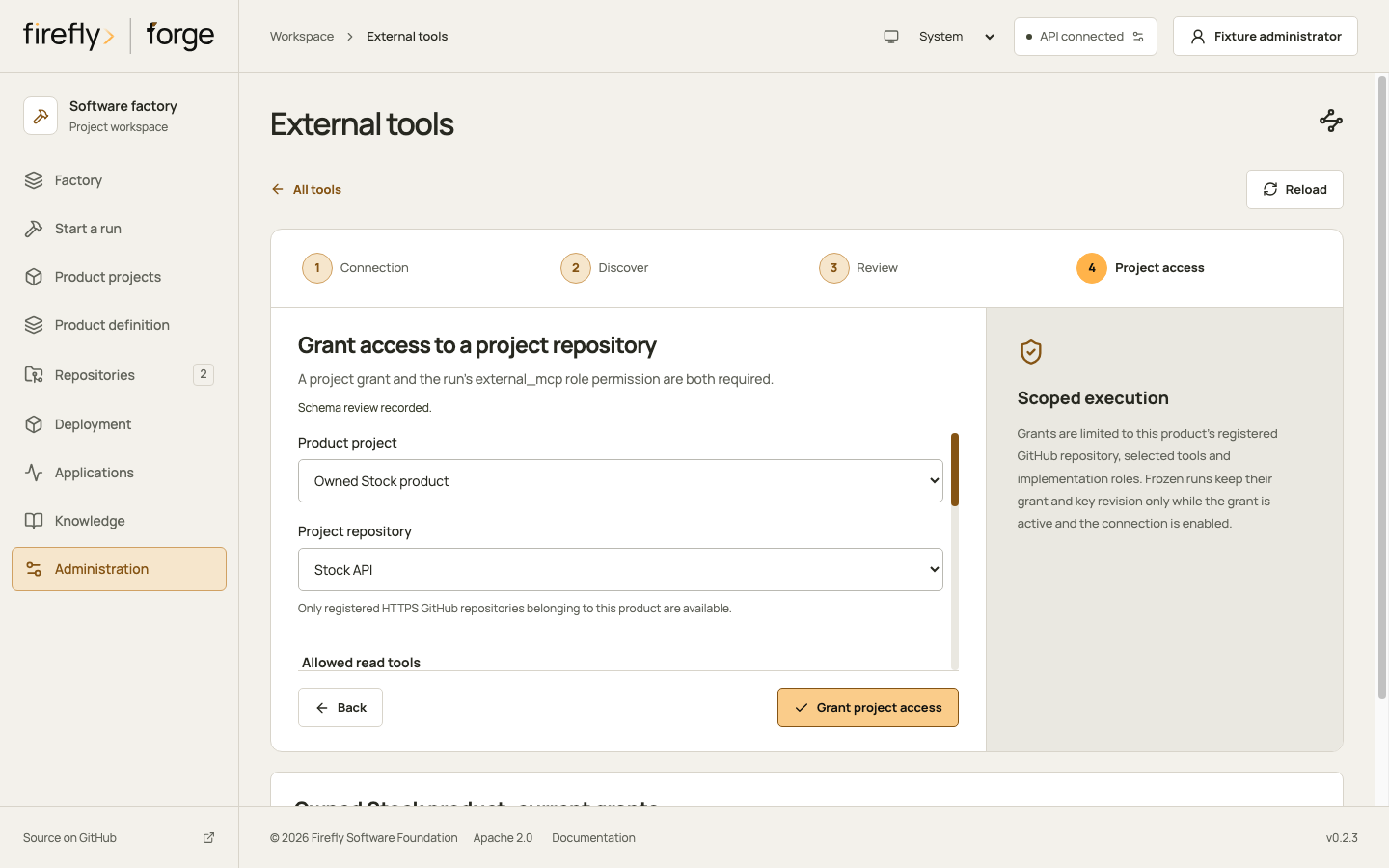
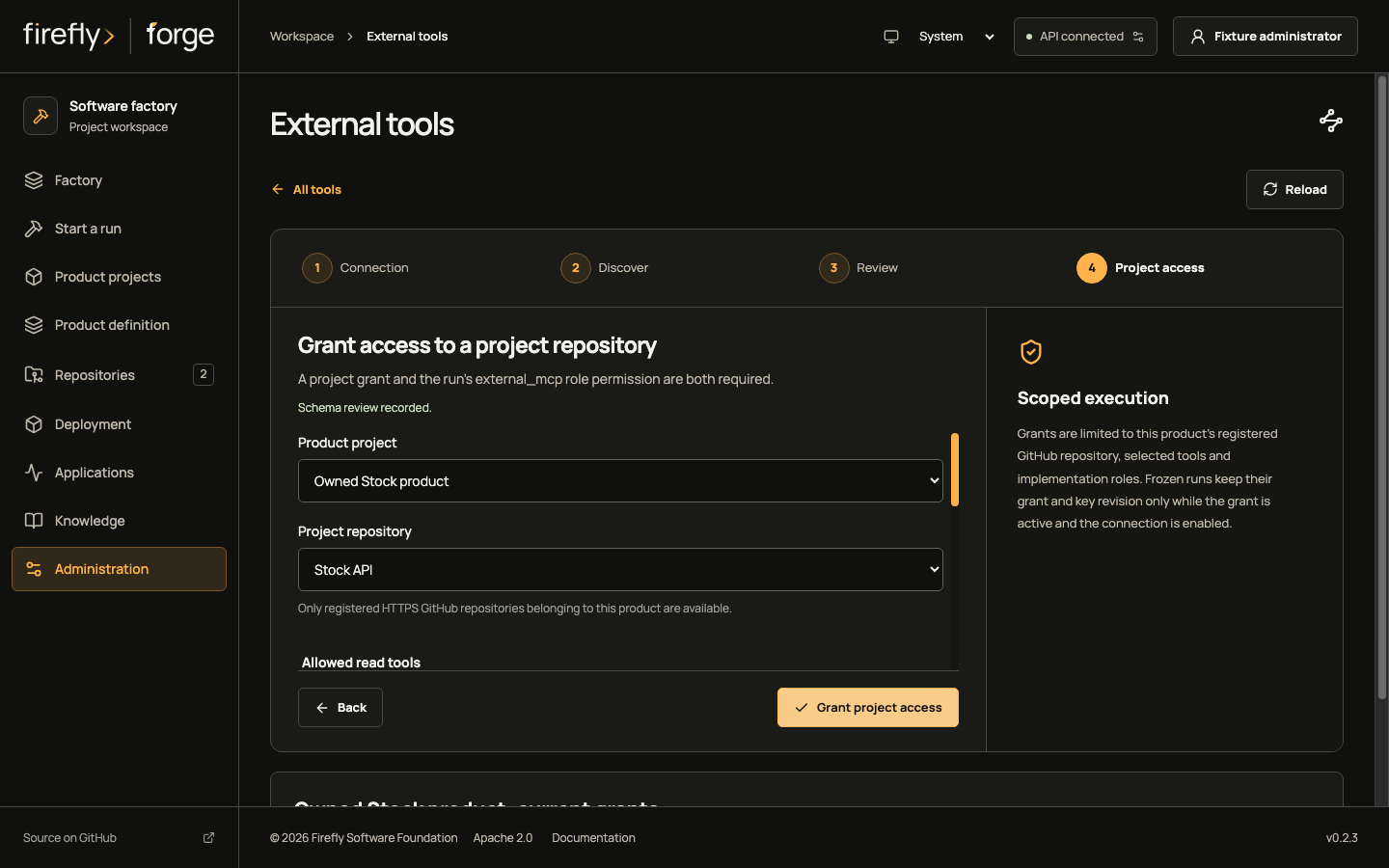
Inspect repository, role and recorded-grant views
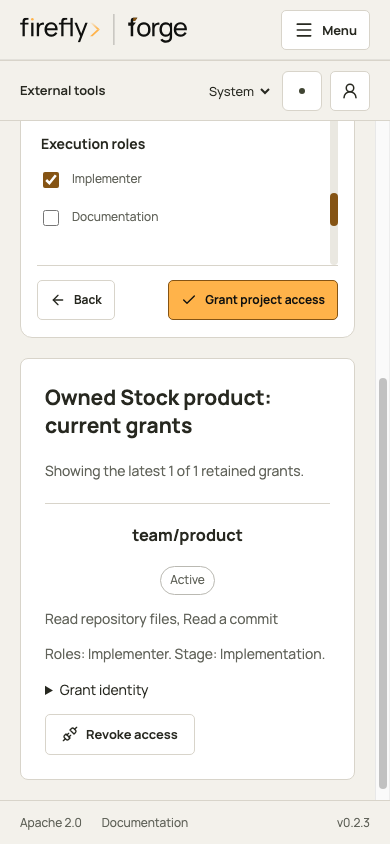
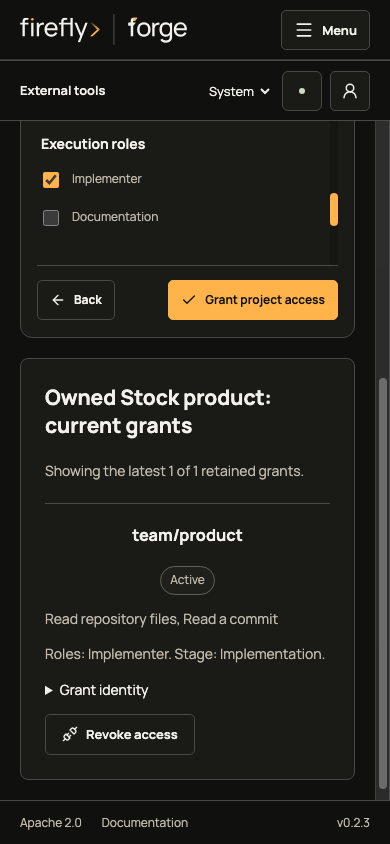
Rotating the key requires discovery and review before new grants. Existing frozen runs retain their recorded grant and key revision only while that grant is active and the connection is enabled. Removing the active key disables the connection and revokes its grants. If a save outcome is unknown, reload the factory state before another change.
See external tool authority and API contracts for the exact discovery, review and grant boundaries.
Inspect another provider's requirements
Each provider has its own Requirements, Account & scope (or Runner profile), Factory setup and Availability views. Continue moves through the guide; it does not verify an account or enable a template.
Figma
Figma requires allowed-client approval or waitlist admission and authorized OAuth for the intended files. A factory adapter is still required; this guide has no token or OAuth form.
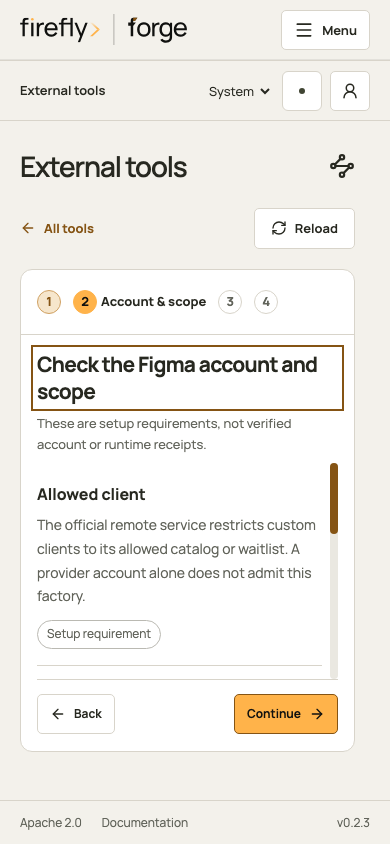
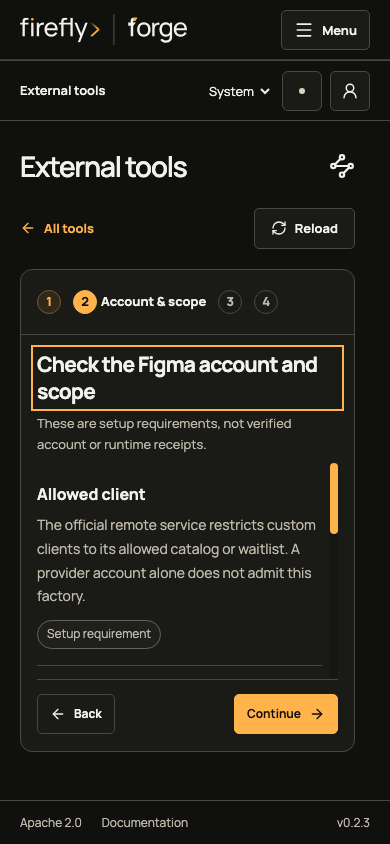
Inspect the remaining Figma setup views
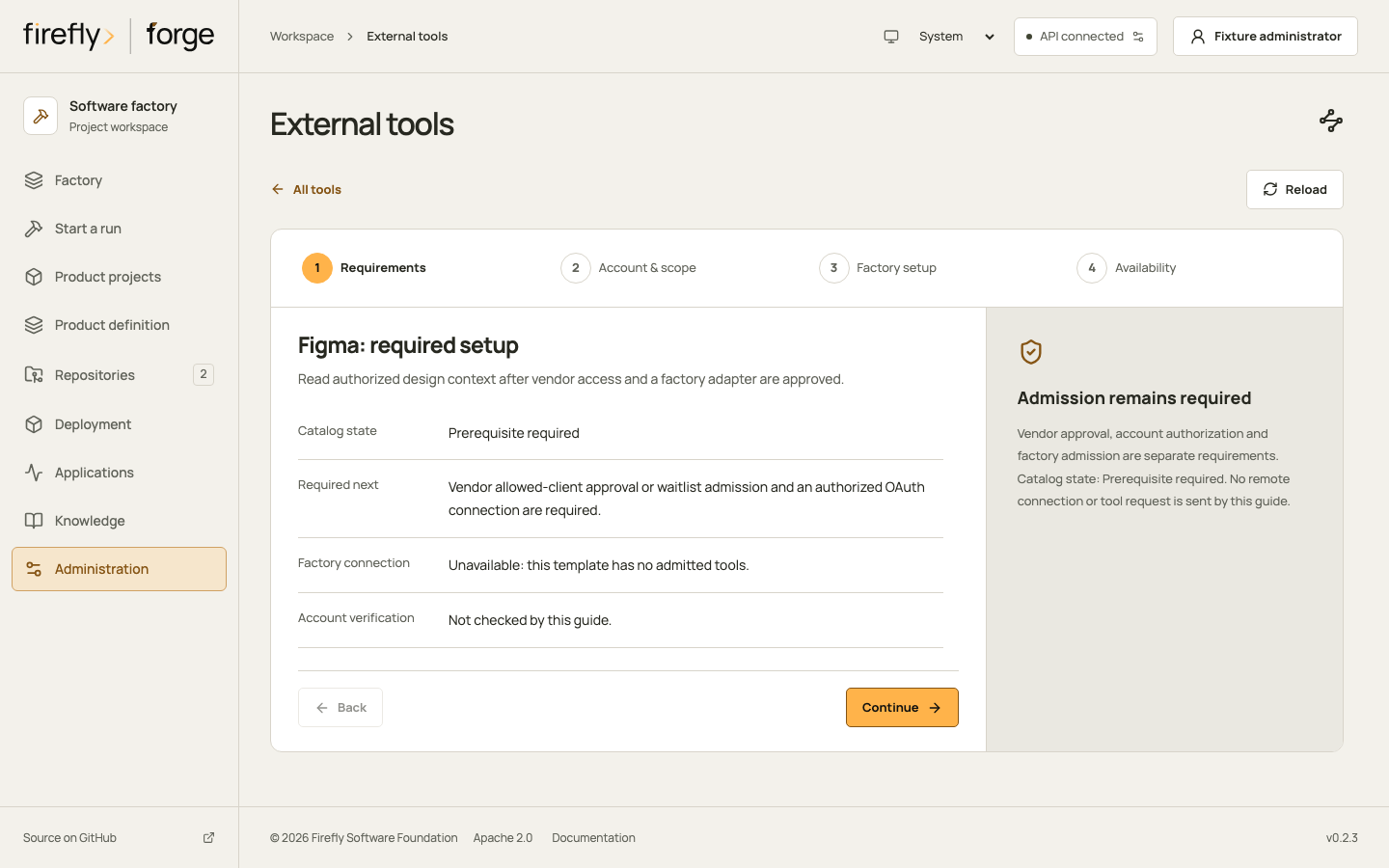
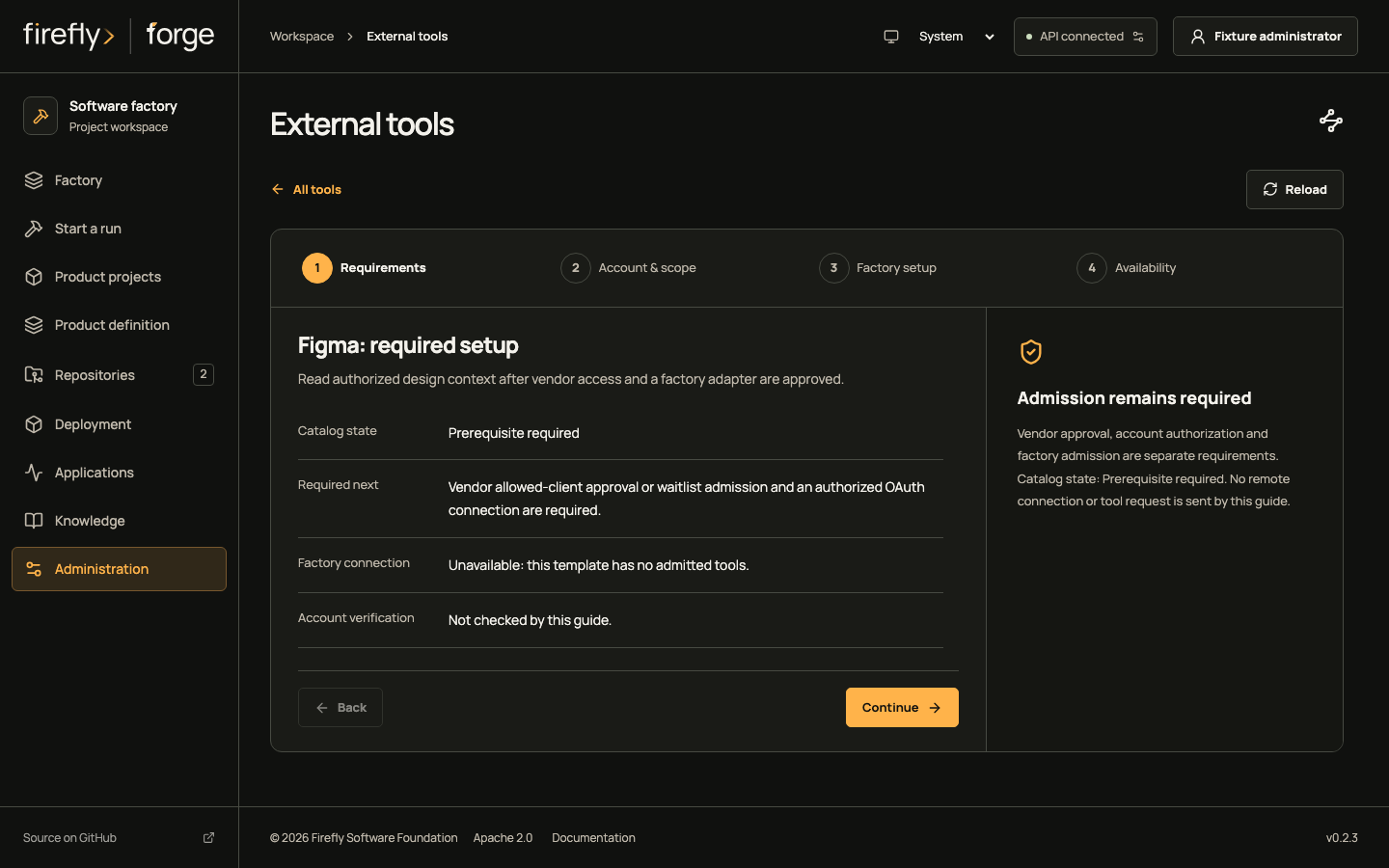
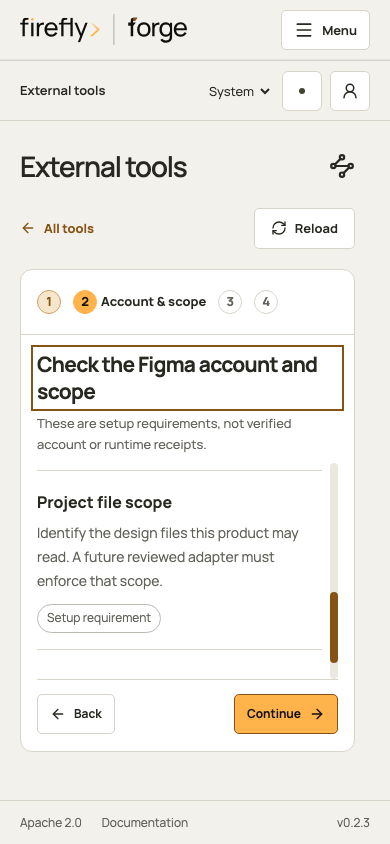
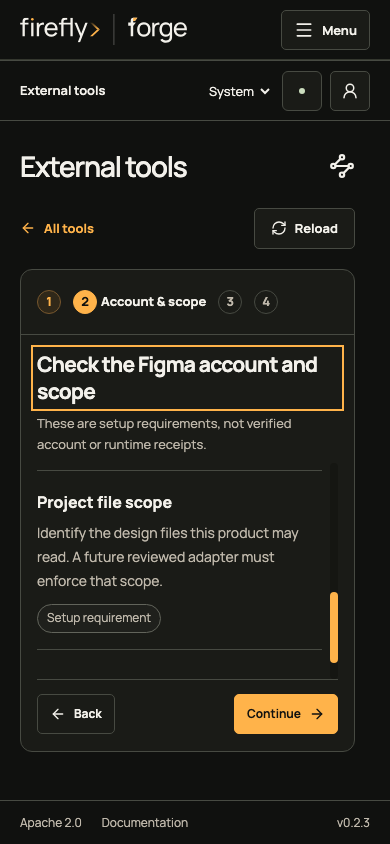
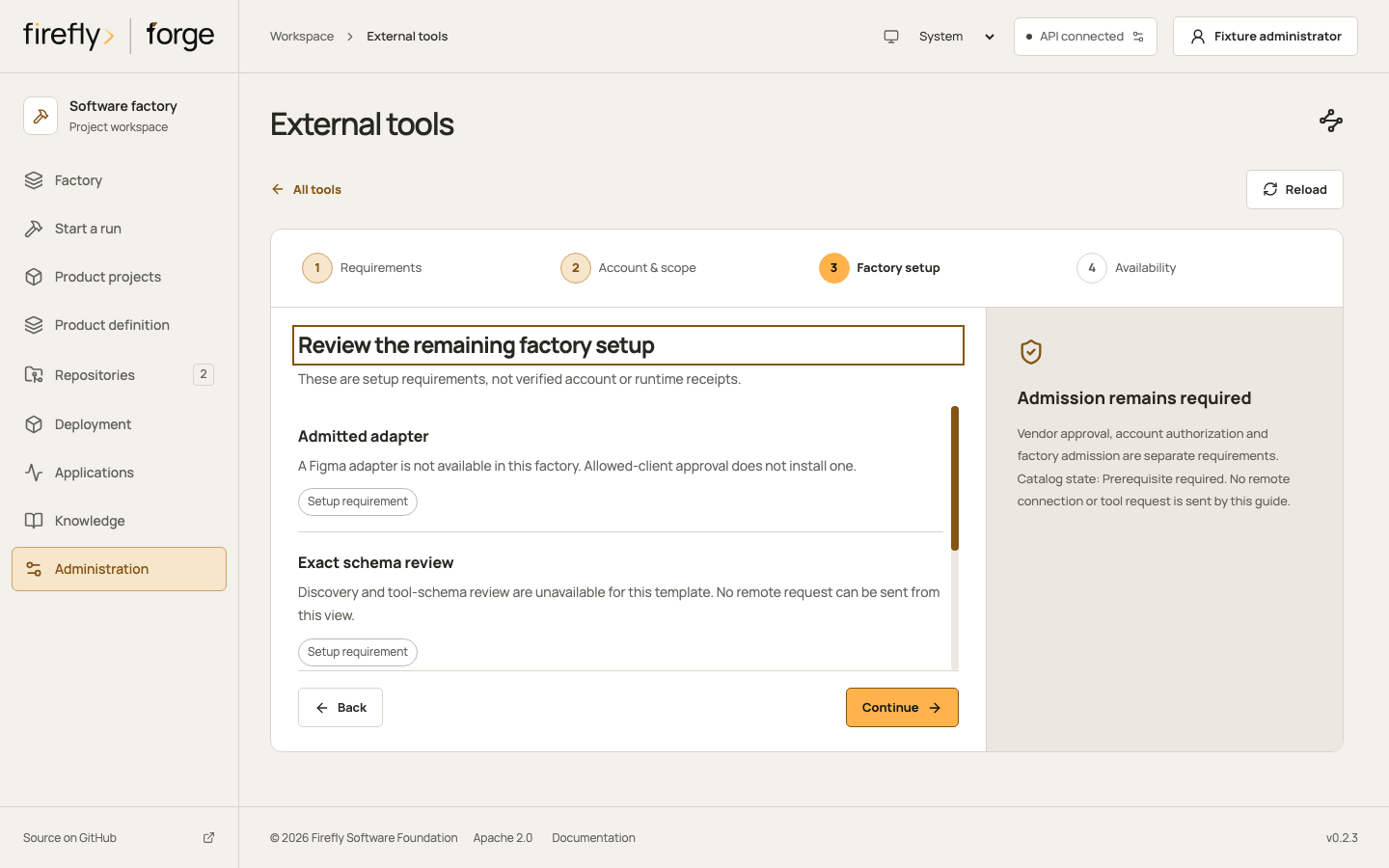
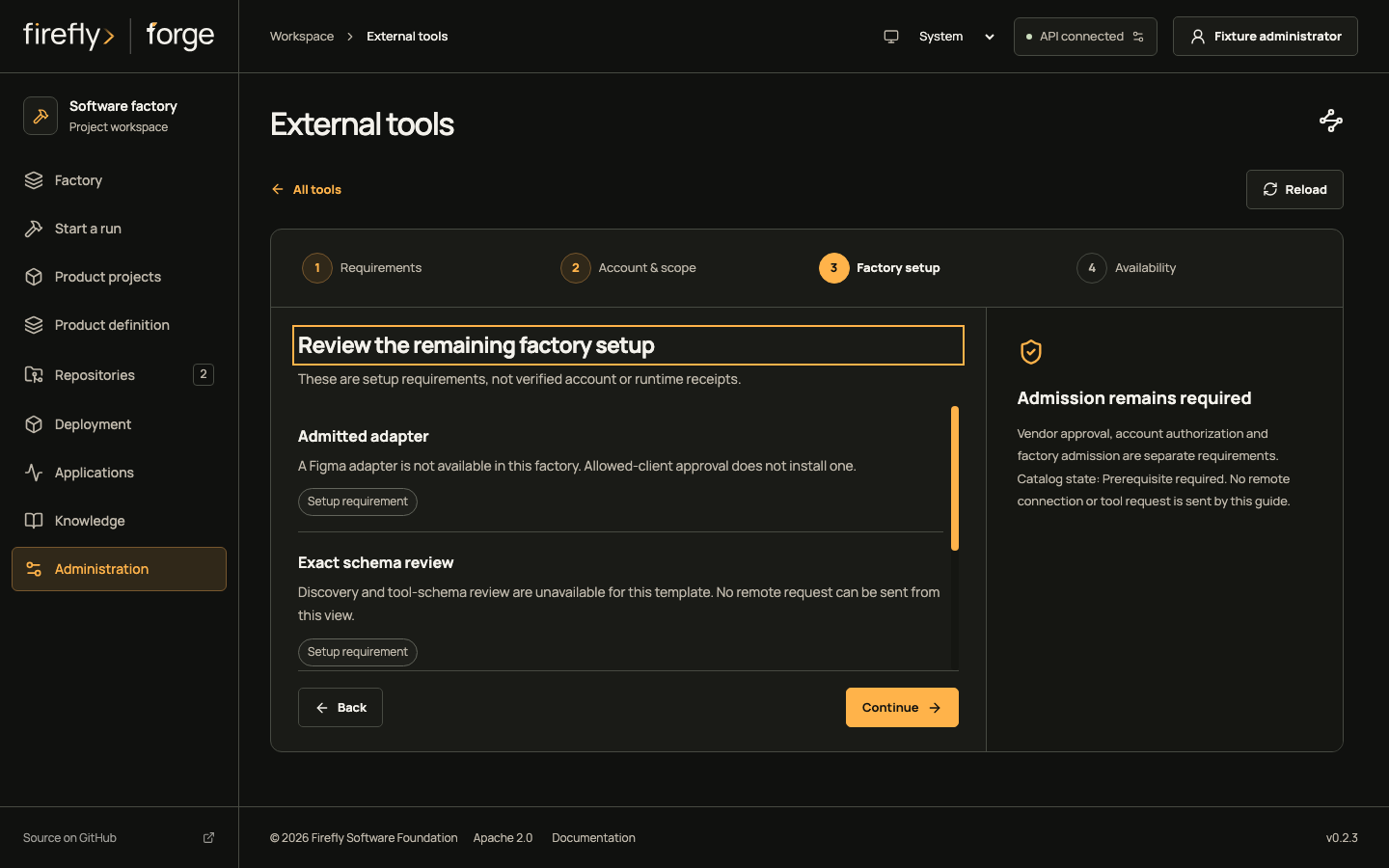
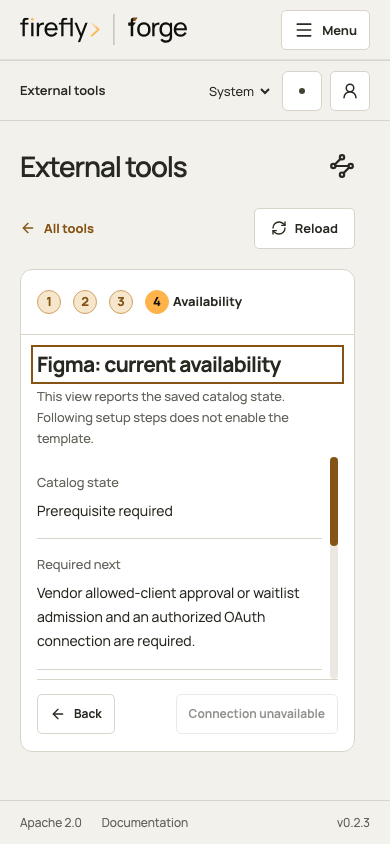
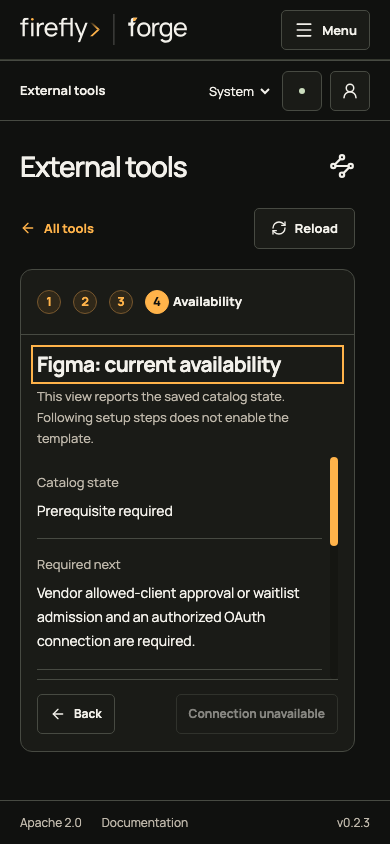
Read the Figma prerequisite checklist for provider access and factory admission.
Sentry
The upstream service uses Sentry-Bearer authentication and can enrich issue results. A reviewed project adapter and server skill constraints are still required before this factory can admit those calls.
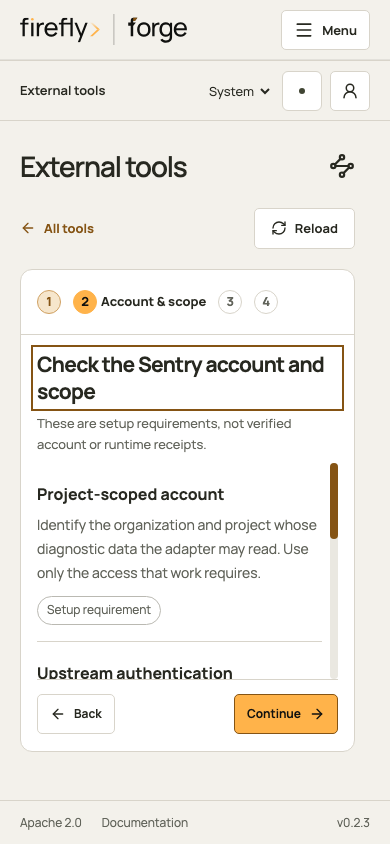
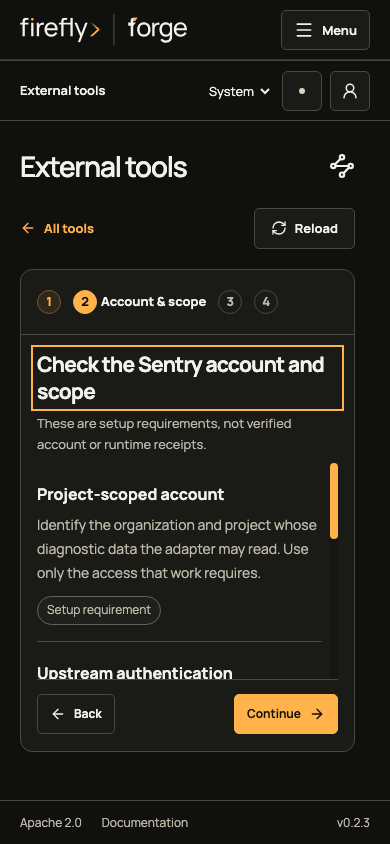
Inspect the remaining Sentry setup views
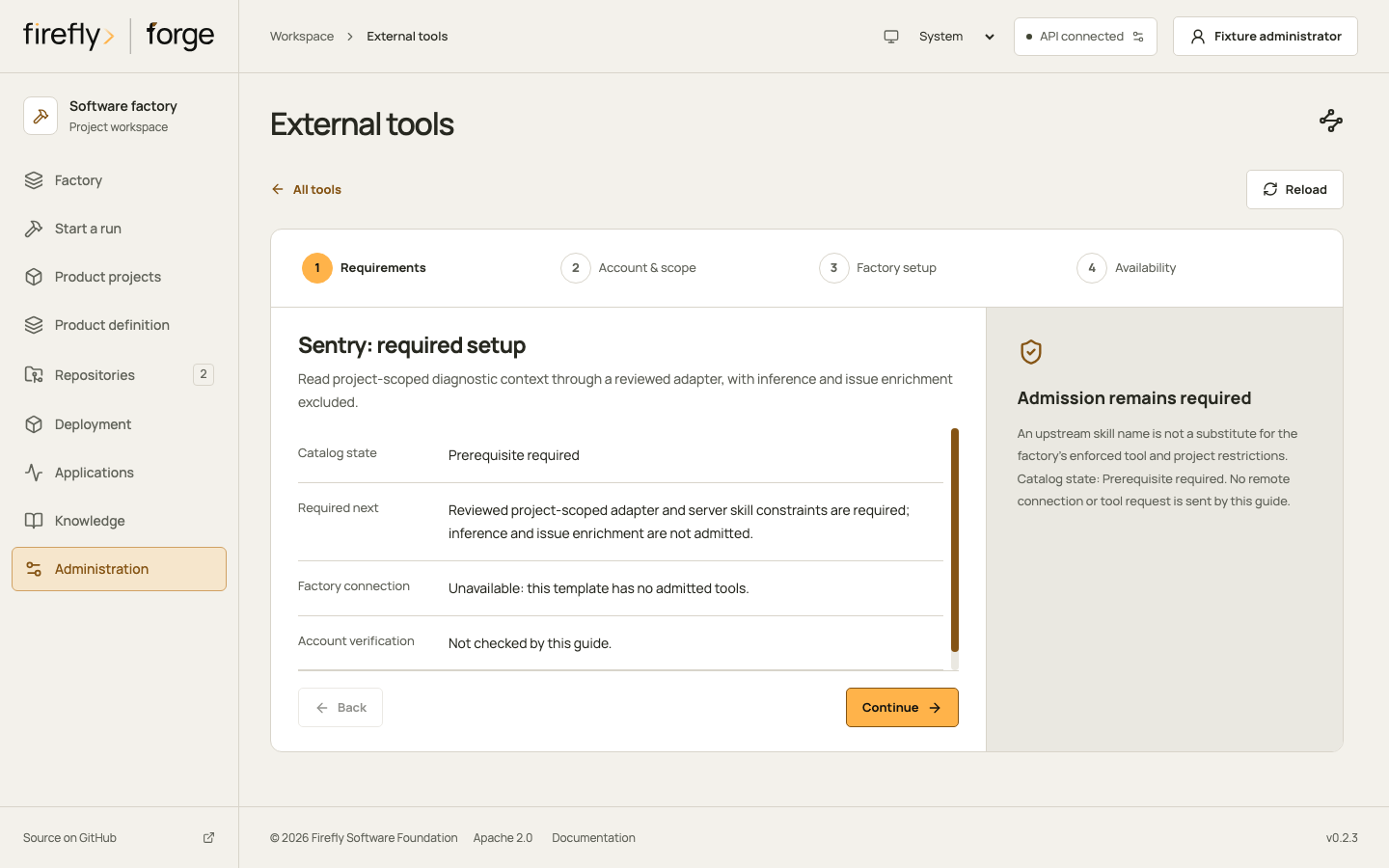
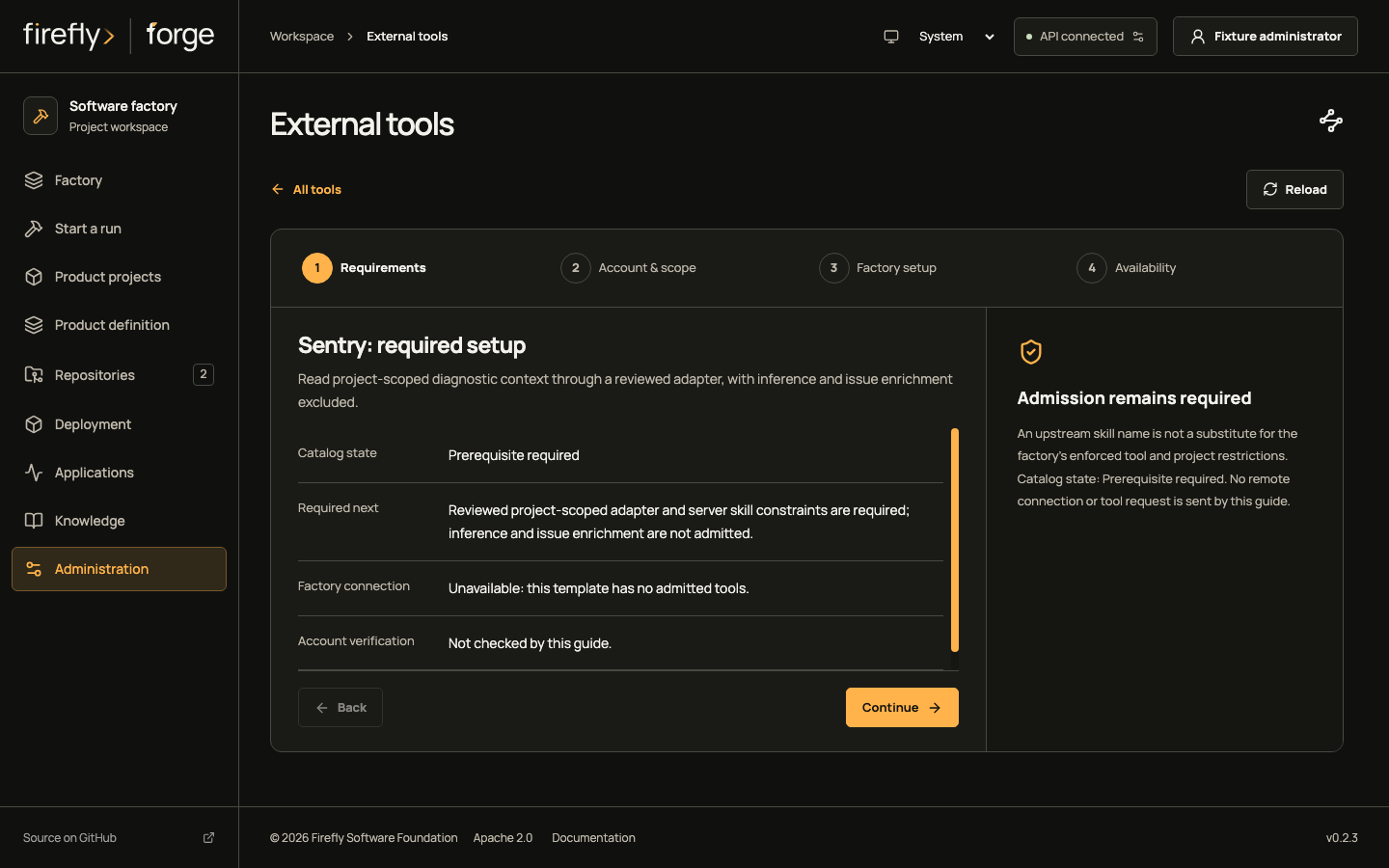
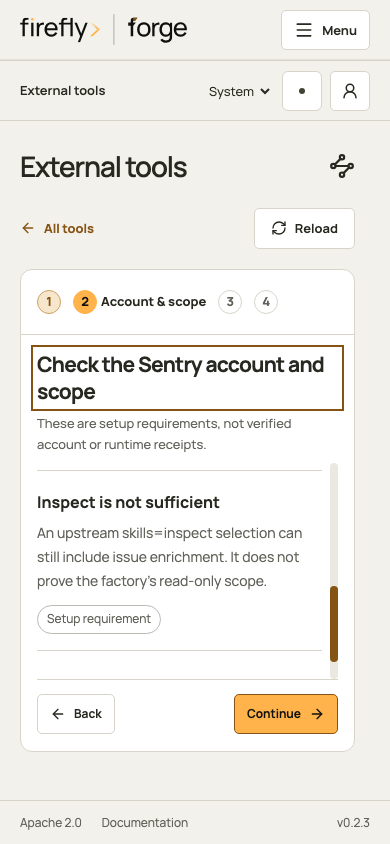
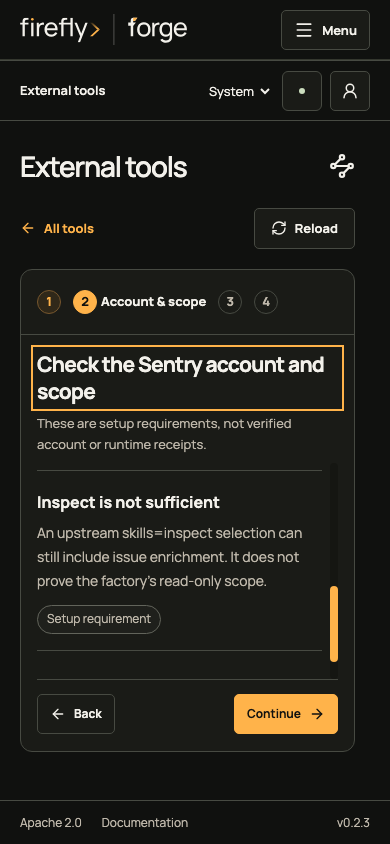
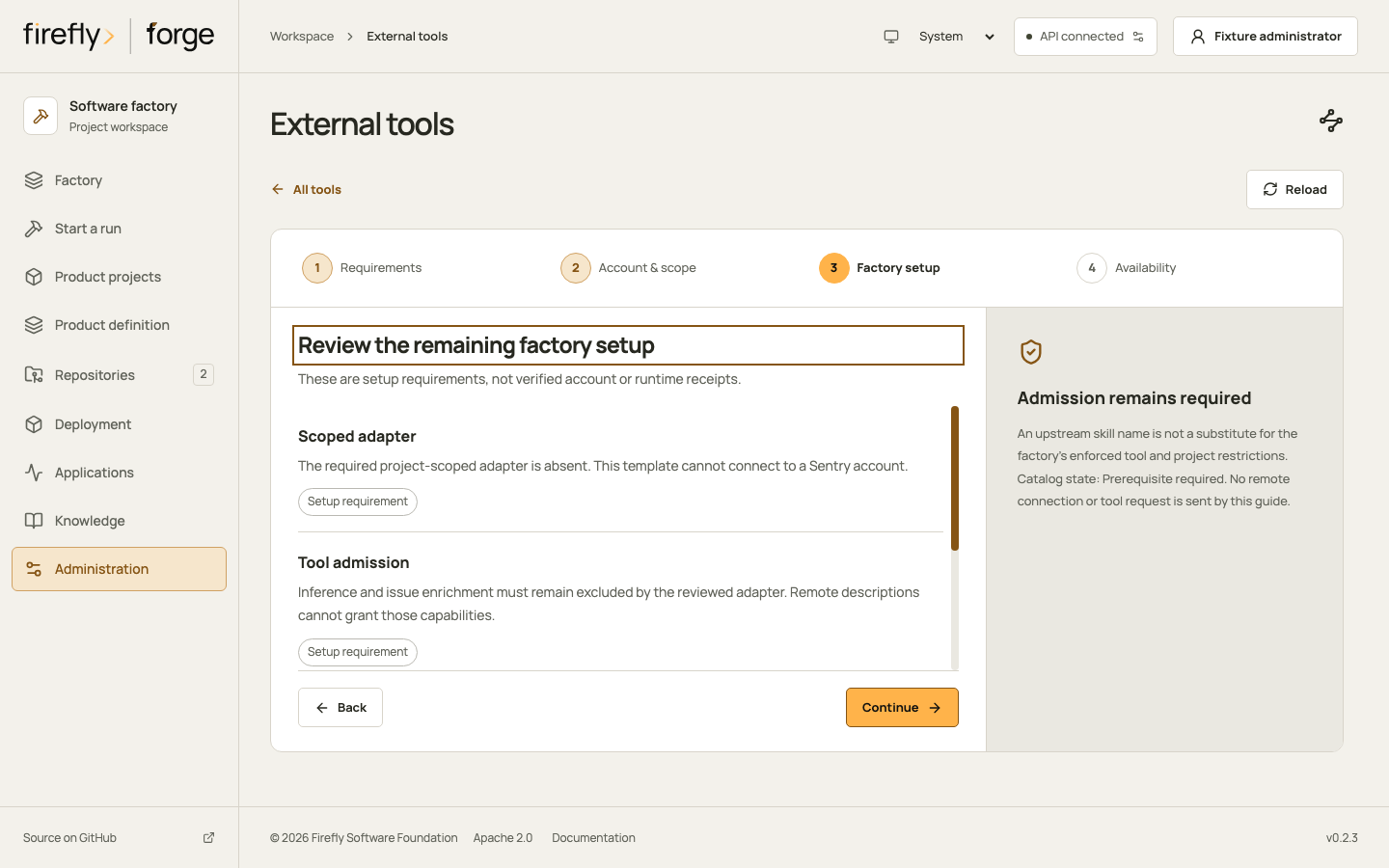
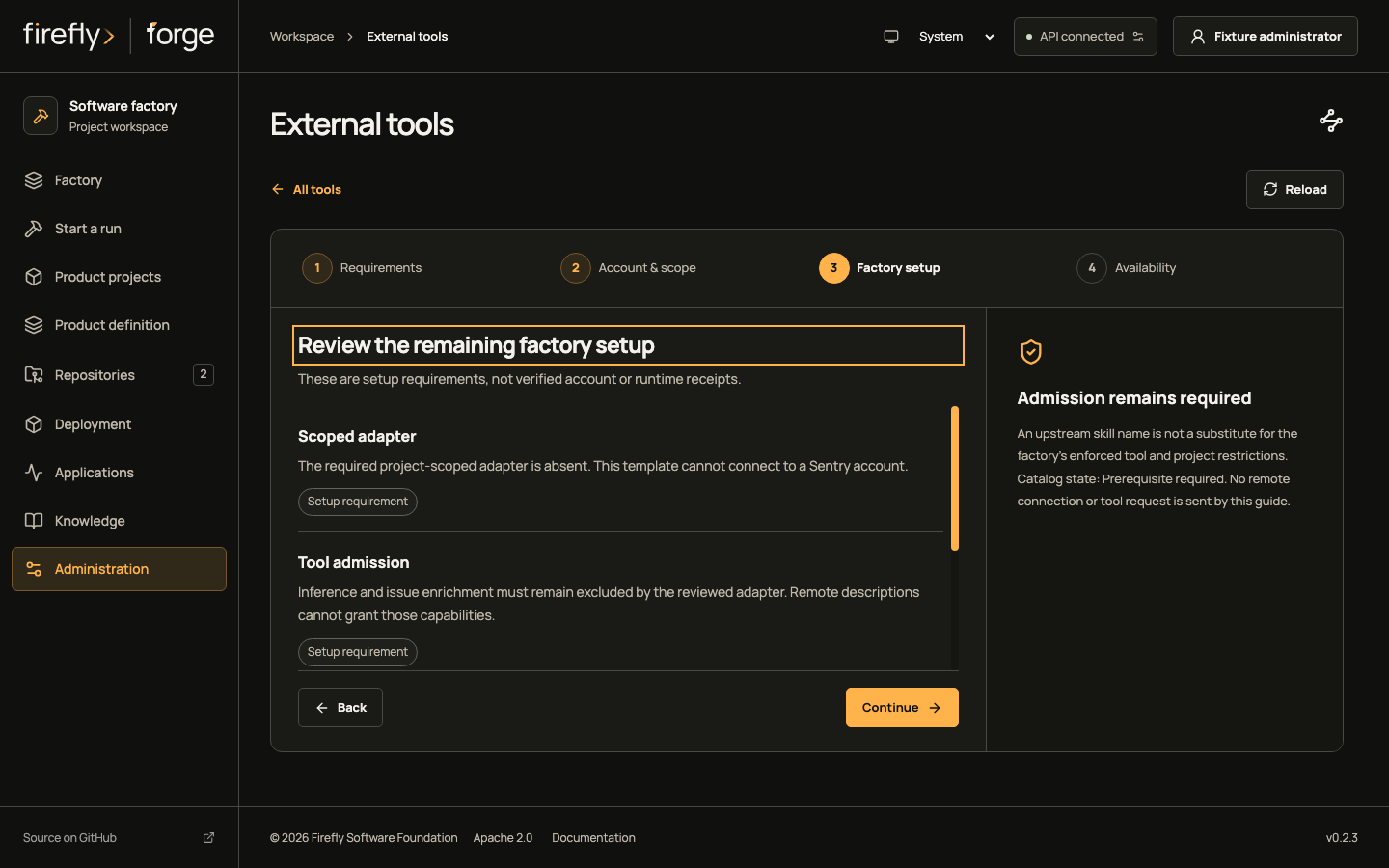
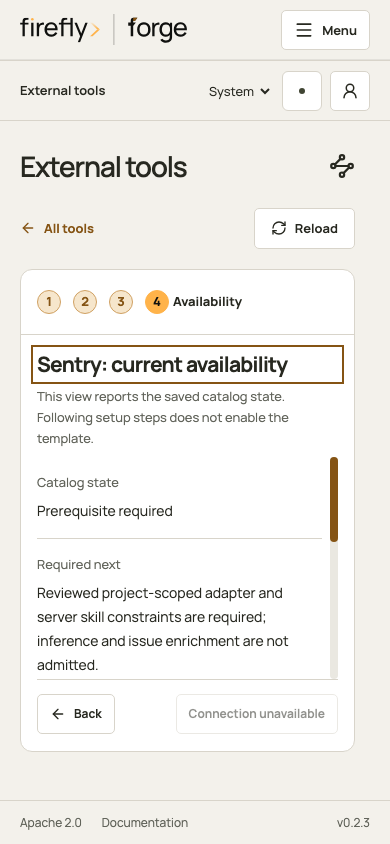
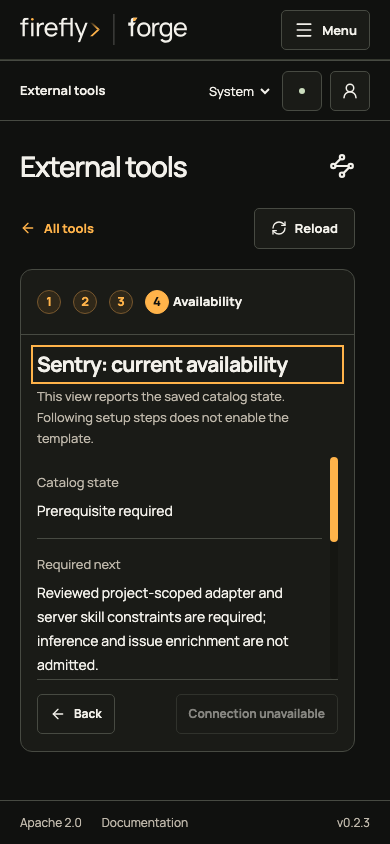
Read the Sentry prerequisite checklist for provider access and factory admission.
Grafana
Prepare an approved managed HTTPS service with read-only server settings and a scoped service account. The factory still needs a reviewed adapter; an arbitrary endpoint cannot be added here.
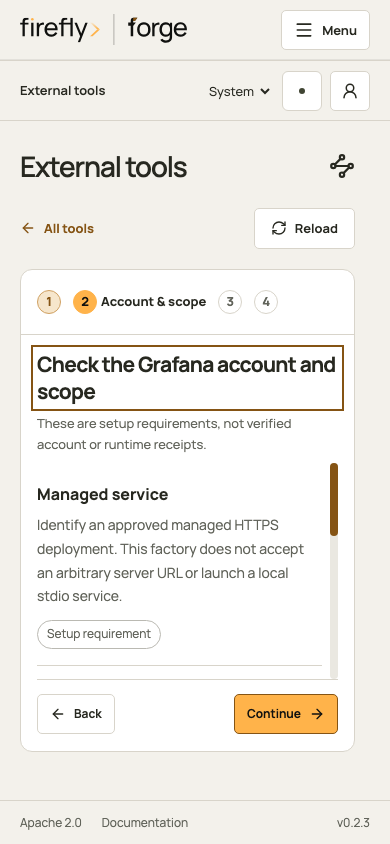
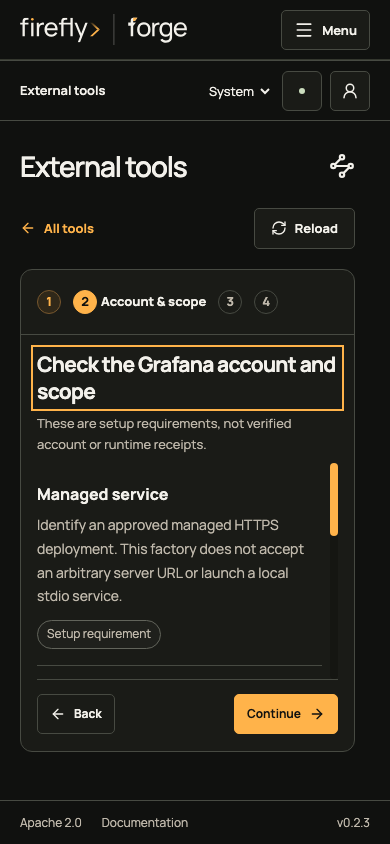
Inspect the remaining Grafana setup views
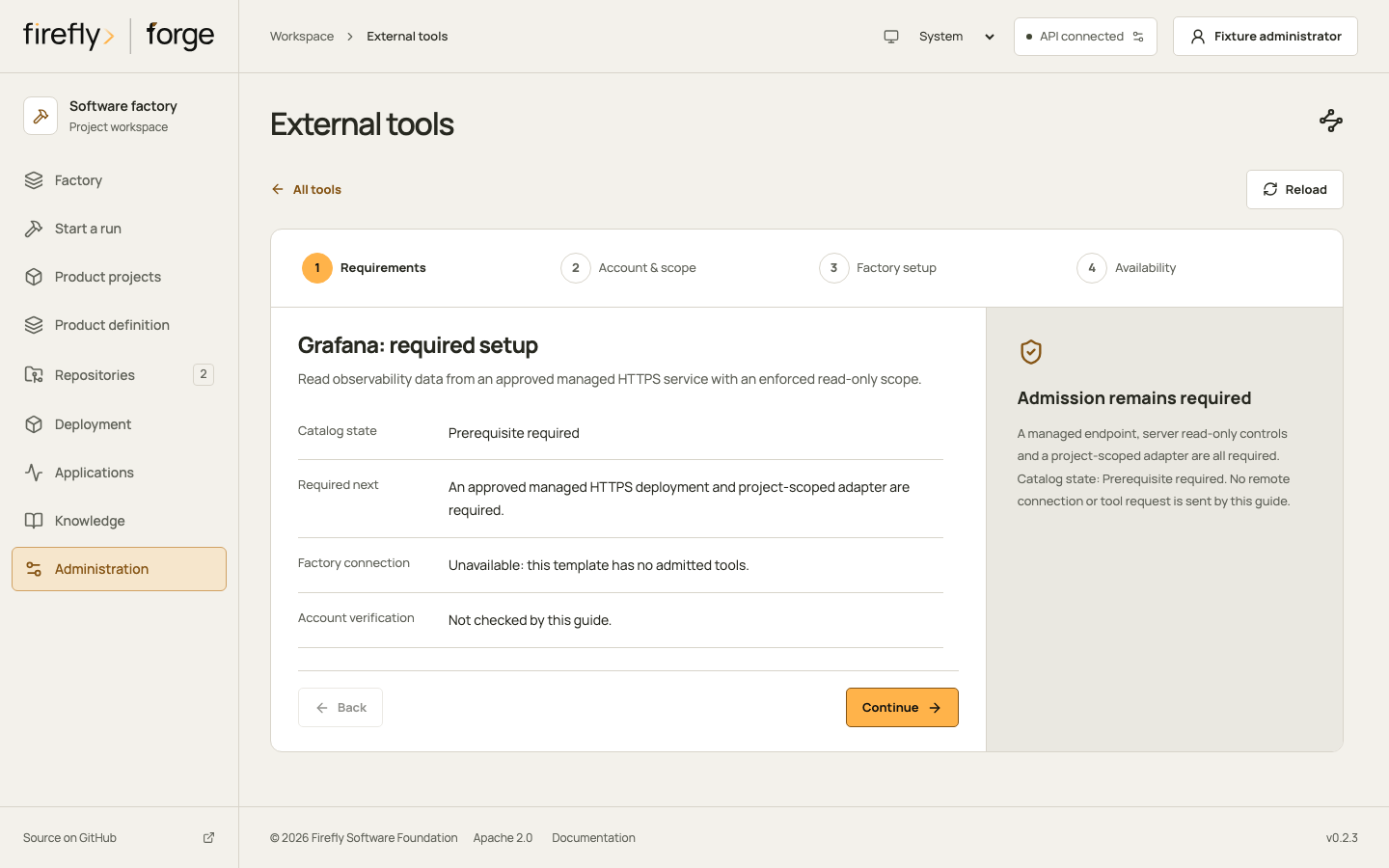
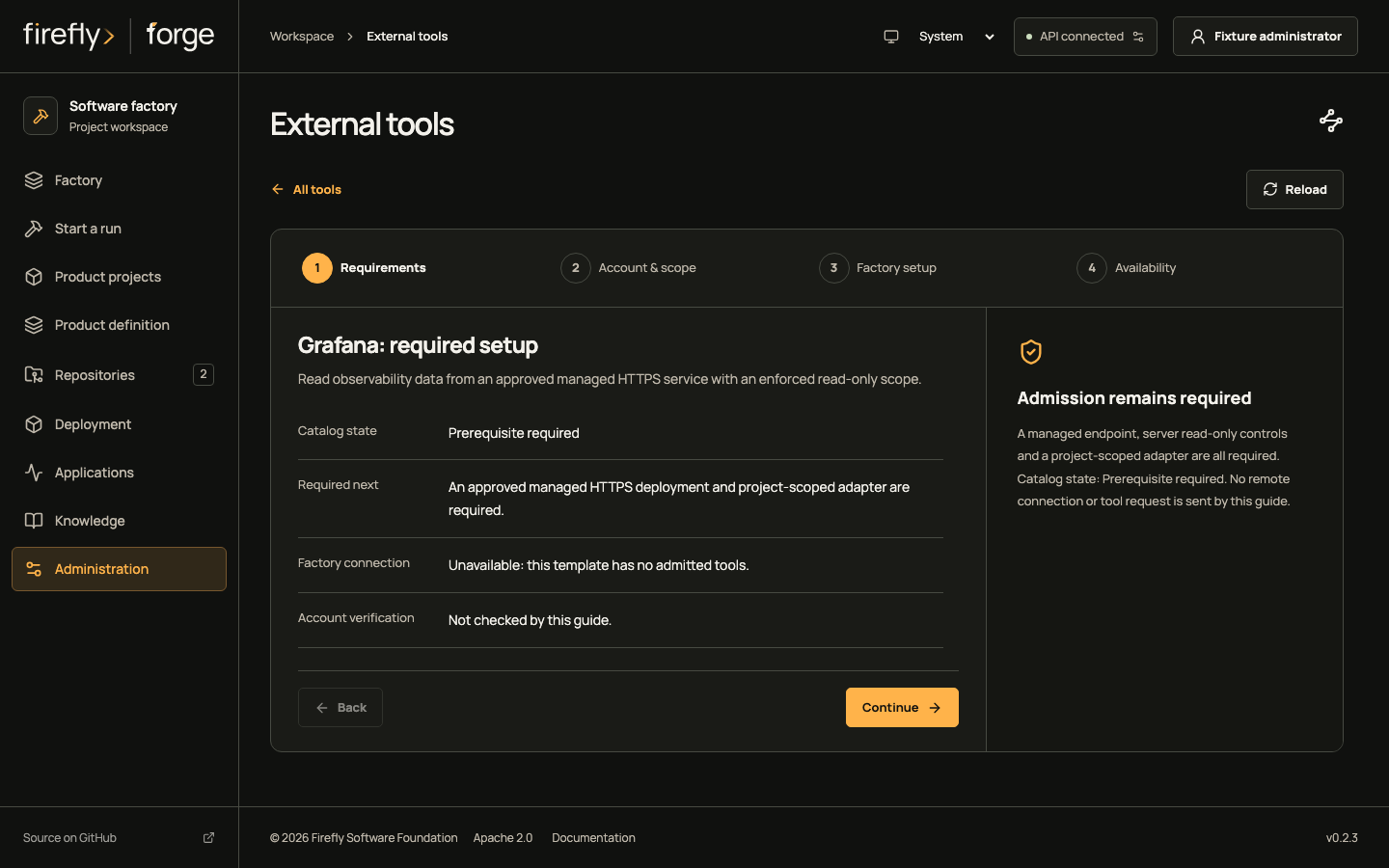
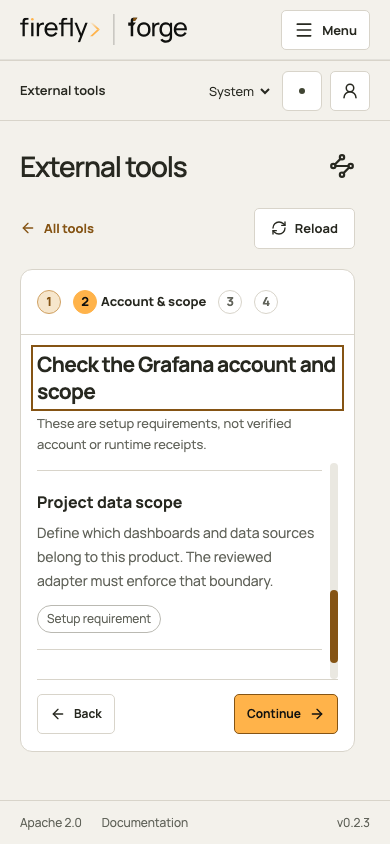
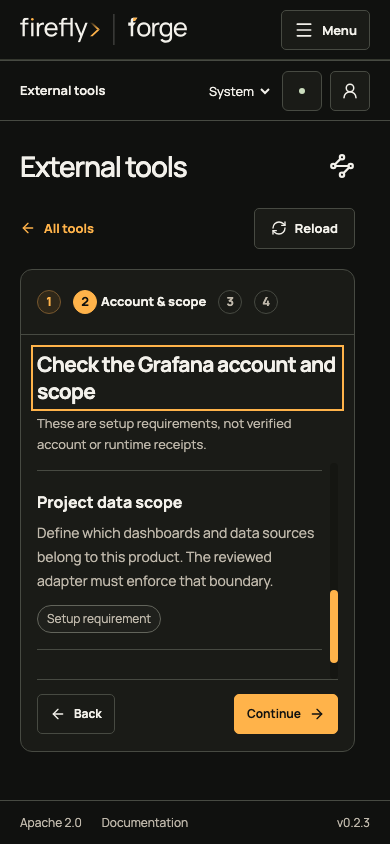
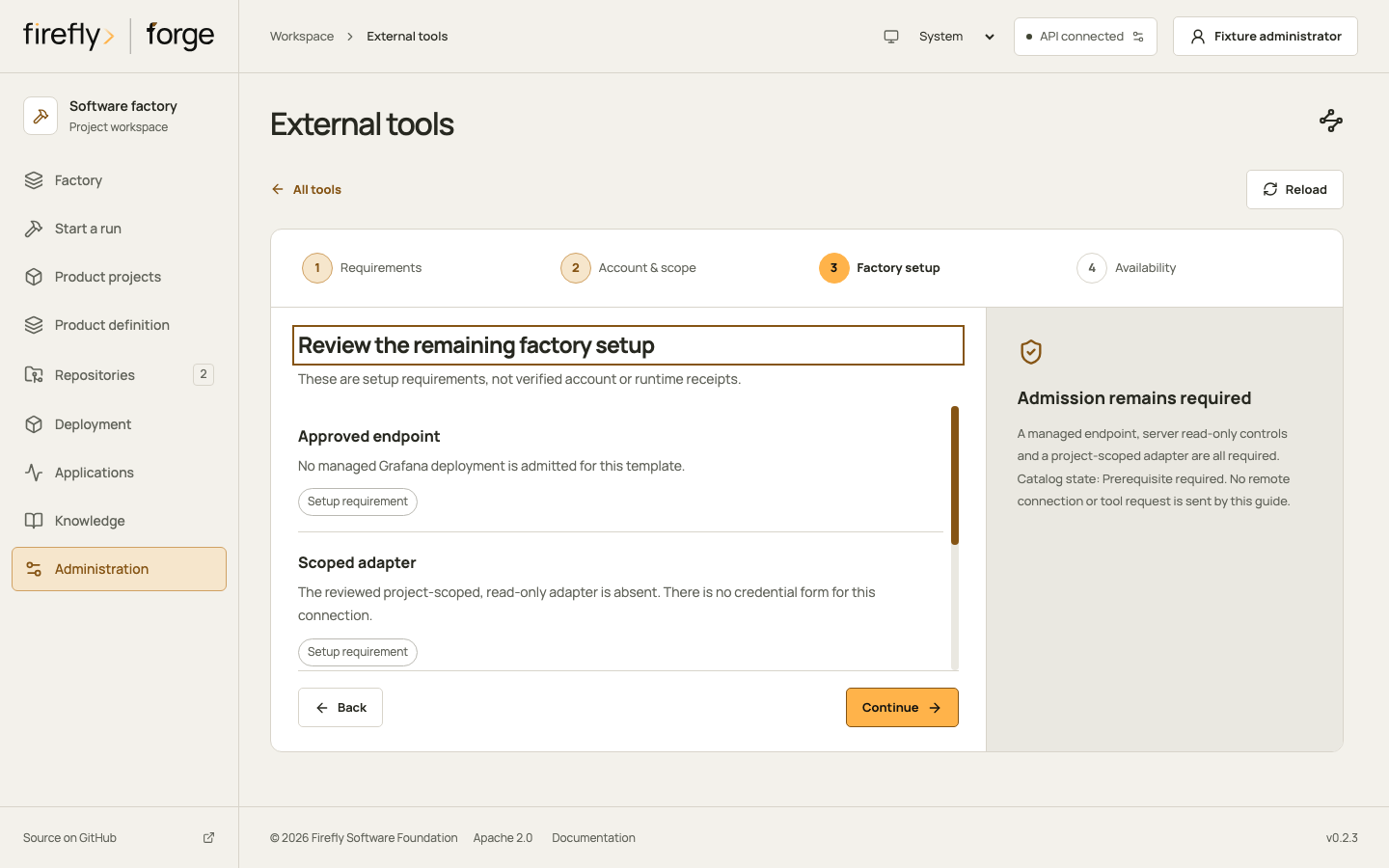
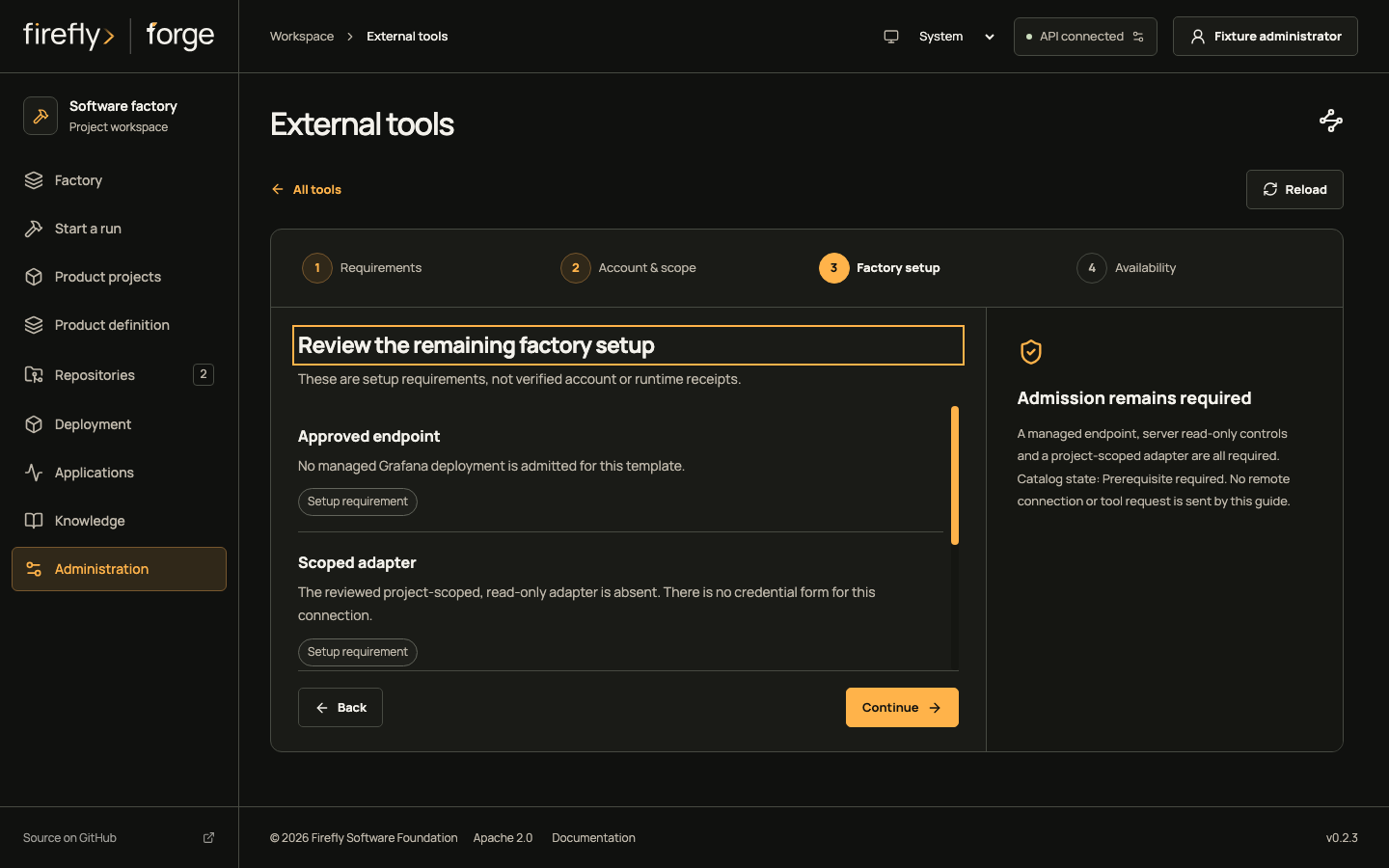
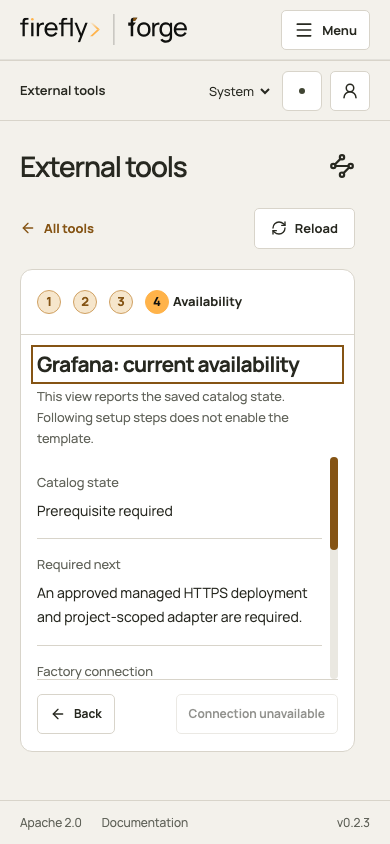
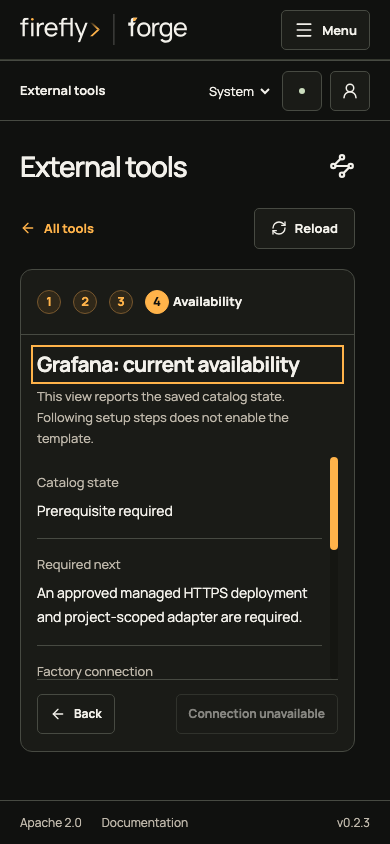
Read the Grafana prerequisite checklist for provider access and factory admission.
Playwright
Use the native BrowserRunner for isolated browser checks. Configure its pinned Docker image, matching browser package and declared loopback origin, then grant the required browser role and inspect actual worker evidence.
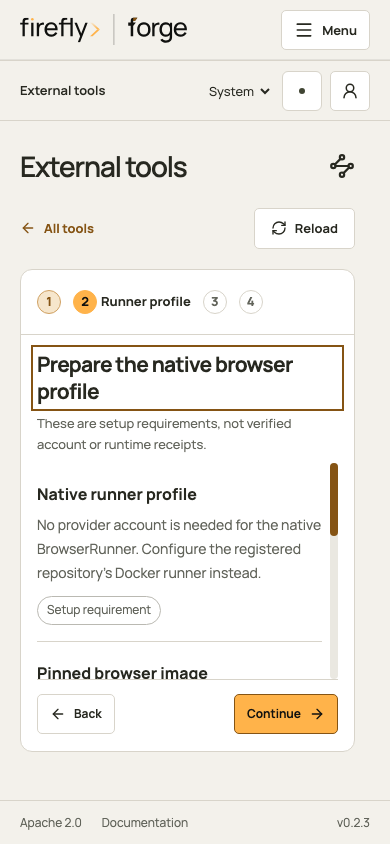
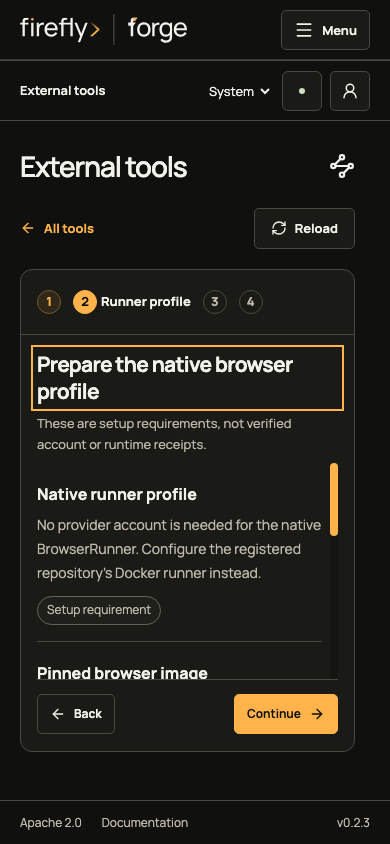
Inspect the remaining Playwright setup views
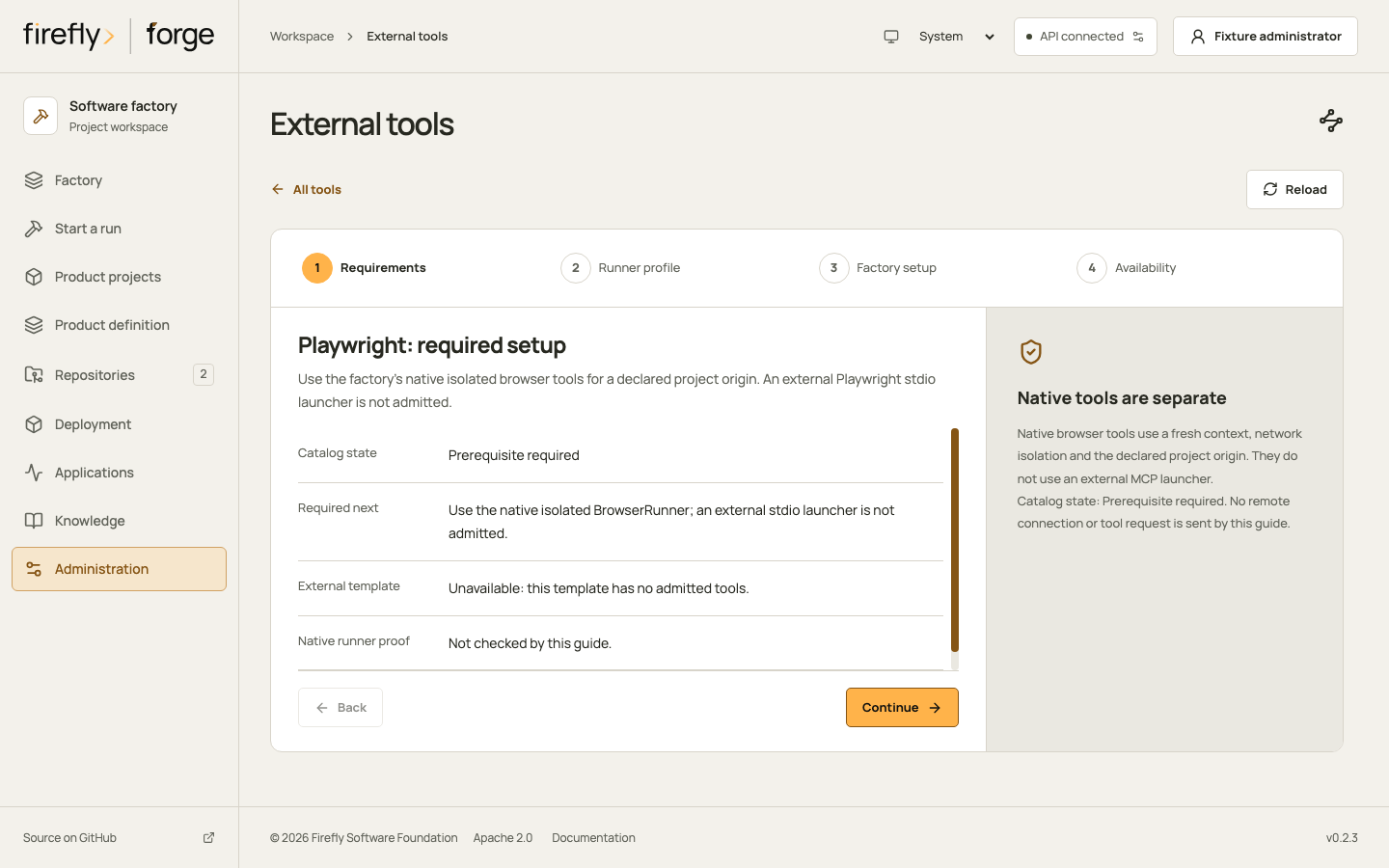
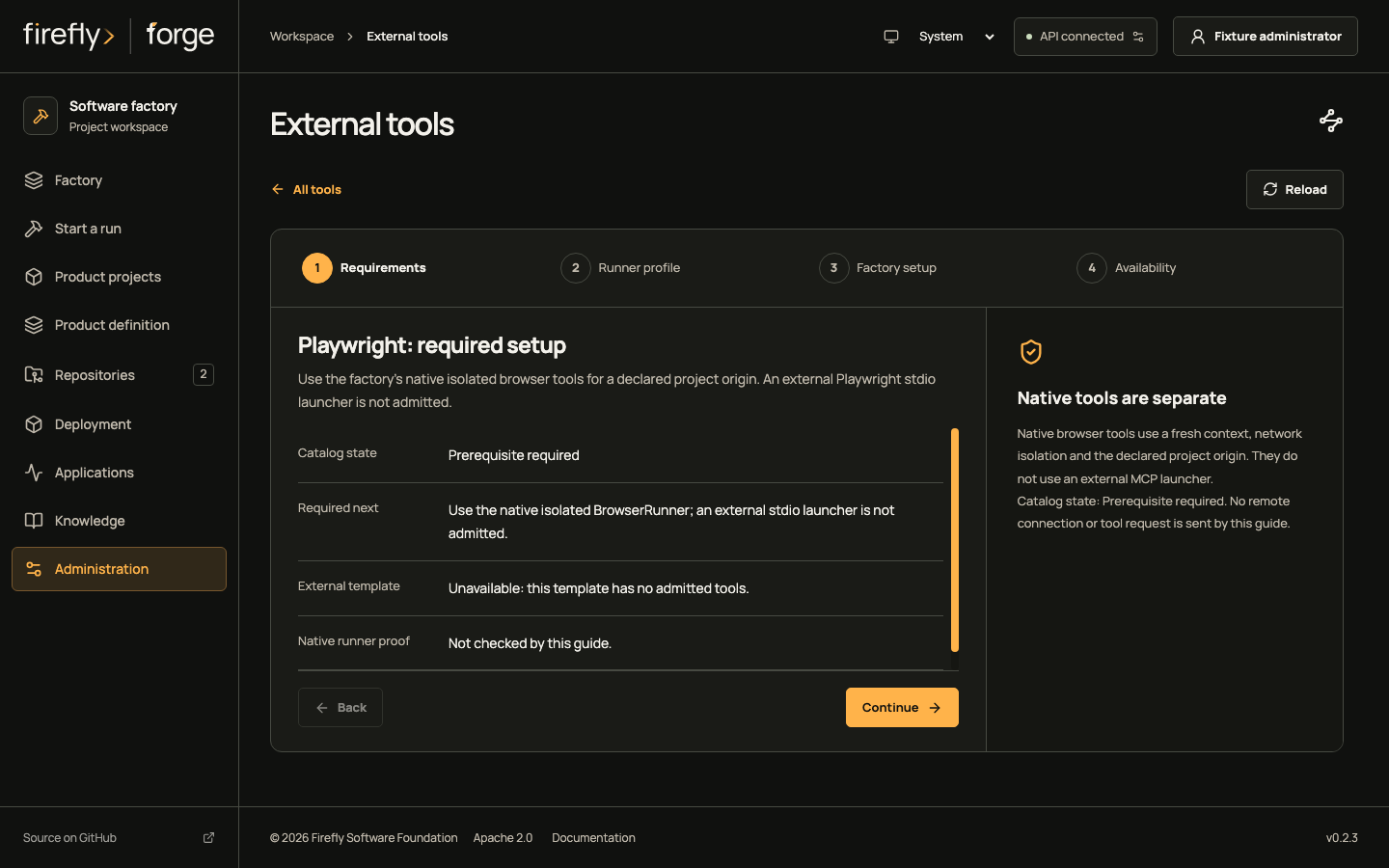
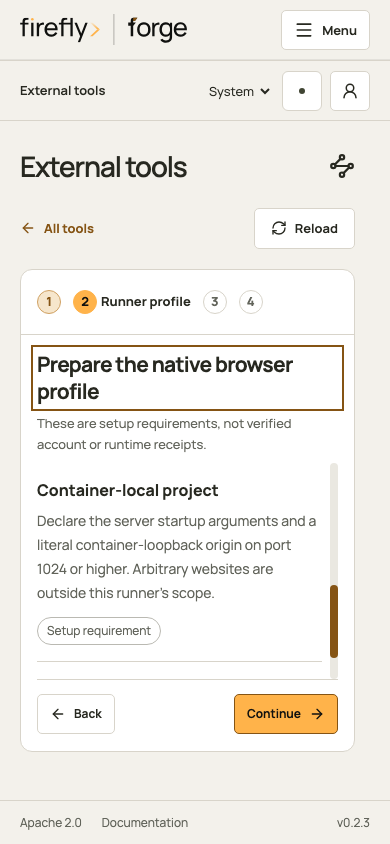
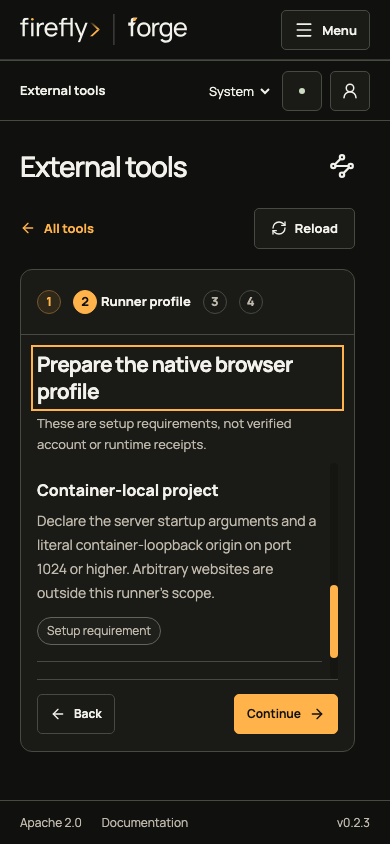
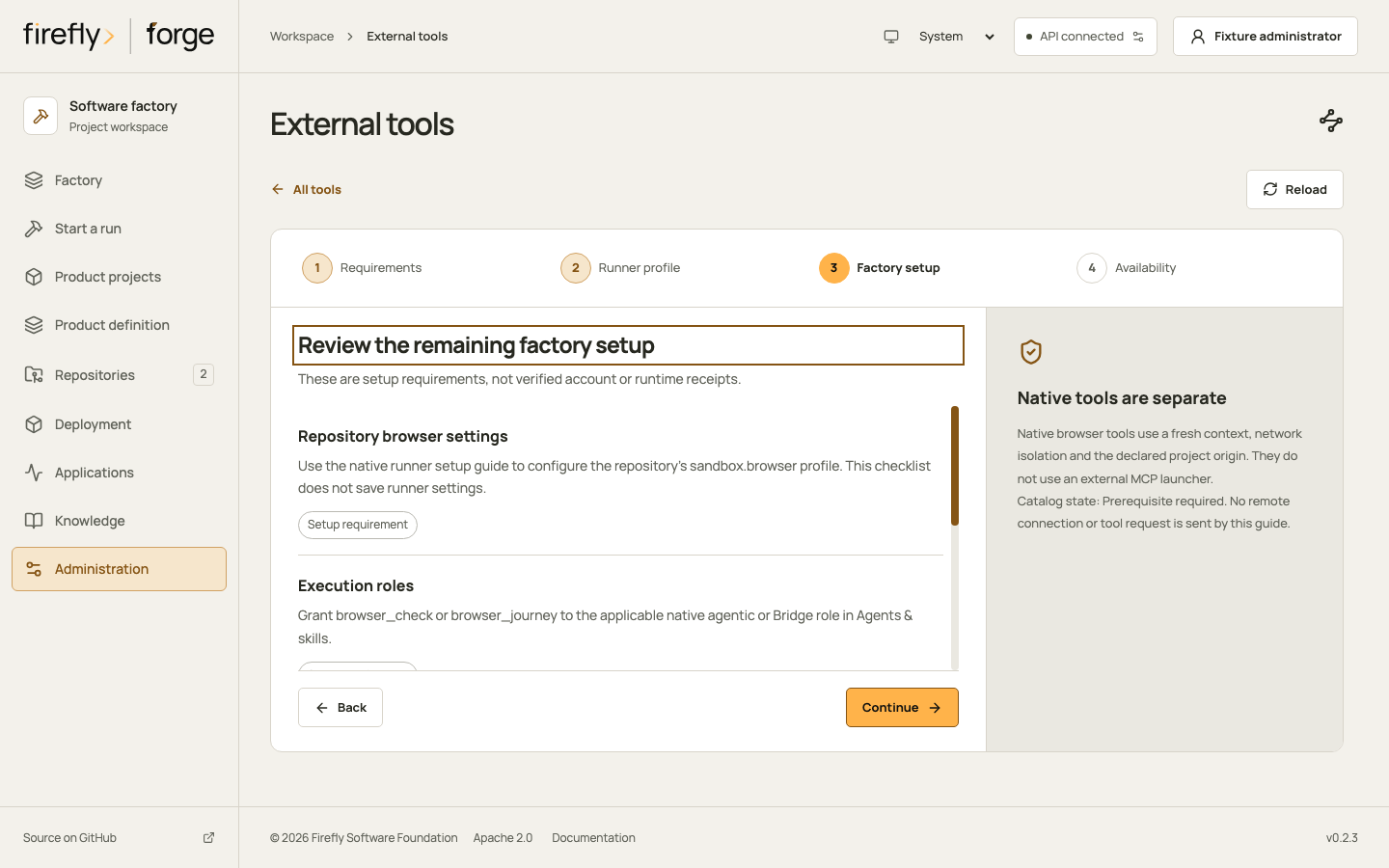
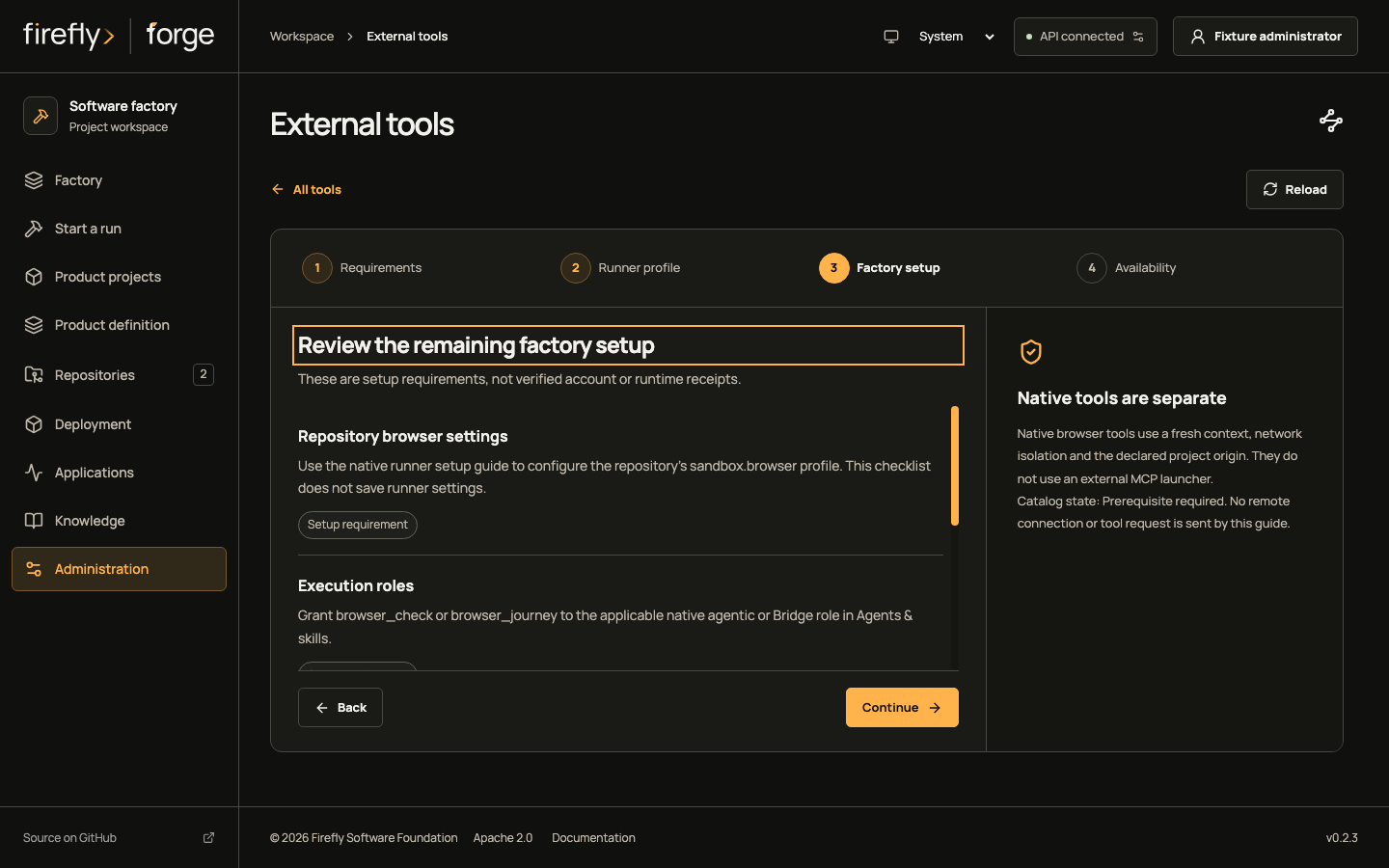
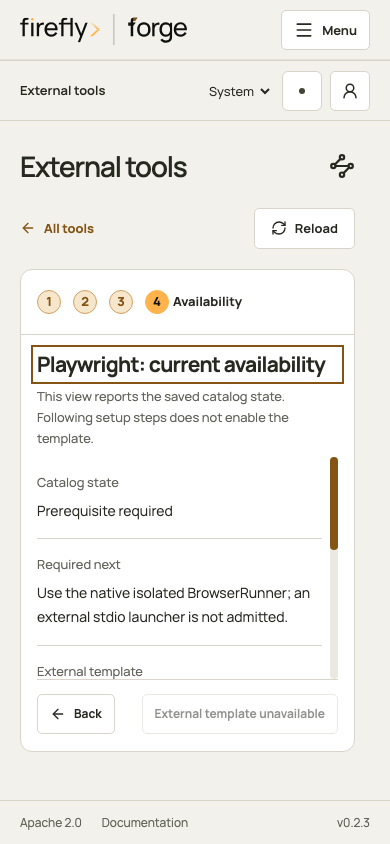
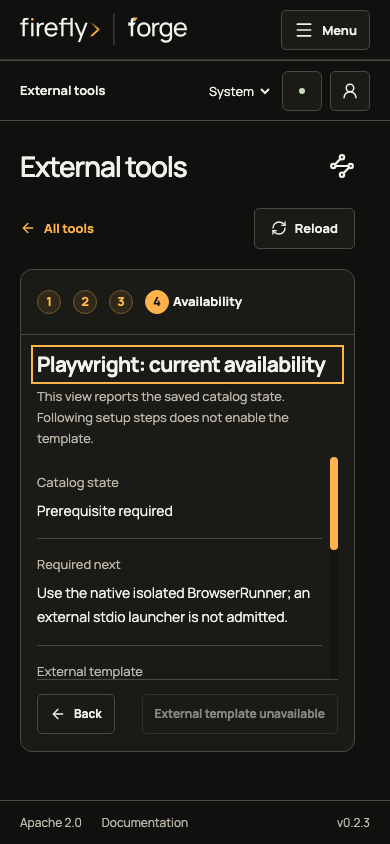
Follow native browser setup and runner configuration before checking a real worker.
Keep the walkthrough current
The capture inventory binds each image to its actual viewport, Studio version, frontend source and capture producer. It also records the shared capture helpers and browser configuration, including native scrollbar painting. Refresh the complete inventory after a frontend change; the strict build rejects missing inputs and mixed capture versions. Follow the capture maintenance procedure.
-
These screenshots use controlled API fixtures for the frozen Studio source recorded in the inventory. Keys are synthetic, and the projects, schema responses and grant records are fixtures. No model, hosted provider, remote repository or account-verification request runs. The images demonstrate navigation and presentation, not authenticated vendor access or actual tool execution. ↩