Advanced Claude Code workflows
Tokens · Template reference · Subagents
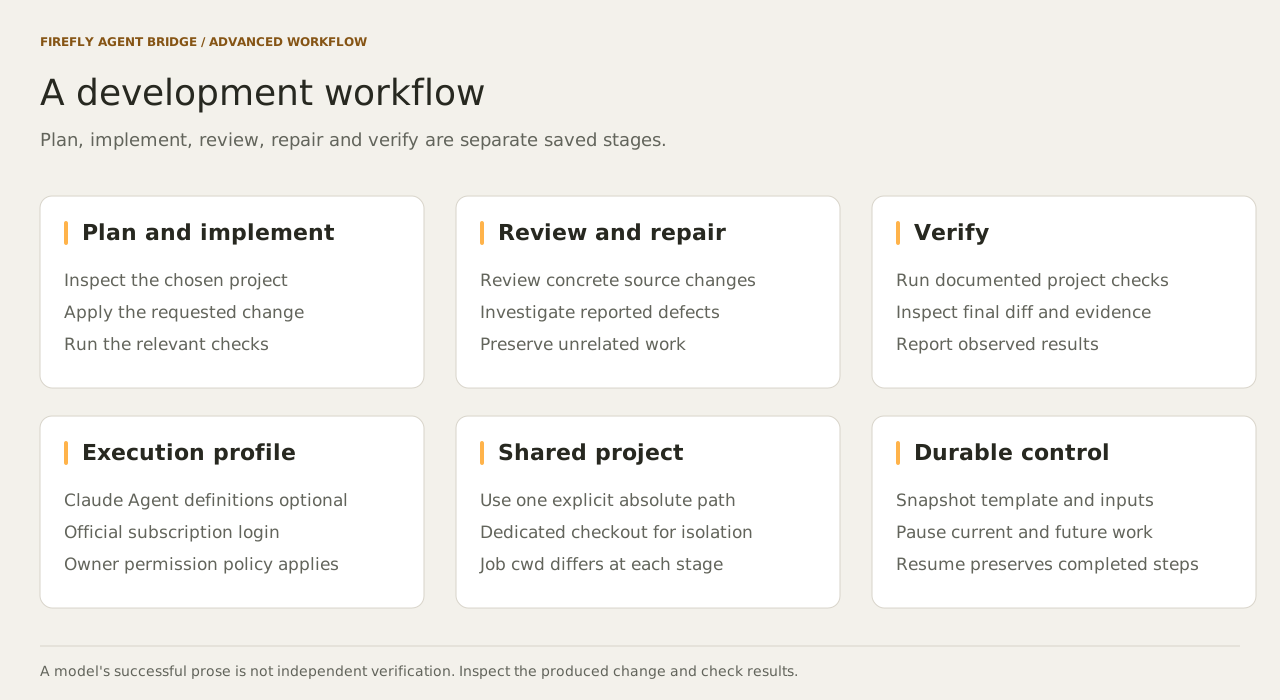
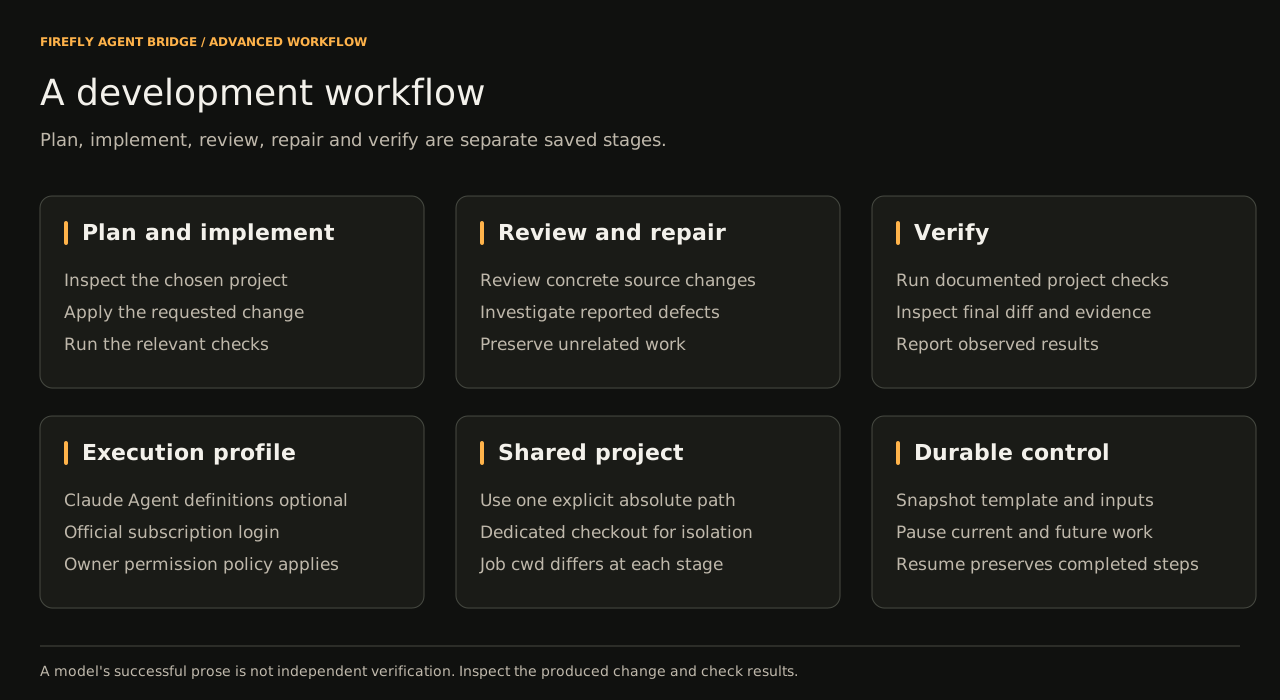
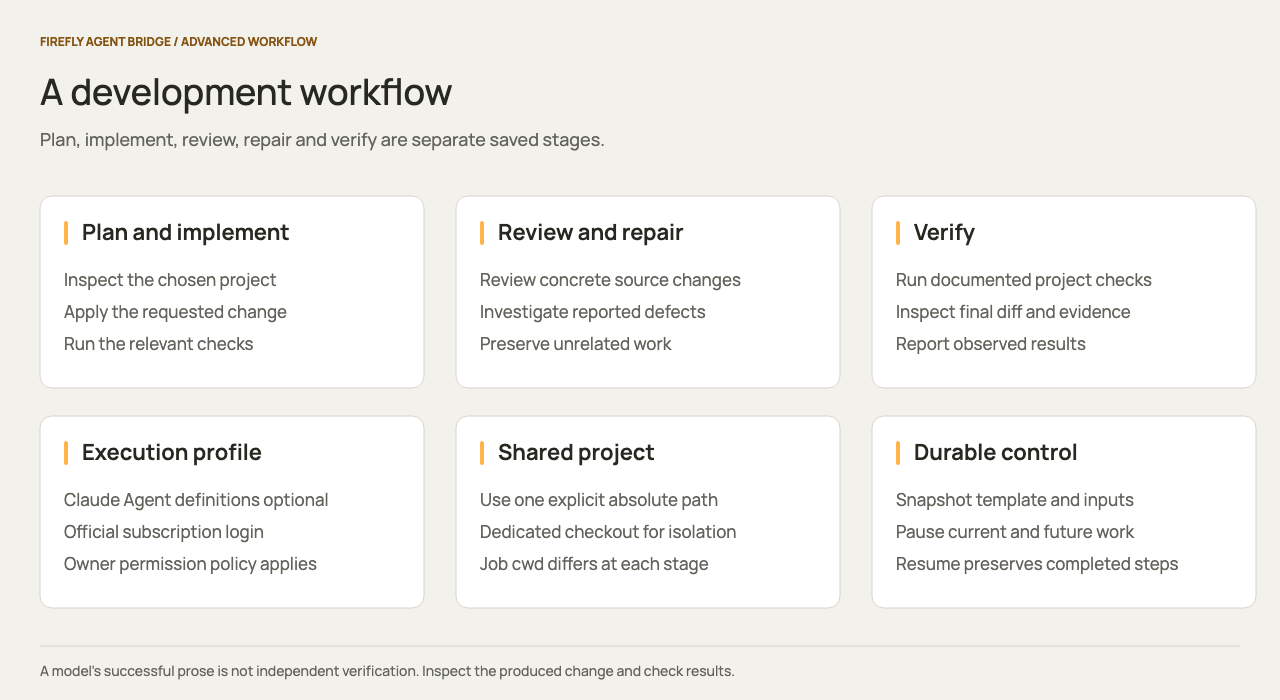
The development workflow has five stages: plan, implement, review, repair and verify. Each stage is a durable bridge job. Claude Code performs the model and tool work, including native delegation. The bridge controls stage order, job state, pause/resume and event delivery.
1. Configure the execution profile
Stop the bridge, then merge workflow-profiles.json into the profiles object of your existing config.json. Keep its required default profile and existing data/workspace/Claude paths.
The example adds code-workflow, a 15-minute attempt limit, up to four reported child tasks per attempt, and named planner and reviewer agents. The parent can edit files and run tests; these two specialists receive Read, Glob, and Grep.
Restart the bridge and reload the host integration. Confirm bridge_status lists code-workflow. A calling application's token must allow that profile and include the workflows scope.
2. Register the template
The complete definition is advanced-development.json. It includes all five stages and uses previous-step results as context.
From a clone of this repository, with the owner token loaded as described in Tokens:
curl --fail-with-body -X PUT "$BRIDGE_URL/v1/bridge/admin/templates/advanced-development" \
  -H "Authorization: Bearer $BRIDGE_OWNER_TOKEN" \
  -H "Content-Type: application/json" \
  --data-binary @examples/workflow-templates/advanced-development.json
Alternatively, ask Claude to read that definition and call bridge_template_save, or create the same steps in Workflows → New template.
| Stage | Work |
|---|---|
| Plan | Delegate project inspection to the native planner subagent |
| Implement | Make the requested change and run relevant checks |
| Review | Delegate an independent inspection to reviewer |
| Repair | Investigate findings and correct substantiated defects |
| Verify | Run the project's documented checks and report observed results |
3. Launch from Claude
After enabling the profile and saving the template, ask Claude Desktop or Code:
Use bridge_workflow_start with templateId advanced-development.
Set projectDir to /absolute/path/to/my-project and objective to:
Add a configurable timeout to the download command and test it.
Return the run ID and the management console URL.
The host calls the bridge's MCP tools. Worker jobs run in dedicated official Claude Code processes with the configured permission policy. The host's initial integration consent and organization rules remain host-controlled.
4. Launch from the console or API
In Workflows, select advanced-development, then enter:
{
  "projectDir": "/absolute/path/to/my-project",
  "objective": "Add a configurable timeout to the download command and test it."
}
Select Start workflow. Open each step to inspect its conversation, results, attempts, and reported child tasks.
An application uses its scoped BRIDGE_TOKEN:
curl --fail-with-body "$BRIDGE_URL/v1/bridge/workflow-runs" \
  -H "Authorization: Bearer $BRIDGE_TOKEN" \
  -H "Content-Type: application/json" \
  -H "Idempotency-Key: timeout-feature-001" \
  -d '{"templateId":"advanced-development","inputs":{"projectDir":"/absolute/path/to/my-project","objective":"Add a configurable timeout to the download command and test it."}}'
Use a new idempotency key for a new request. Observe the run through GET /v1/bridge/workflow-runs/{id}, its linked jobs, and GET /v1/bridge/events.
5. Control and recover the run
Pause the workflow to stop advancement and request a pause of its current attempt. Resume continues the current saved native session when available. Completed stages stay completed. Provider limits pause dispatch; an explicit provider reset can enable bounded automatic continuation.
A failed stage requires inspection before retry. Resume a paused workflow before retrying its step. Retry starts a fresh native session and may repeat effects. Cancellation does not undo files or external actions.
Each stage has a separate job directory and Claude session. The example therefore carries the same absolute project directory in every prompt. There is no automatic repository checkout or Git worktree. Use a dedicated checkout when concurrent work must be isolated. Do not run overlapping editing workflows against the same checkout.
Review the produced diff and evidence even when Claude reports success. The verification prompt asks for observed command results; a successful model response alone cannot establish every assertion in that response.
Native host commands and boundaries
This bridge uses structured jobs, profiles, and template steps. It does not interpret interactive slash commands submitted as prompts. Its automatic worker disables host customizations and slash-command loading.
For host-native planning, reviews, or agent teams, use the commands supported by your installed Claude Code version in that host. Anthropic currently documents plan mode for planning and /code-review ultra (with /ultrareview as an alias) for cloud review. Those cloud workflows have their own availability and usage rules; the bridge does not schedule or resume them as local child jobs. See the official command reference.
This local workflow runs sequential stages. Claude native subagents can work inside a stage; arbitrary DAGs and independent agent teams are outside the bridge scheduler.