Workflow templates and native subagents
README · Console tour · API
For a complete development example, follow Advanced Claude Code workflows. For a single delegated job, see Launch and observe native subagents.
What a template is for
A template is a reusable, ordered sequence of prompts. It names the inputs supplied for each run, the execution profile used by each step, and any earlier result that the next step needs.
Use a template when the same process repeats with different material: research then review, draft then critique, extract then summarize, or implement then verify. Use a standalone job for a one-off task or an open-ended conversation.
Templates checkpoint each stage's progress. Model output can vary, and a tool's external side effects may persist after cancellation or failure.
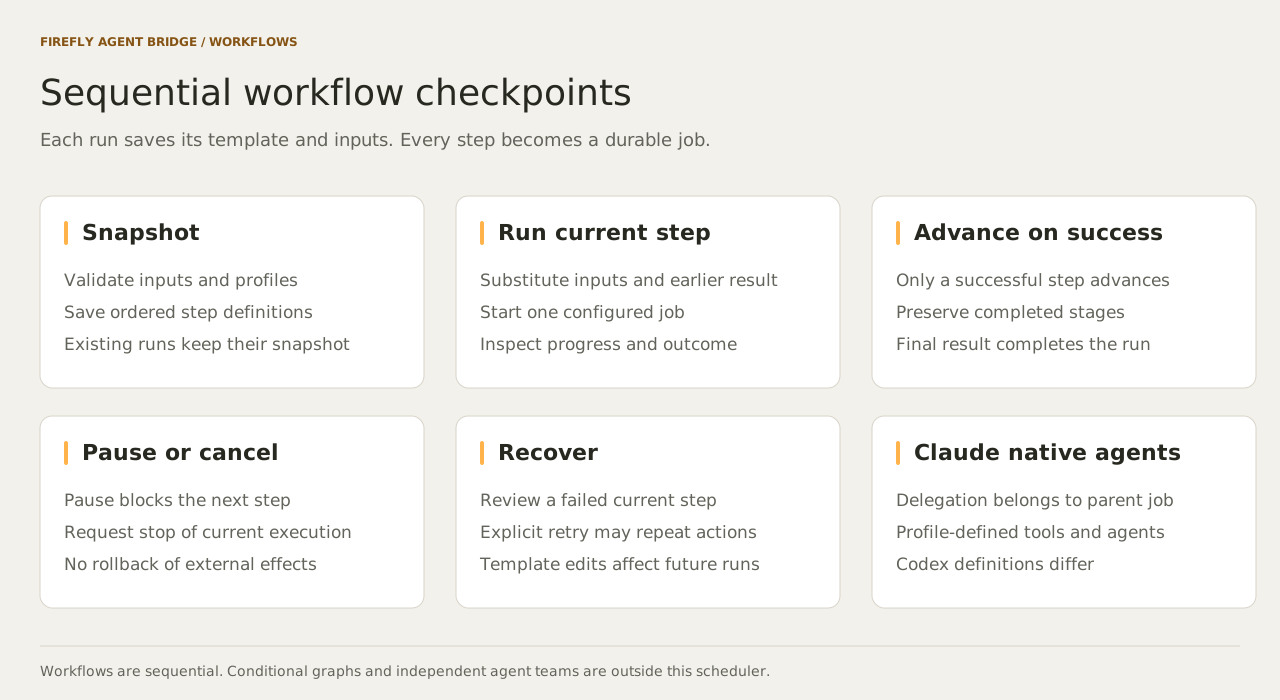
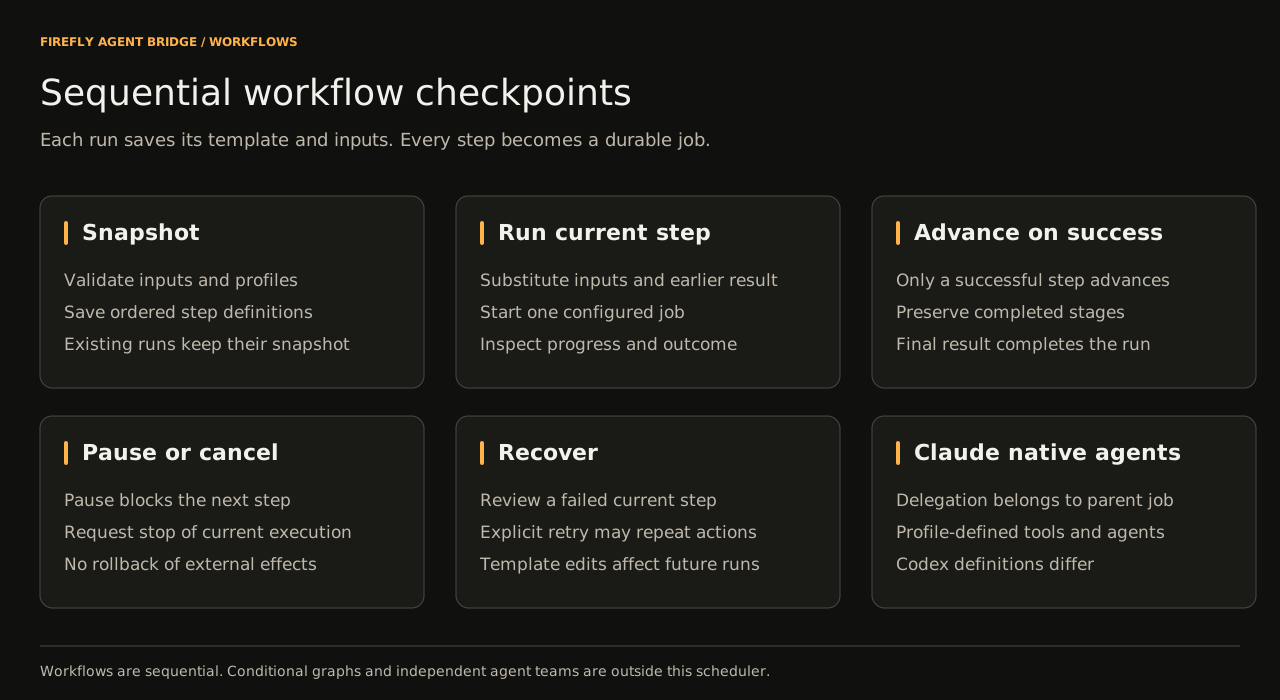
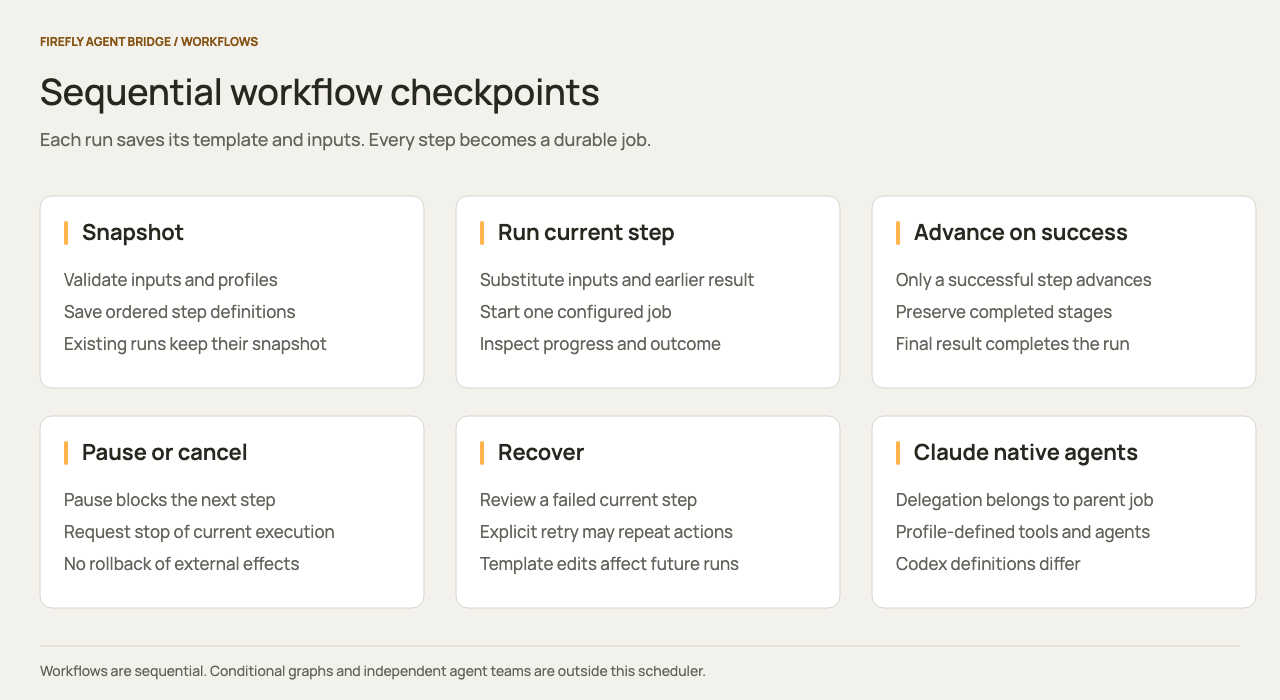
Define a template in the console
- Open Workflows → New template.
- Enter a stable template ID, a short purpose, and comma-separated input names.
- Add the steps in execution order. Give each a unique ID, a prompt, and an available profile.
- Reference supplied inputs with
{{input.name}}and a completed earlier step with{{steps.step_id}}. - Select Save template.
The editor validates the definition before saving. It persists to the bridge's config.json and becomes available immediately. Existing runs keep the template snapshot they started with.
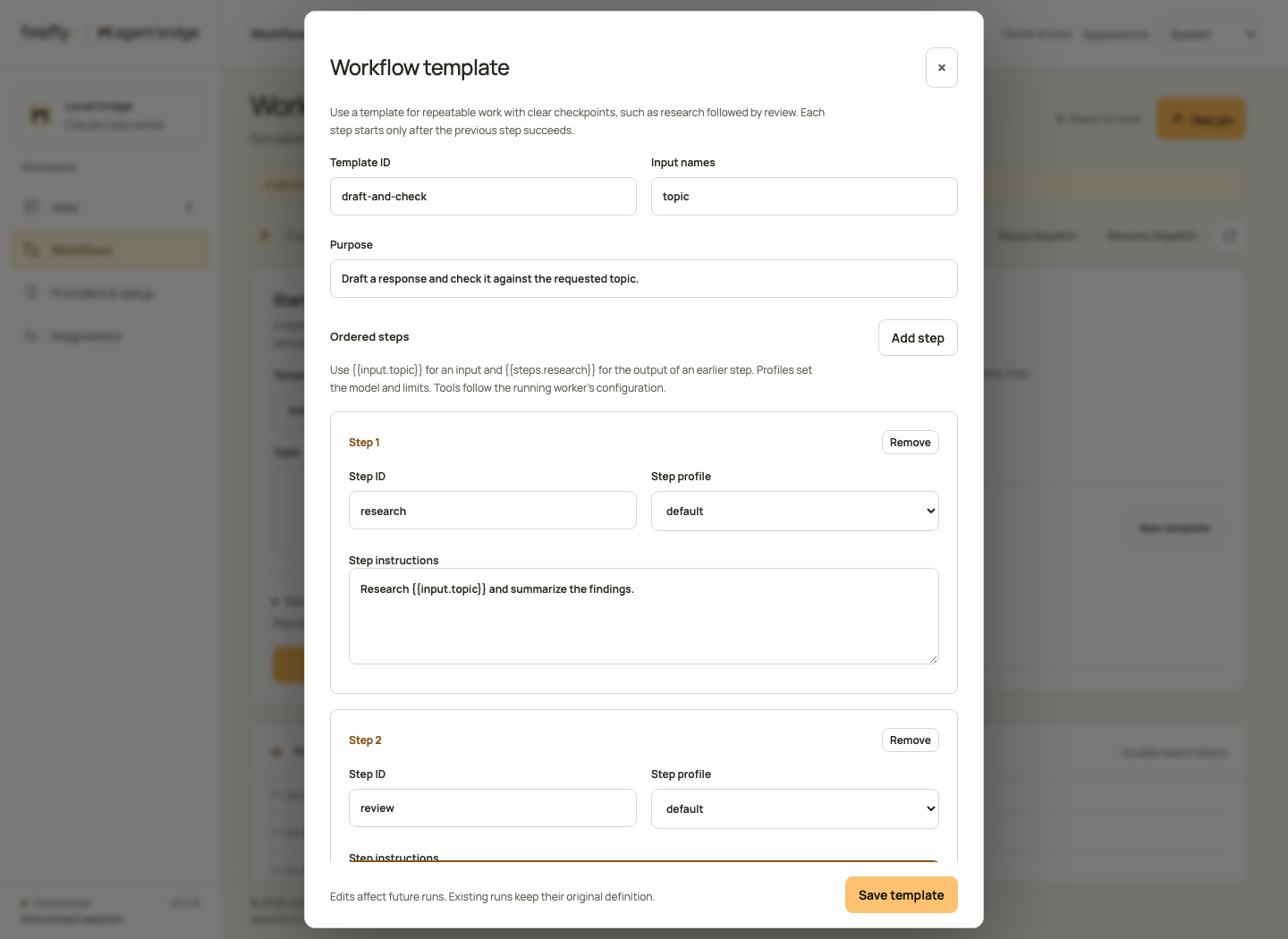
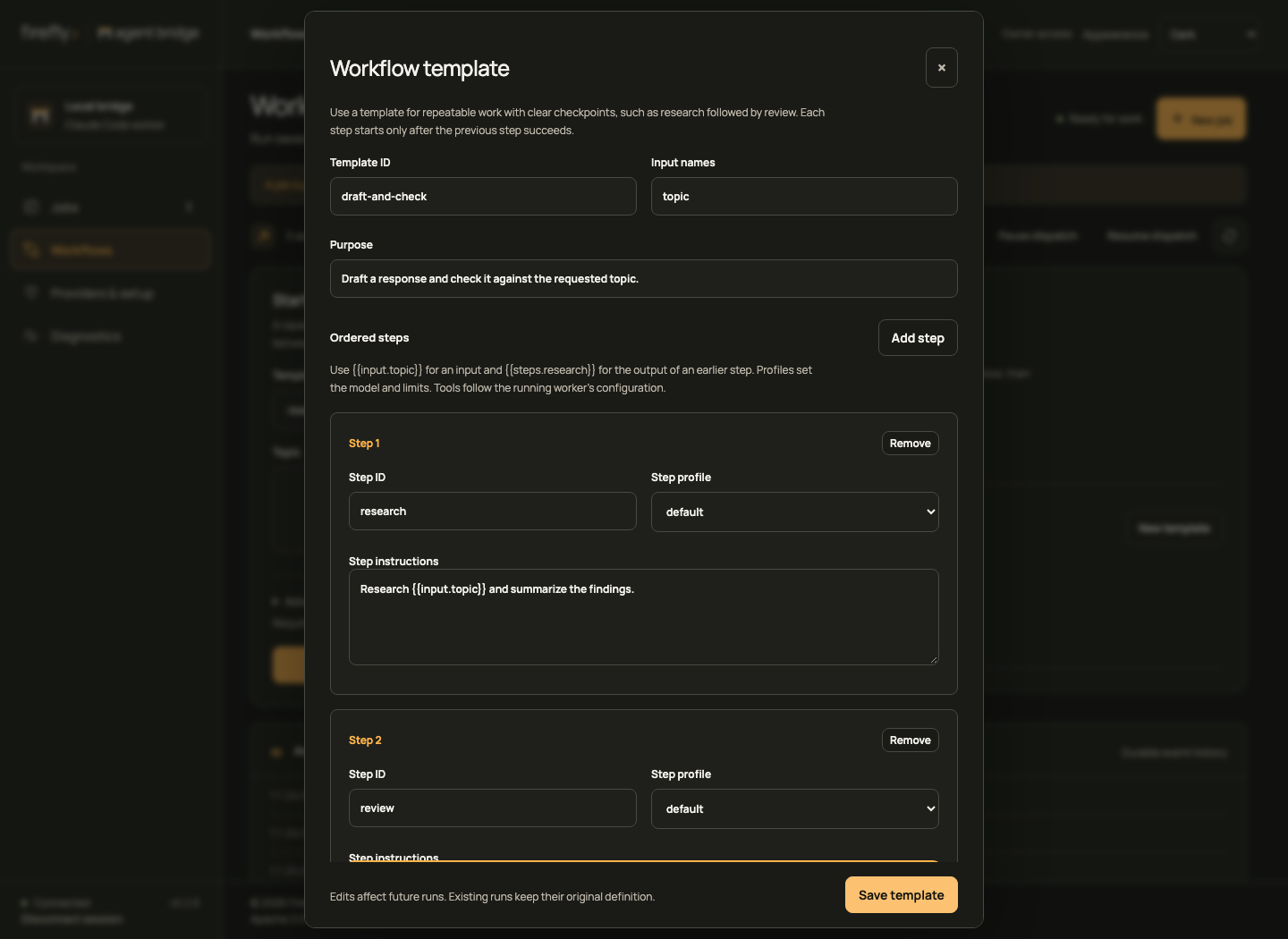
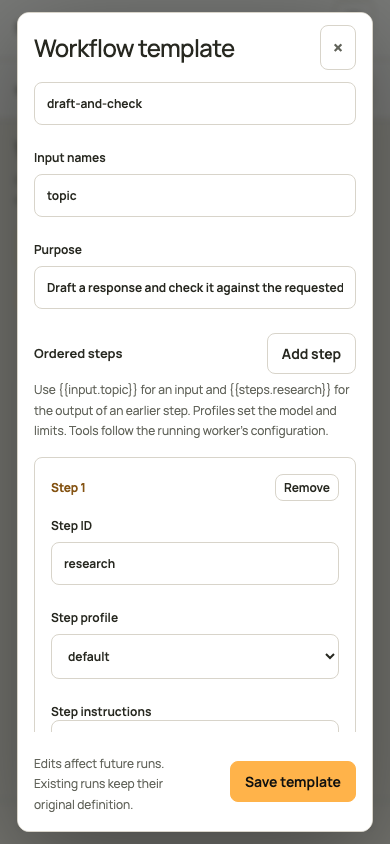
For example, create research-review with input topic and these steps:
| Step ID | Instructions | Profile |
|---|---|---|
research |
Research {{input.topic}} and summarize the findings. |
default |
review |
Review these findings for gaps and unsupported claims: {{steps.research}} |
default |
Choose research-review in the console, enter the topic in its named field, and select Start workflow. Advanced input supports the equivalent JSON when you need to paste structured values:
For Claude, a profile must allow the tools the work needs; the default Claude tool list omits web search. Codex uses its own native controls and sandbox. Review Providers & setup before assigning a task that needs online sources.
Define a template through Claude or the API
Ask Claude to use bridge_templates and bridge_template_save. The included skill explains the same workflow.
Owner-authenticated API clients can save an equivalent definition:
curl --fail-with-body -X PUT "$BRIDGE_URL/v1/bridge/admin/templates/research-review" \
  -H "Authorization: Bearer $BRIDGE_OWNER_TOKEN" \
  -H "Content-Type: application/json" \
  -d '{
    "id": "research-review",
    "description": "Research a topic, then check the findings.",
    "inputs": ["topic"],
    "steps": [
      {"id":"research","profile":"default","prompt":"Research {{input.topic}}."},
      {"id":"review","profile":"default","prompt":"Review {{steps.research}}."}
    ]
  }'
GET /v1/bridge/admin/templates lists full definitions. DELETE /v1/bridge/admin/templates/{templateId} removes a reusable definition while preserving existing run snapshots.
You can also edit the workflows array in config.json while the service is stopped, then restart it. Do not edit the file concurrently with console updates.
Validation rules
- IDs use letters, digits, underscores, or hyphens, up to 64 characters.
- A template has 1 to 32 ordered steps and up to 32 unique input names.
- Every step ID is unique and every execution profile must exist locally.
- An input reference must name a declared input.
- A step reference must name an earlier step. Forward references and cycles are rejected.
- A run supplies exactly the declared input names, with string values.
- Substituted inputs are treated as values. References inside an input value are not expanded again.
- The final expanded prompt must fit the normal job limit.
- Up to 100 templates can be configured.
This release uses sequential templates. Conditional branches, arbitrary DAGs, parallel workflow steps, and independent agent teams are outside its scheduler.
Pause, resume, and retry
A workflow pause prevents advancement and pauses its active job. Resume the workflow to clear that barrier. The same step resumes its native session when available. Completed steps are not replayed.
If a step fails, inspect its job and use Retry only when repeating its actions is appropriate. Retry creates a new native session for that step. If building the next prompt fails validation, the run is blocked until the operator resumes it after addressing the cause.
A saved template edit does not repair an existing snapshot. For a definition error in an old run, create a corrected new run.
Configure Claude native subagents
Execution profiles are owner-controlled configuration. Add Agent to the parent's tools and define the allowed named agents:
{
  "delegated-review": {
    "tools": ["Read", "Write", "Agent"],
    "maxSubagents": 4,
    "maxTurns": 100,
    "timeoutMs": 300000,
    "maxOutputBytes": 2000000,
    "agents": {
      "reviewer": {
        "description": "Review a draft for clarity and missing evidence.",
        "prompt": "Review the supplied material and return concise findings.",
        "tools": ["Read"]
      }
    }
  }
}
These definitions apply when Claude is selected. Codex does not translate Claude agent definitions.
Merge this into profiles in config.json, keep the required default profile, and restart. Choose the profile on a job or template step.
The bridge forwards native child-task events and shows them in the console. The child-task cap counts reported tasks for that attempt. Pausing or canceling the parent stops its owned process tree; individual subagent control is not a separate public scheduler API.