Start with koinon
Find what your organization knows, ask questions and inspect the evidence. koinon brings documents, datasets and reviewed knowledge together, with access controlled by your organization.
Choose your starting point
Use shared knowledge
Find a source, explore an answer and check its recorded evidence.
Administer an organization
Set up access, people, model connections and knowledge behavior.
Build an integration
Use the headless API, typed SDKs or embedded components in your product.
Operate a deployment
Install a release, connect its infrastructure and establish the first organization.
Set up a working organization
Installation and organization configuration are separate tasks. An operator prepares the services and protected storage; an administrator chooses access, models and organization policy. Use this sequence to connect those tasks:
- Establish the installation and its first administrators. Verify the migrated databases, identity, persistent objects, staging and worker roles before importing real material.
- Configure the organization. Follow the actual Settings pages for people, appearance, providers, knowledge behavior and the central chat agent.
- Complete a small acceptance exercise. Import a fictional document and dataset, ask questions with known answers, check source evidence and repeat with a restricted reader.
- Inspect health and diagnose failures. Distinguish saved configuration, current observations and successful operations, then keep a tested recovery procedure.
Already operating an organization? Follow a complete workflow by role, or use the configuration lifecycle to change a provider, model, index or delivery policy. The administration guide maps each setting to its task and explains permissions, revisions and common failures.
Connect your tools
Develop with a typed SDK
Keep authentication, scope and explicit review in your application's workflow.
Use an AI client
Connect your authorized repository and review changes inside a compatible host.
See the workflow
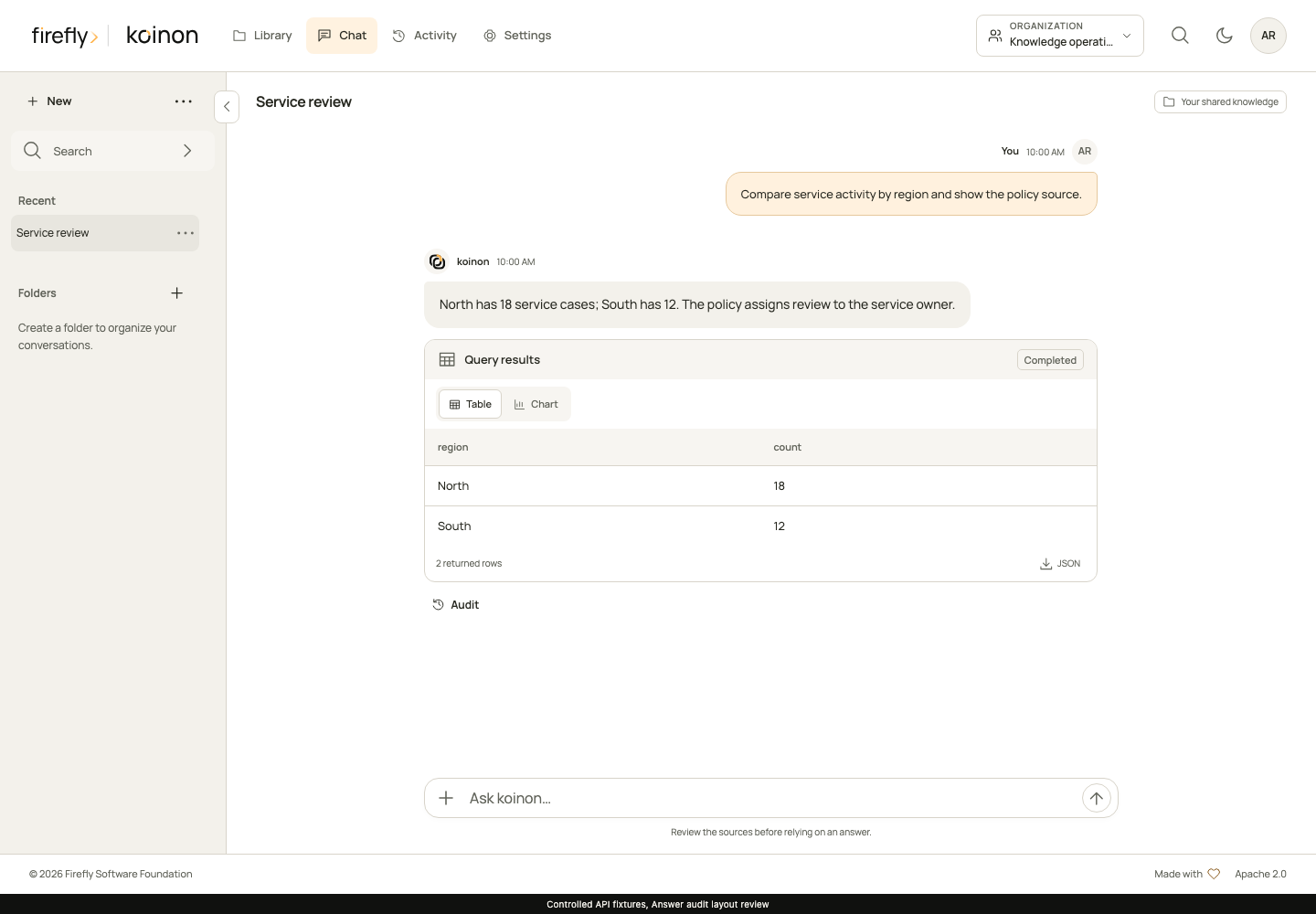
Library keeps sources organized. Chat helps you explore them. Settings gives administrators control over access and configuration. Proposed knowledge updates require review before they change the repository. Read the architecture guide for identities and persistence boundaries.
Version 26.11.9
koinon uses CalVer YY.MM.Patch. Read the release notes, follow the guided setup, and configure your environment with the deployment guide. The qualification history records the scope and results of individual checks.